

The iPad Pro is a creative powerhouse, so you’ll want a capable stylus to sketch out your ideas. Here are the best you can get.
The new iPad Pro (M4, 2024) brings the powerful M4 Apple silicon chip to creative professionals before it gets a home in the MacBook line later this year. With an all-new display type in the tandem OLED, it’s even more suited than ever for sketching, video editing, and other creative tasks. To get the best out of the touch interface on this awesome iPad, you’ll want to pick up a good stylus pen that’s compatible with the somewhat unique touchscreen technology that Apple uses. We’ve got you covered with a collection of all our favorite stylus pens to pair with your new iPad Pro.
Related
Apple Pencil (USB-C) review: Sneakily the best stylus for most iPad users
I had serious doubts about the Apple Pencil (USB-C), especially considering it lacked pressure sensitivity. Then it became my favorite Apple Pencil.
-
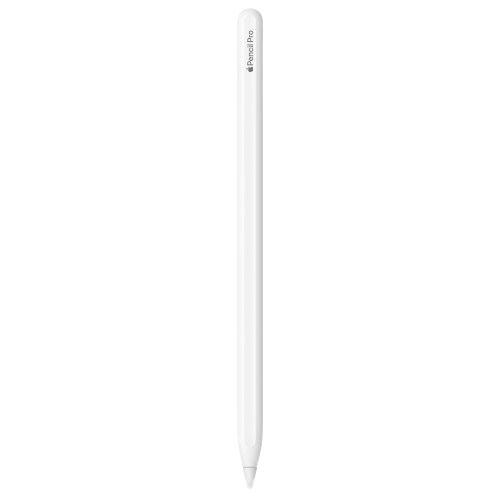
Apple Pencil Pro
Editor’s choice
Artists, cinematographers, and writers who depend on their iPad Pro to get work done shouldn’t skimp when picking up a stylus. The new Apple Pencil Pro has pressure sensitivity, docks and charges magnetically, and has onboard touch, squeeze, and gyro controls that let you control the app you’re in, switch between apps, and get your creativity onto the page.
-
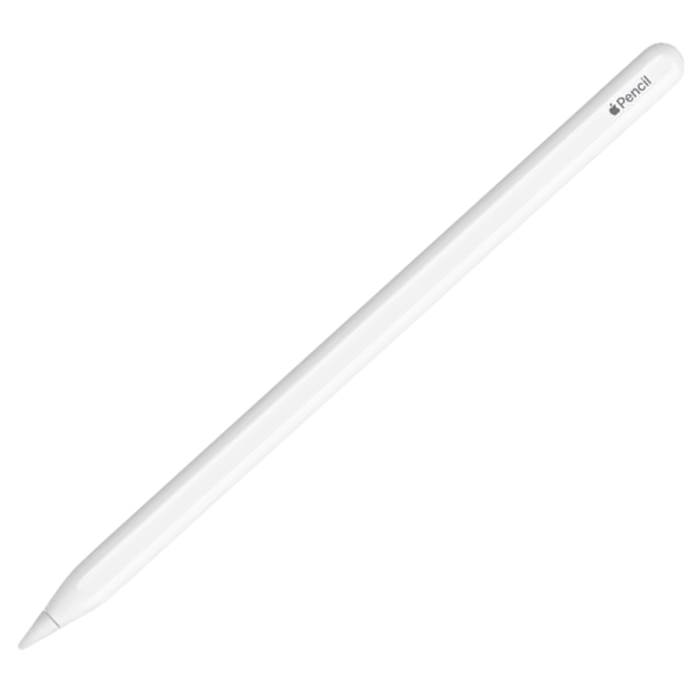
Apple Pencil 2
Also great
$79 $129 Save
$50The Apple Pencil 2 is ideal for pairing with the iPad Pro, as it has professional-level pressure sensitivity for use in sketching, painting, and photo-retouching apps. It also connects magnetically to the tablet for charging and storage, and while it’s not as fully featured as the new Apple Pencil Pro, it can be found at significant discounts.
-
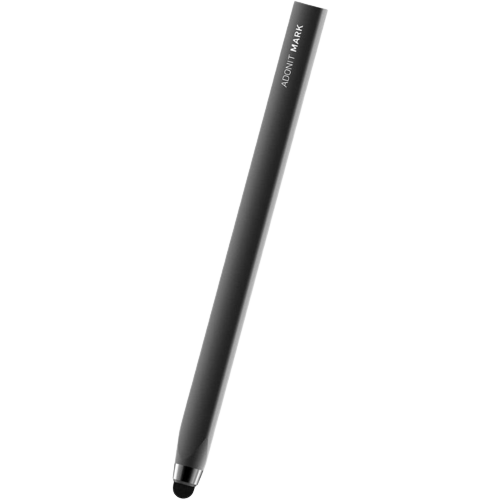
Adonit Mark
Best value
The Adonit Mark is a barebones stylus pen that doesn’t need wires, batteries, chargers, or anything else to get you sketching or writing naturally on the iPad Pro’s screen. It’s also cheap enough that you can buy a few, in case one goes missing. It might not have pressure sensitivity or hover functionality, but that doesn’t matter if all you need is a thinner tip to write with.
-
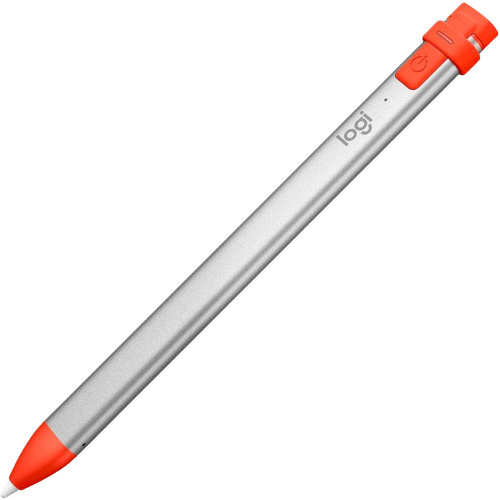
Logitech Crayon
Best non-Apple
$63 $70 Save
$7Logitech’s Crayon is a digital version of a woodworker’s pencil, with a rectangular shape that’s both easy to grip and won’t roll away when placed down on a flat surface. It uses 2mm tips and is accurate enough for professional uses or casual ones. You won’t get pressure sensitivity but it makes up for it with dynamic line weight, which varies the line thickness depending on the angle it’s held at.
-
Hatoku Stylus Pen
Best budget
$21 $26 Save
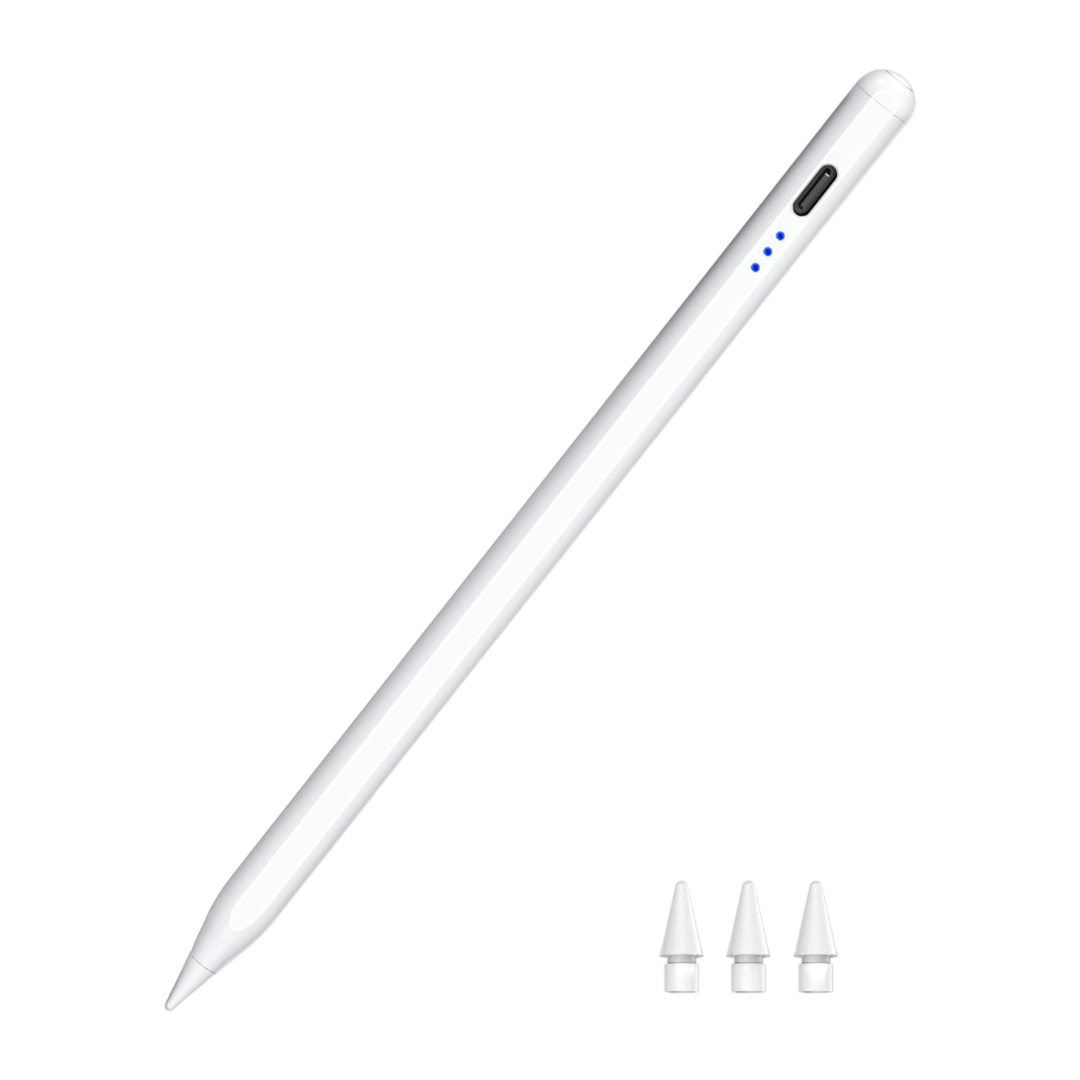
$5The Hatoku Stylus Pen looks like a first-party device, except Apple hid the USB-C port on its stylus. You get tilt sensitivity, palm rejection, and it magnetically attaches to the iPad Pro for storage. You will need to keep a USB-C cable handy for recharging the internal battery, but the good news is that 15 minutes is all you’ll need to get to full, and you get eight hours of drawing time or a year of standby.
-
Apple Pencil (USB-C)
Officially affordable
$69 $79 Save
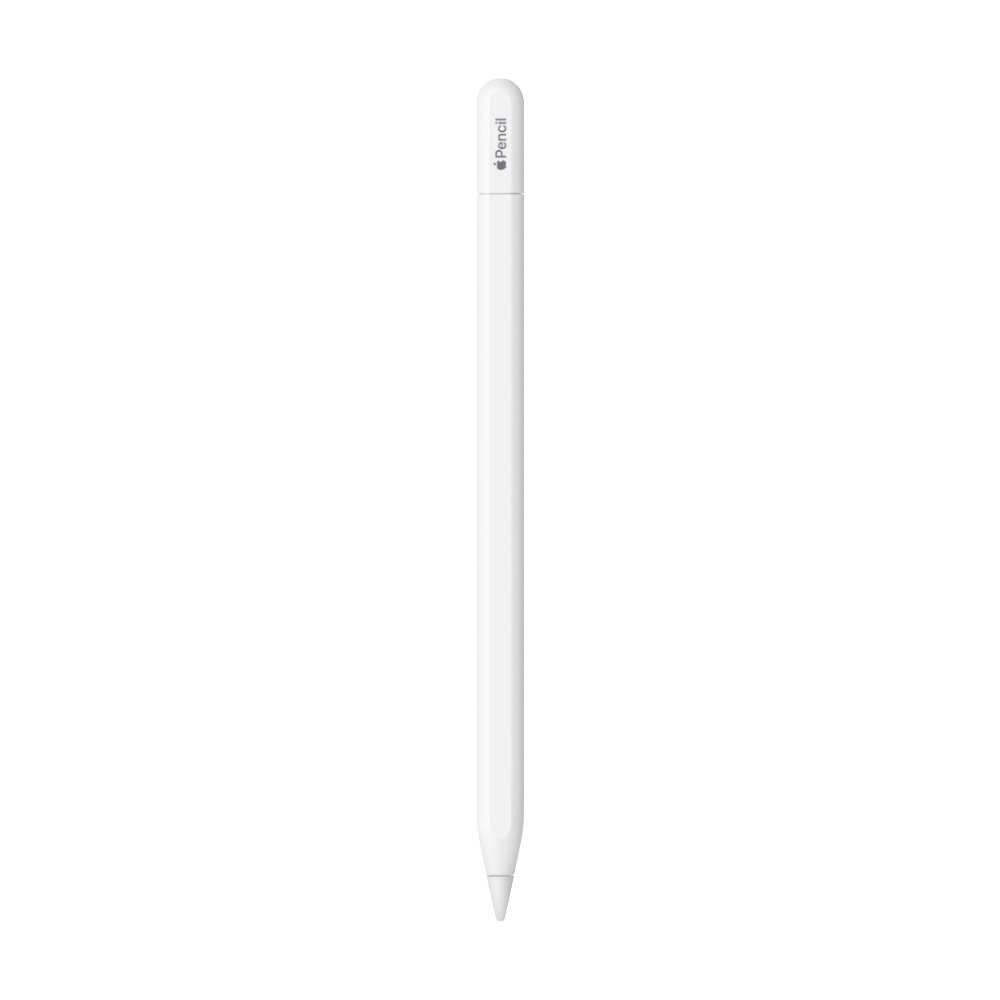
$10The Apple Pencil (USB-C) is the most affordable first-party stylus pen you can get, and is perfect for notetaking, putting together presentations, pinpoint navigation, and rough sketches. It does lack pressure sensitivity though, so keep that in mind if you use your tablet mostly for digital art. It features USB-C charging, so you’ll want to keep a cable handy for when the battery finally runs down.
-

Adonit Pixel
Chunky pen
The Adonit Pixel brings most of the Apple Pencil functionality like pressure sensitivity and palm rejection to a significantly lower price point, while adding a few features like shortcut buttons and offset correction that make using it for sketching even more productive. You also get a USB charger, but don’t lose it as it’s a proprietary charging connection.
-
Zagg Pro Stylus 2
Tilt support
$59 $80 Save
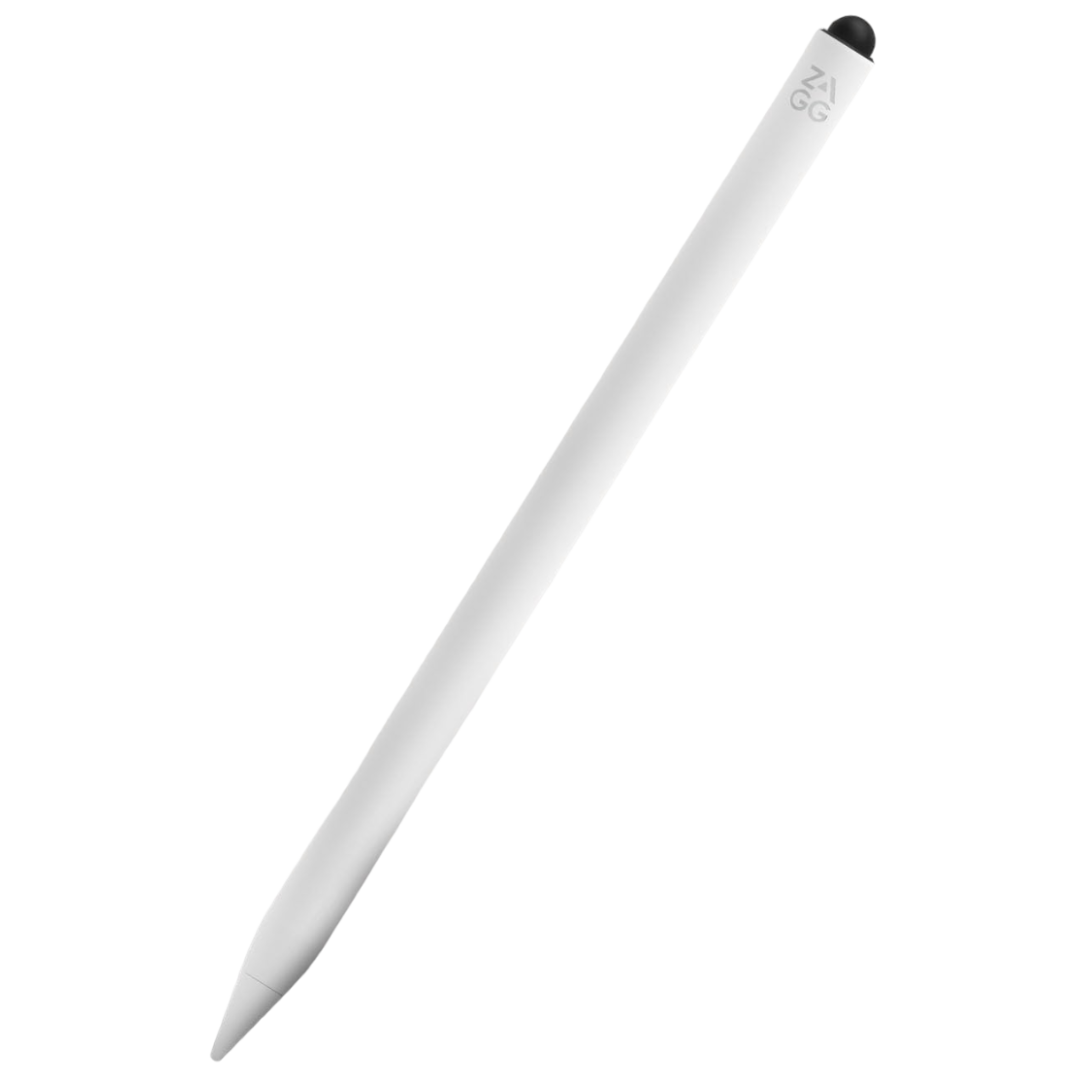
$21The Zagg Pro Stylus 2 comes in five colors, white, pink, blue, gray, and yellow, so you can add a splash of brightness to your iPad Pro’s aluminum. It has palm rejection, tilt recognition and a capacitive back end for scrolling use. You also get wireless charging, either with the included charger, any Qi-based charger, or the magnetic strip on the side of the iPad Pro.
-
Wacom Bamboo Pocket
Compact stylus
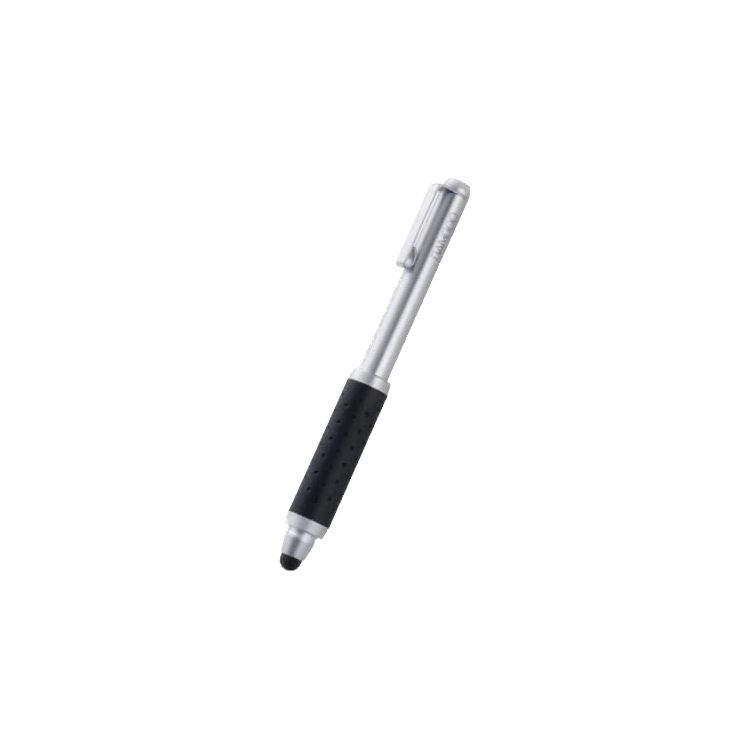
The Wacom Bamboo Pocket is a stubby stylus that won’t win any style awards, but maybe that’s okay. The telescoping design makes it easy to keep around, and the price means you can pick up a few spares in case the pipsqueak pencil goes missing in action. It uses a capacitive nib so it doesn’t need batteries or charging, but that does mean no pressure sensitivity or other advanced features.


Finding the best iPad Pro (M4, 2024) pen for you
The new iPad Pro is a blank slate for creative professionals to capture their vision in a format that other people can see. What you do need to be careful of when shopping for a stylus pen is that you get one that will work with Apple’s touchscreen technology, since not every stylus will. That said, iPads outsell every other tablet manufacturer by a significant margin, so there is already a thriving ecosystem of third-party pens to choose from.
The thing is, nothing works as well with an iPad Pro as a member of the Apple Pencil line. The new Apple Pencil Pro is the best option for the M4 iPad Pro, as it brings new pro-level features like gyroscopic controls, squeeze, touch, and haptic feedback for the first time. It’s designed to work perfectly with this tablet, and nestles nicely on the edge for storage and wireless charging. The Apple Pencil 2 can also often be found deeply discounted, so you can get one of the best pens without spending quite so much. Several of the best iPad Pro cases have integrated Apple Pencil storage as well, so you don’t have to worry about losing it.
If you don’t want to spend much on a stylus, the choice is between capacitive pens like the Adonit Mark and Wacom Bamboo Pocket, and active pens with reduced functionality, like the Hatoku Stylus Pen and Logitech Crayon. The former are basic nubs that make handwriting more natural on the iPad Pro, while the battery-powered options give you more control and handy features like shortcut keys.

#iPad #Pro #pens
source: https://www.xda-developers.com/best-ipad-pro-m4-2024-pens/


