

It’s no secret that Adobe InDesign has long been the industry standard for creating eye-catching layouts for magazines, brochures, ebooks, and presentations. But let’s face it, that monthly subscription fee can really put a dent in your budget. The good news is you don’t have to break the bank to achieve professional-looking designs. In this post, I will share my favorite free and affordable InDesign alternatives to craft high-quality layouts without Adobe tax.
Whether you are a student, beginner, or freelancer, explore the world of powerful and affordable InDesign alternatives and discover your new design toolkit.
Related
10 Adobe tools you can use without a subscription
All the Adobe greatness with none of the Adobe cost
3 Canva

While Canva is not a direct competitor to InDesign in terms of professional-grade features, it shines as an incredibly user-friendly and versatile design tool. The software can be an ideal pick for those who may find InDesign’s learning curve daunting or simply don’t need its full range of capabilities.
Canvas boasts an extensive library of templates. Whether you are designing a business card, brochure, flyer, social media graphics, or presentation, you won’t have a hard time finding a relevant template in Canva. The best part is the easy-to-use interface. You can drag and drop elements, customize fonts and colors, and arrange different elements with a few clicks only.
Canva’s capabilities go way beyond templates and robust editor. You can create docs, videos, presentations, explore whiteboards, enjoy real-time collaboration, 1 million+ stock images, and other graphics. The pricing starts at $15 per month.


Related
12 Adobe alternatives you need on your PC
Run your choice of Adobe alternative apps directly from your PC. There are good substitutes for everything.
2 Affinity Publisher 2

Although Canva is feature-rich, it still feels basic for professionals. Here is where Affinity Publisher comes into play. With its one-time payment option and a long list of features, Publisher is a serious contender in the world of desktop publishing, offering a compelling alternative to Adobe InDesign.
Affinity Publisher boasts an impressive UI that is easy to navigate. In terms of features, Publisher offers advanced typography tools, comprehensive color management, robust page layout capabilities, and support for various file formats, including InDesign files. It also integrates seamlessly with other company products like Affinity Designer and Photo.
Affinity is offering a six-month free trial (yes, you read that right). After that, the lifetime licensing fee costs $70 for the desktop platform.


Related
I don’t pay for Photoshop or Lightroom, here’s what I use instead
Ditch the pricey Adobe subscription: Revealing my no-cost editing stack
1 Scribus
Whether you choose Canva or Affinity Publisher, both require spending money. If you are tight on the budget, use Scribus to get the job done. Here is why it’s my go-to InDesign alternative.
Free and open-source

Unlike some of the ‘free’ software with limited features, Scribus is absolutely free to use. You can use it for any purpose, personal or commercial, without any costs or restrictions. As an open-source solution, Scribus’ source code is publicly available. This means anyone can review, tweak, and share the software, even for commercial purposes.
Cross-platform availability
Scribus is available on all the major desktop platforms – Windows, Mac, and Linux. Such a cross-platform availability makes it accessible to a wide range of users. Also, unlike Canva, these are true native apps (and not just web wrappers) and deliver better performance.
Professional-grade features
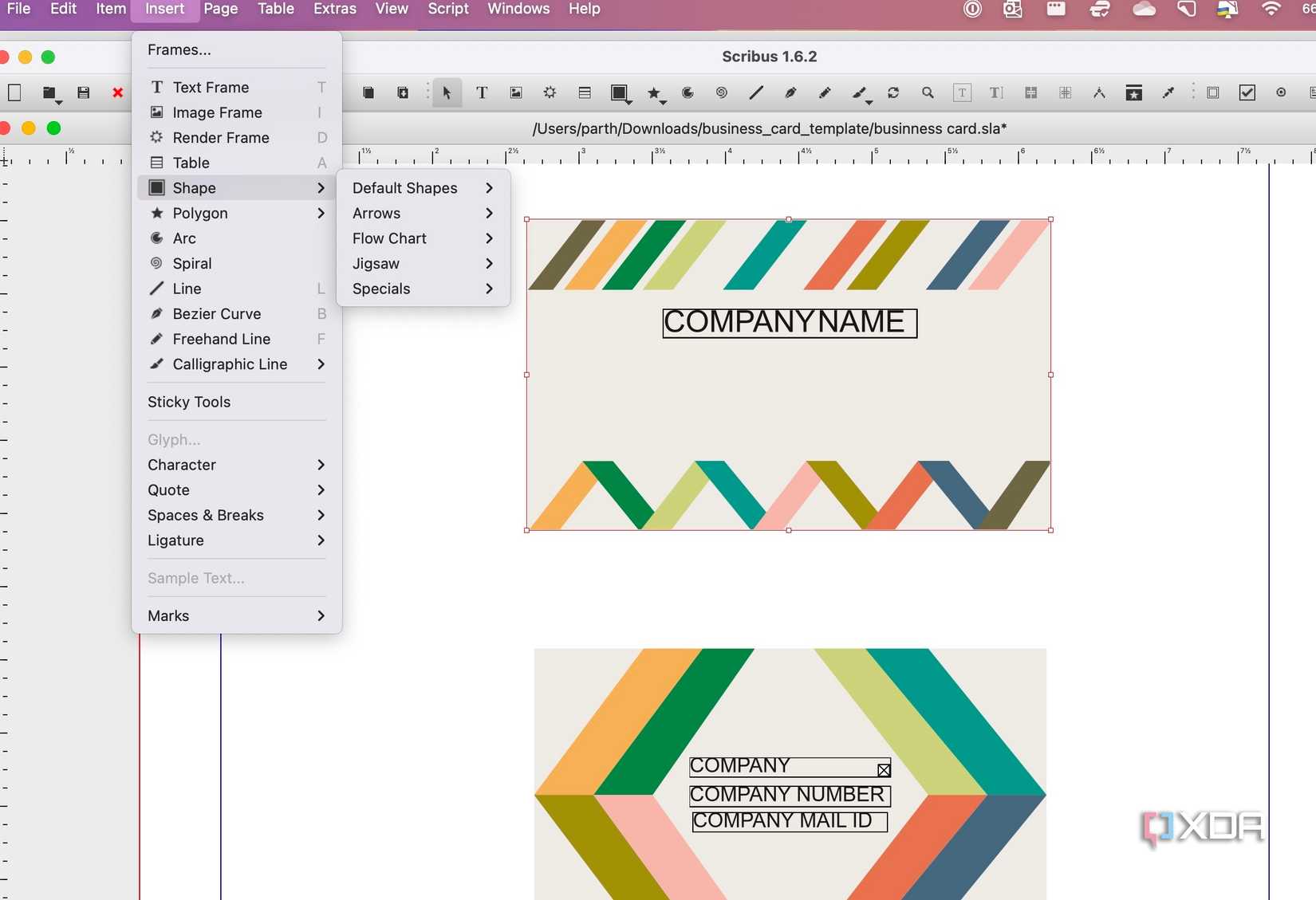
Here is where Scribus truly shines over the competition. Although it’s free, don’t let that fool you into thinking it lacks powerful features. It carries a range of professional-grade tools that rival even commercial desktop publishing software.
Scribus supports advanced color management (CMYK) for professional printing. You can also use spot colors to create accurate color reproduction for specific elements in your designs. As for typography, it supports multiple font formats like TrueType, OpenType, and PostScript and also gives you precise control over character and paragraph styles, kerning, and other typographic features.
Other features include a range of layout tools, image manipulation features, basic vector drawing tools, and more. Advanced users can also try scripting to automate tedious tasks and extend its functionality.
Supported file format
Scribus works seamlessly with a wide variety of file formats, including SVG, EPS, and InDesign files. It ensures compatibility and flexibility when working with different sources and collaborating with others.
Active community and resources
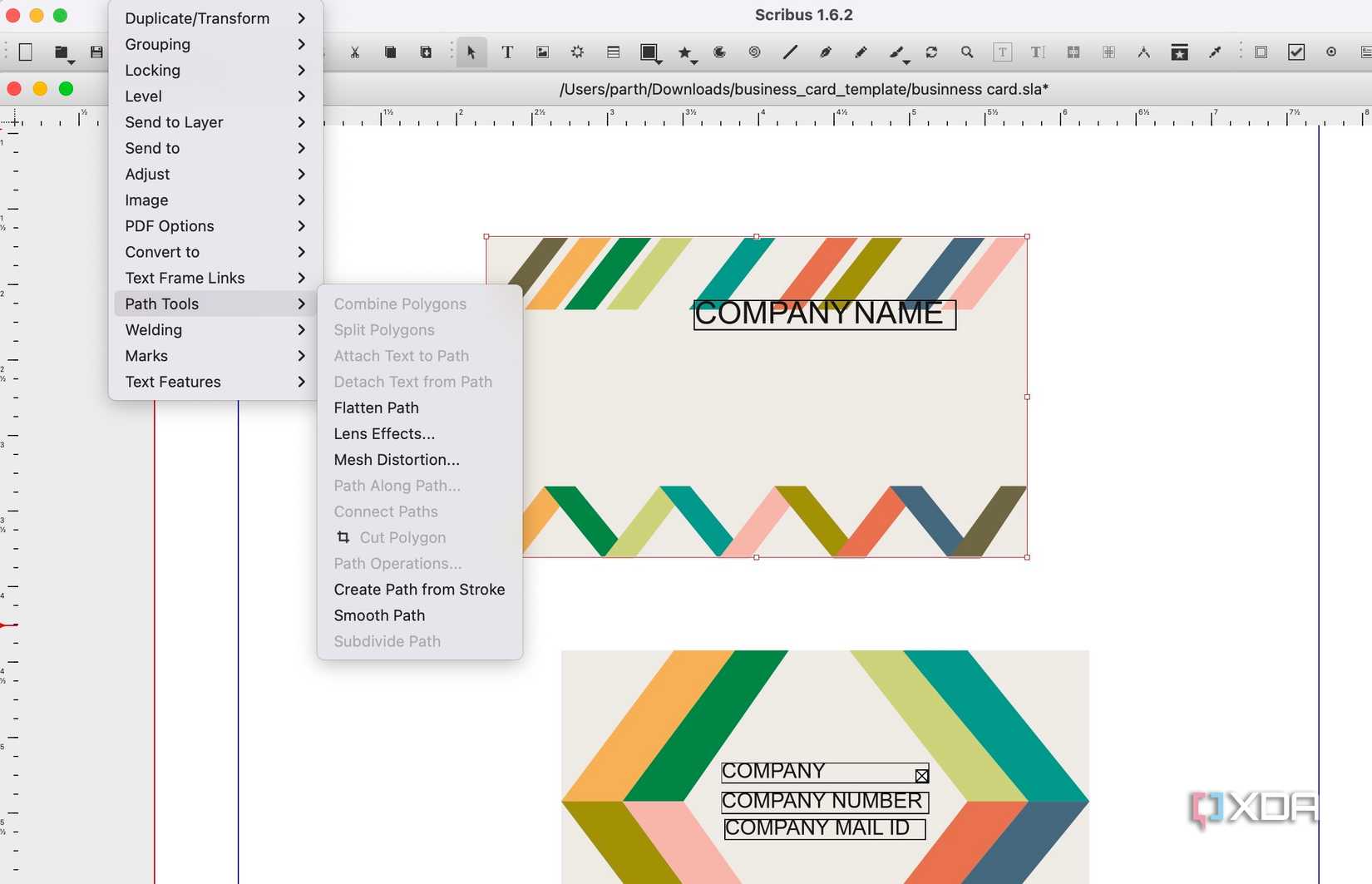
Being an open-source solution, Scribus has an active community of passionate users and developers. If you find it hard to navigate and use, you have ample resources, forums, and tutorials to assist and solve queries.


Related
I don’t pay for Adobe Premiere Pro, here’s what I use to edit videos instead
PowerDirector offers some great features at a killer price tag
Create stunning magazines and brochures
Overall, Canva provides an intuitive online platform that is ideal for creating quick designs. Affinity Publisher competes with InDesign by offering a one-time purchase option, whereas Scribus stands out as an open-source solution that delivers an impressive feature set and creative control at no cost. The best tool depends on your specific design requirements, experience level, and budget.
For additional tools, refer to our guide to discover more free apps to help you execute your creative ideas.
#dont #pay #Adobe #InDesign #heres
source: https://www.xda-developers.com/i-dont-pay-for-adobe-indesign-heres-what-i-use-instead/
/cdn.vox-cdn.com/uploads/chorus_asset/file/25723451/Screenshot_2024_11_09_at_4.26.56_PM.png?w=1068&resize=1068,0&ssl=1 "There’s a lot more Red Hulk in the new Captain America: Brave New World trailer")

