

All new Apple Watches and iPhones allow you to install a beta version of their upcoming OS. This means that you get to test pre-release builds on your devices several weeks before their public availability. Of course, the word “beta” carries a lot of weight here. While these versions pack plenty of exciting features and changes, they are often buggy and can even be unreliable.
Apple is set to release watchOS 11 to the public starting Sept. 16, and you’ll be able to load it up on compatible Apple Watch models. However, if you’ve been testing the beta versions of watchOS 11 and have encountered problems, now is a good time to switch update channels. If you don’t want to deal with those issues on your Apple Watch, you can easily switch to the stable version by following the steps below.
Switching from watchOS beta to the stable version
Stay on beta until the next stable release
You tried the watchOS beta and all of its new features, but might not want to receive future beta updates. There’s also the possibility that you will even want to keep the new features included in the current beta release. Fortunately, there’s an easy way to stay on the current version while notifying the update servers that beta updates are no longer of interest. The Apple Watch will then only get access to upcoming stable release versions, when made available, rather than watchOS beta releases.
- Launch the Watch app on your iPhone.
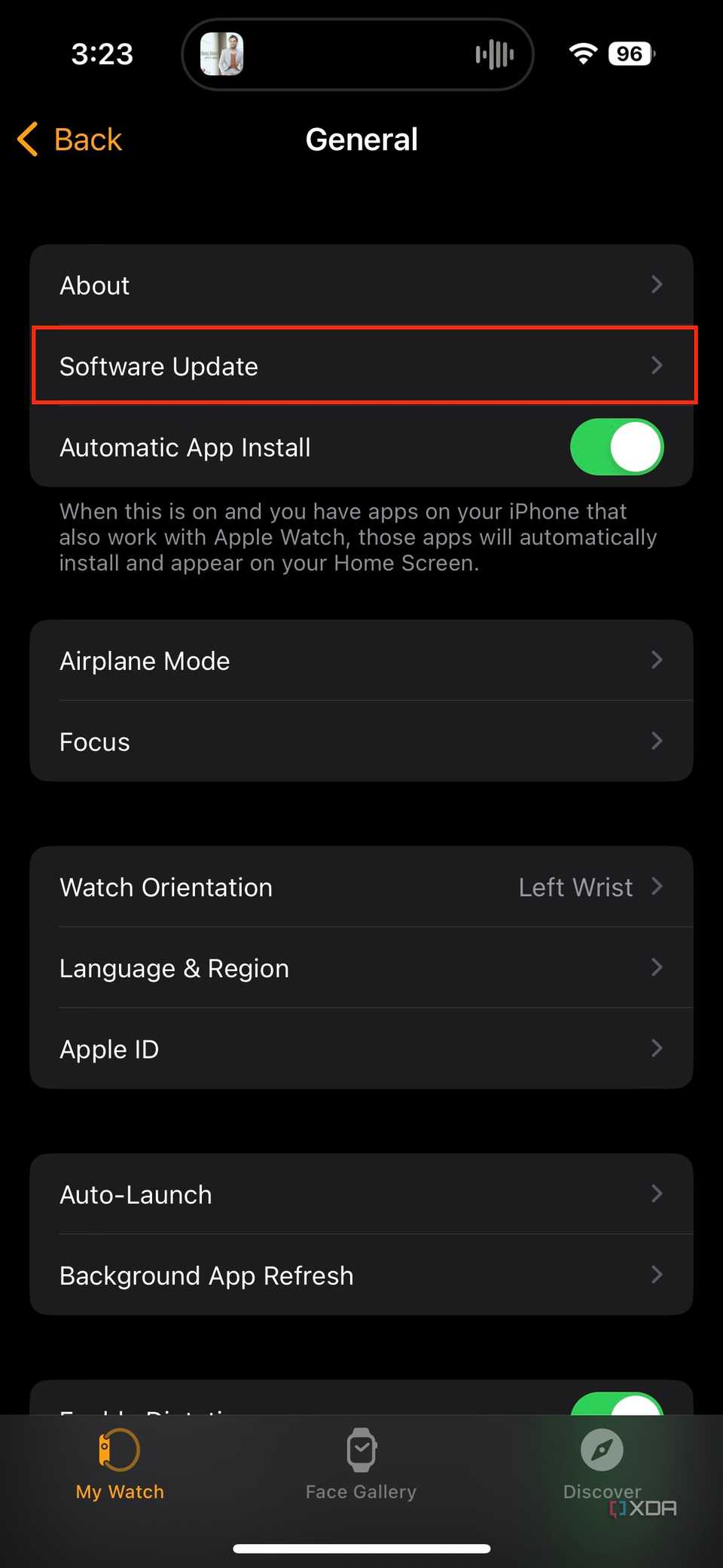
- Click on General.
- Go to the Software Update section.
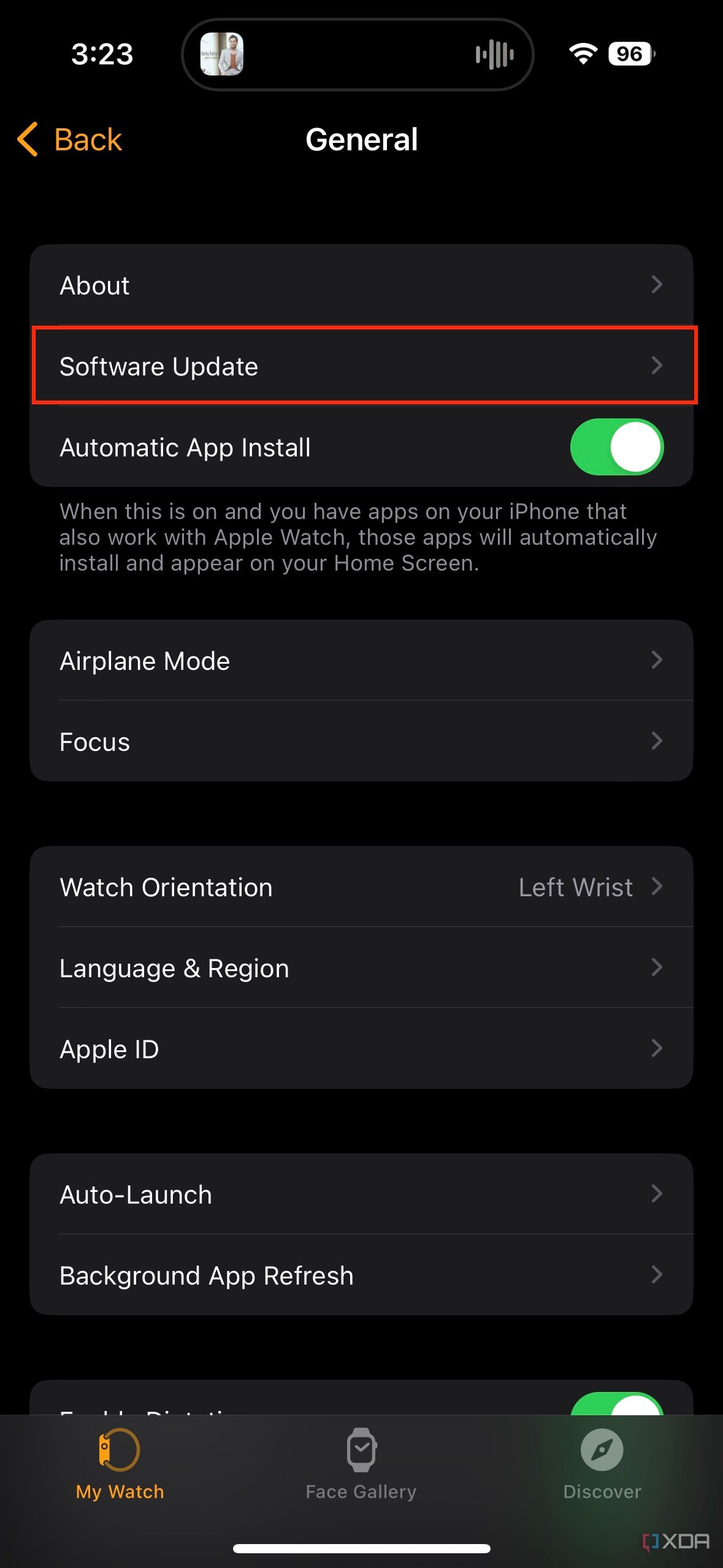
- Tap on Beta Updates.
- Select the Off option.
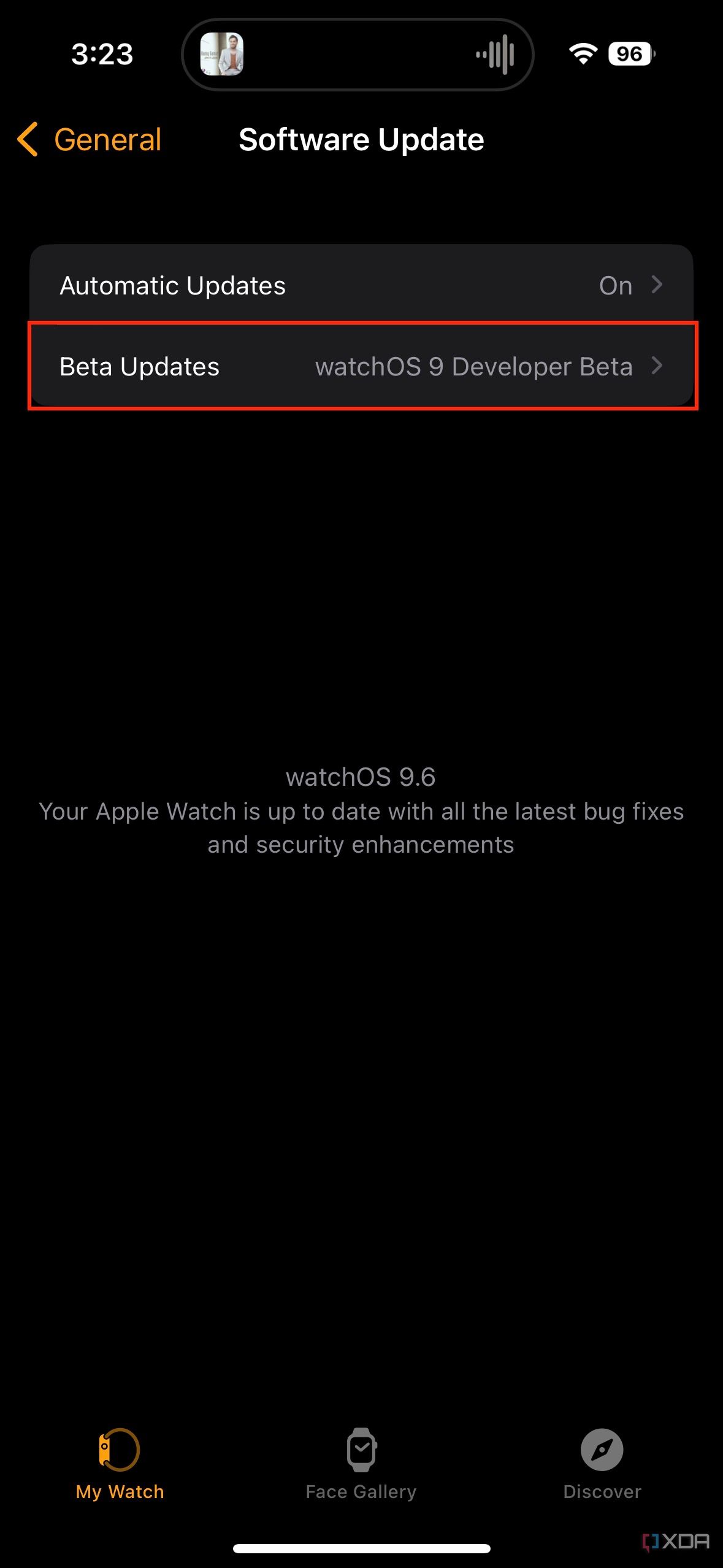
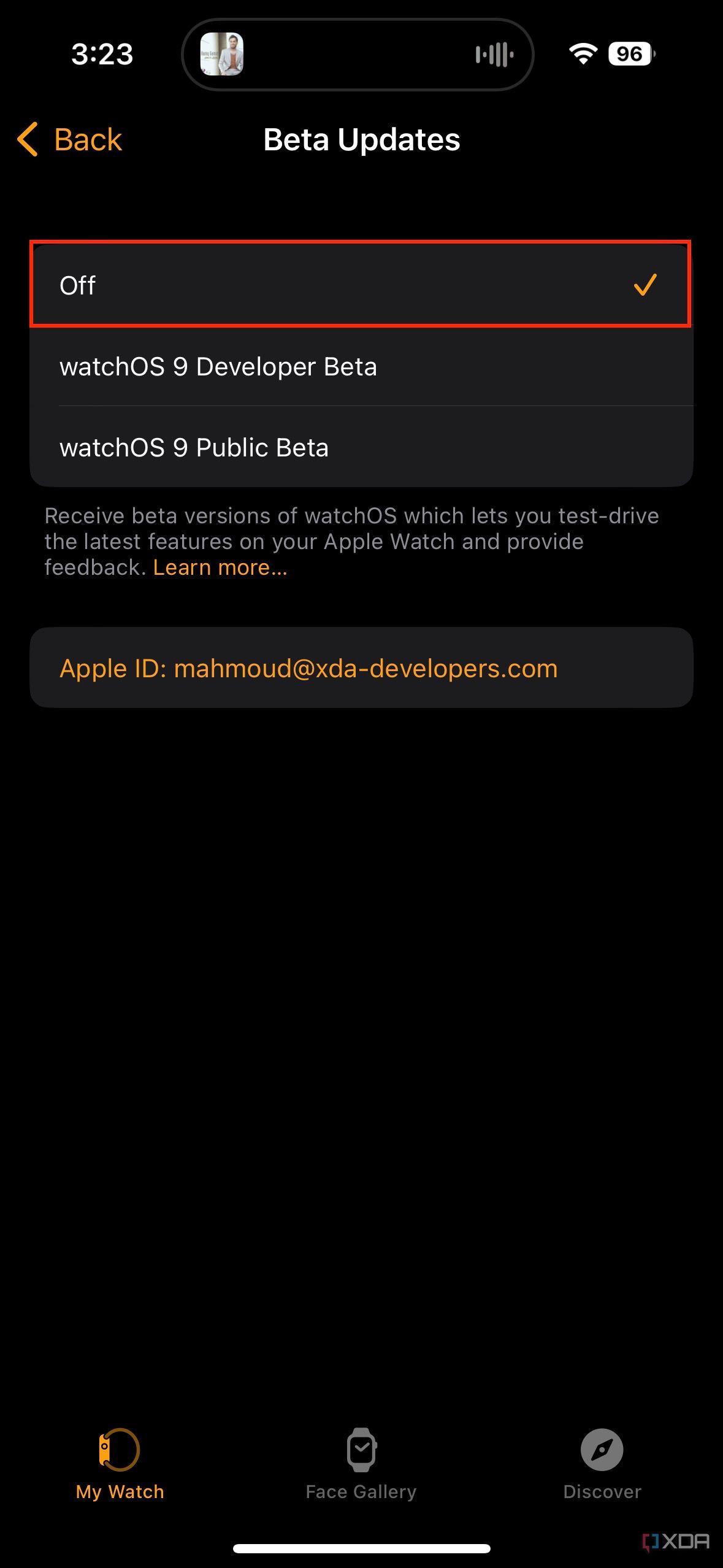
- The next watchOS update you’ll receive will be stable, rather than beta, unless you enroll in the beta channel again.


Rolling back to the latest stable version
It really isn’t possible for Apple Watch users
Unfortunately, Apple still doesn’t allow users to downgrade or roll back from the beta release to a previously stable version for watch. You will have to remain on the watchOS beta channel until the next stable release. If you really want to roll back, you can head to an Apple Store or an authorized repair center, and they can likely get it done for you.
So, unlike the case with iOS or iPadOS, you can’t really connect your device to a computer to flash the latest stable release available to get rid of the beta build. Though, if your Apple Watch is bricked, you may be able to restore it using your iPhone.
#switch #watchOS #beta #stable #version #Apple #Watch
source: https://www.xda-developers.com/how-to-switch-watchos-beta-to-stable/


