

Here are the best docking stations for the Lenovo Yoga Slim (2024)
Whenever you buy a new laptop, you want to get the most out of it. Lenovo announced an incredibly exciting lineup of new laptops at CES this year with some of its flagship machines getting upgrades. The new Lenovo Yoga Slim 7i is one of those laptops this year that’s getting a huge upgrade. This year’s version now has Intel Core Ultra processors and an OLED panel. If you’re interested in a Lenovo Yoga Slim 7i, then you should get some accessories to maximize its potential. A smart choice would be a docking station, so you can not only charge it but also connect other devices or monitors. Check out our top picks for the best docking stations for the Lenovo Yoga Slim 7i (2024) and get more from your new laptop.


-
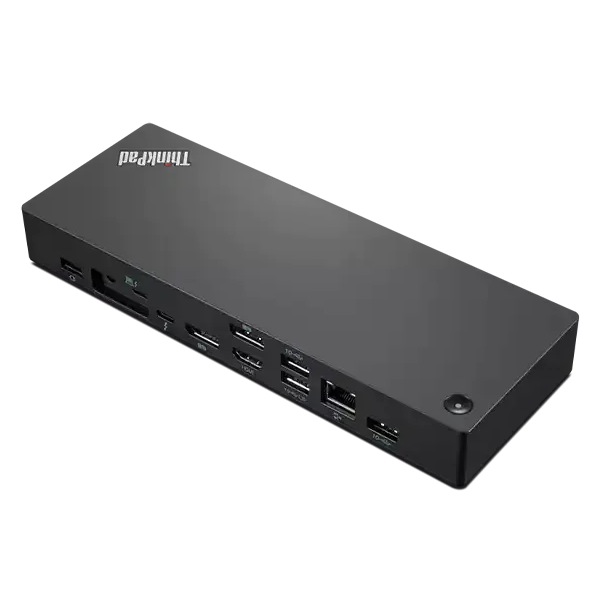
Lenovo ThinkPad Thunderbolt 4 Workstation Dock
Editor’s choice
$285 $440 Save
$155An official pick from Lenovo is always worth considering and this is a really great dock that will suit your Yoga Slim 7i well. It delivers up to 230W of power to laptops and has four USB-A ports, an HDMI port, two DisplayPort connections, a downstream Thunderbolt port, and a gigabit Ethernet port.
-
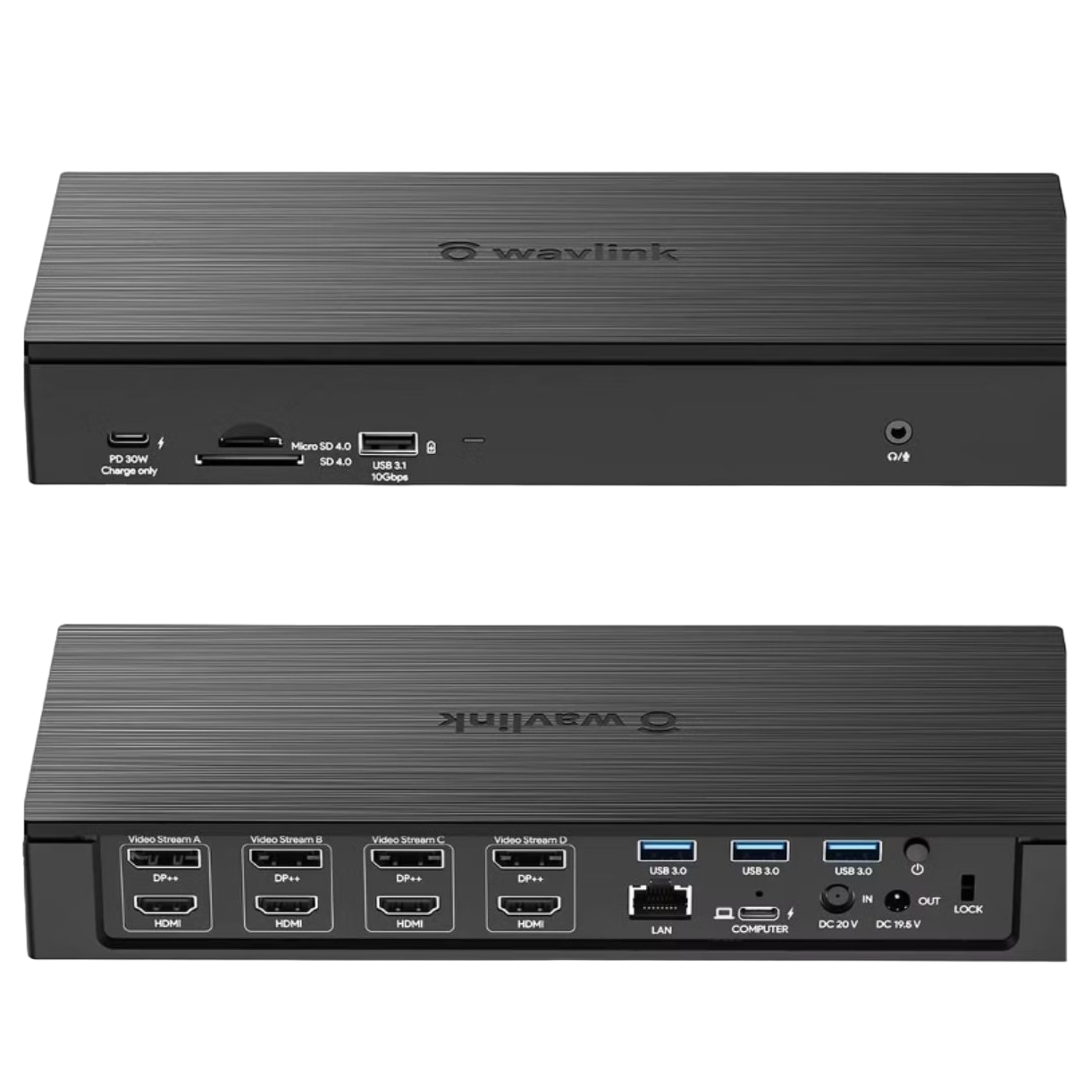
WAVLINK Enterprise-Level Universal Docking Station
Premium pick
If you want to go big, the WAVLINK Entriprise-Level docking station has 20 ports for you to choose from. You’ll get up to 100W of power delivery and there are four DisplayPorts and four HDMI ports, giving you the ability to link up some monitors with ease.
-
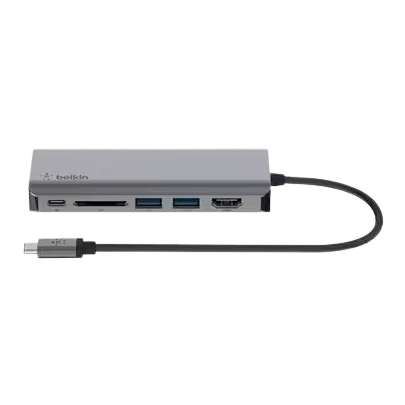
Belkin Connect USB-C 6-in-1 Multiport Adapter
Best value
For a docking station that offers a lot, the Belkin Connect 6-in-1 multiport adapter delivers great bang for your buck. You’ll get a USB-C, HDMI, two USB-A, Ethernet, and an SD card reader port. It also charges up to 100W and offers a slim and travel-ready form factor.
-
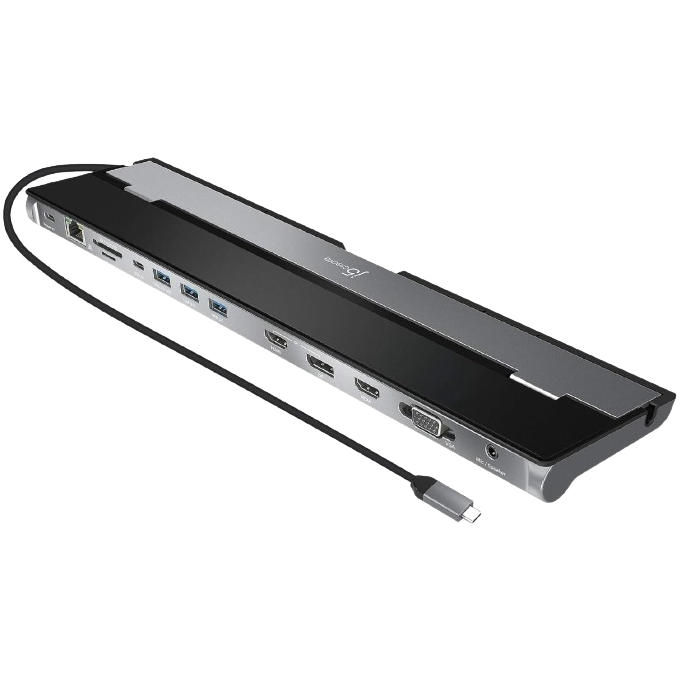
j5create USB Type C Docking Station
Use three monitors
$103 $110 Save
$7Expand your Yoga Slim 7i to three monitors with the help of the j5create USB-C docking station. It has an HDMI, a DP, and a VGA port and can charge up to 100W. You’ll have a gigabit Ethernet port you can utilize as well.
-
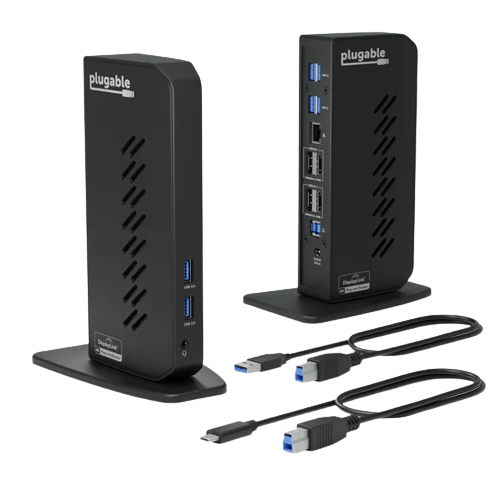
Plugable USB 3.0 and USB-C Dual 4K Display Docking Station
For more USB-A ports
$149 $200 Save
$51Expand on the one USB-A port the Yoga Slim 7i offers and add six more with this from Plugable. The Dual 4K DisplayPorts and HDMI ports offer plenty of versatility for hooking up monitors. You’ll also get both USB-A and USB-C cables as well.
-
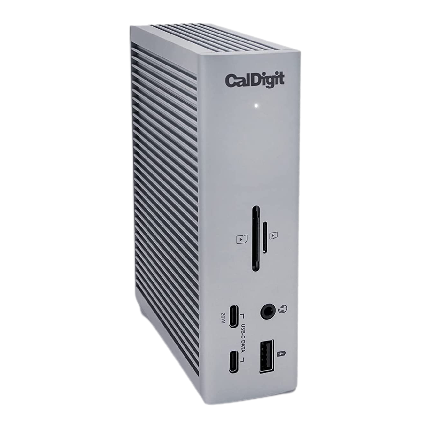
CalDigit TS4 Thunderbolt 4 Dock
Top Thunderbolt dock
$400 $450 Save
$50Utilizing the CalDigit TS4 gives you a cream-of-the-crop type of option. There are 18 ports, including Thunderbolt downstream ports. The Ethernet is 2.5Gb and you’ll also get numerous USB-C and USB-A ports. It is built out of metal, making it incredibly durable.
-
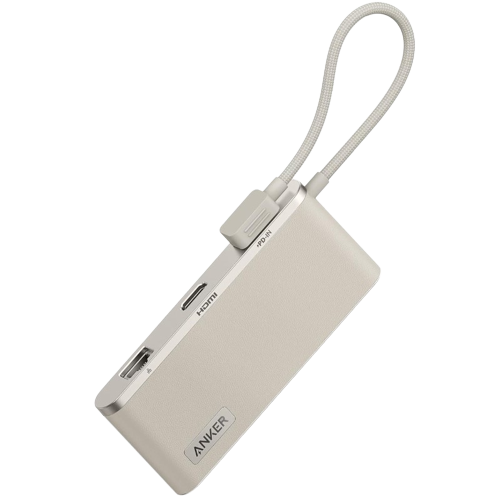
Anker 655 8-in-1 USB-C Hub
Portable option
$70 $100 Save
$30Grab the Anker 655 and go, as it has a portable design. It’s incredibly efficient as well, as you’ll get HDMI, USB, Ethernet ports with a headphone jack and SD card readers as well. This will power the Yoga Slim 7i without any issues.
-
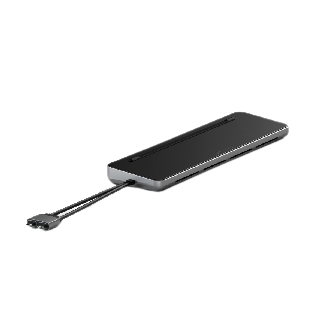
Satechi Dual Dock Stand
Most versatile
The Satechi Dual Dock Stand is not just a docking station. It’s also a laptop stand with an ergonomic angle. It provides you with extra ports to boost your Yoga Slim 7i’s capabilities. It can connect duall displays and has an M.2 NVMe SSD enclosure for storage.


Recapping the best docking stations for the Lenovo Yoga Slim 7i (2024)
All of these options allow you to get more from your Lenovo Yoga Slim 7i. If you want a docking station that’s from Lenovo itself, you won’t go wrong with the ThinkPad Thunderbolt 4 Workstation Dock, which is a premiere docking station. It’s got a ton of different ports, including a Thunderbolt downstream port, and delivers up to 230W of power. It may be expensive, but it’s one you can’t miss if you’re going to put it to good use. Another premium choice is the WAVLINK Enterprise-Level docking station, which has 20 ports. That’s ideal for anyone who wants to utilize their Yoga Slim 7i at a workstation in their home or office. For those who just want a hub that’s going to add some more ports, the Belkin Connect 6-in-1 is a solid pick. While the Lenovo Yoga Slim 7i is a great laptop on its own, you can make it better with additional items. See our picks for the best chargers for the Lenovo Yoga Slim 7i.

Related
Lenovo Yoga Slim 7i (2024): Everything you need to know about the new laptop
Intel’s Core Ultra CPUs and OLED panels make the Lenovo Slim 7i (2024) better ever compared to previous models
#docking #stations #Lenovo #Yoga #Slim
source: https://www.xda-developers.com/best-docking-stations-for-lenovo-yoga-slim-7i-2024/


