

Recent Windows computers, like those AI-powered PCs you’ve been hearing about so much lately, are making it progressively more difficult to add extra storage. That might not affect you if you have modest storage needs, but it can become a problem later on if you find yourself needing more space when you do fill up your internal drive. You could opt for a cloud storage solution at that point, or buy a new computer, but the easiest way to help the situation is to add one of the external hard drives and SSDs we’ve collected below. Even if you have a custom PC build, you can still benefit from external storage, as it’s easily transferable between computers if you have multiple devices. They’re also great for backing up important files, so that you’ll have a secure copy in case something happens to your Windows computer.
Related
How to set up and use Windows as network-attached-storage (NAS)
Save money by using an old PC for something new.
-

Editor’s choice
Western Digital My Book
$169 $172 Save
$3The easiest way to deal with a small capacity storage drive inside your Windows computer is to add a big, desktop hard drive to it, so you can offload documents and keep your precious internal storage for important programs. The WD My Book can add up to 22TB of storage capacity via USB, with one proviso, it’ll need its own power supply to be plugged in as well.
-
Best for gamers
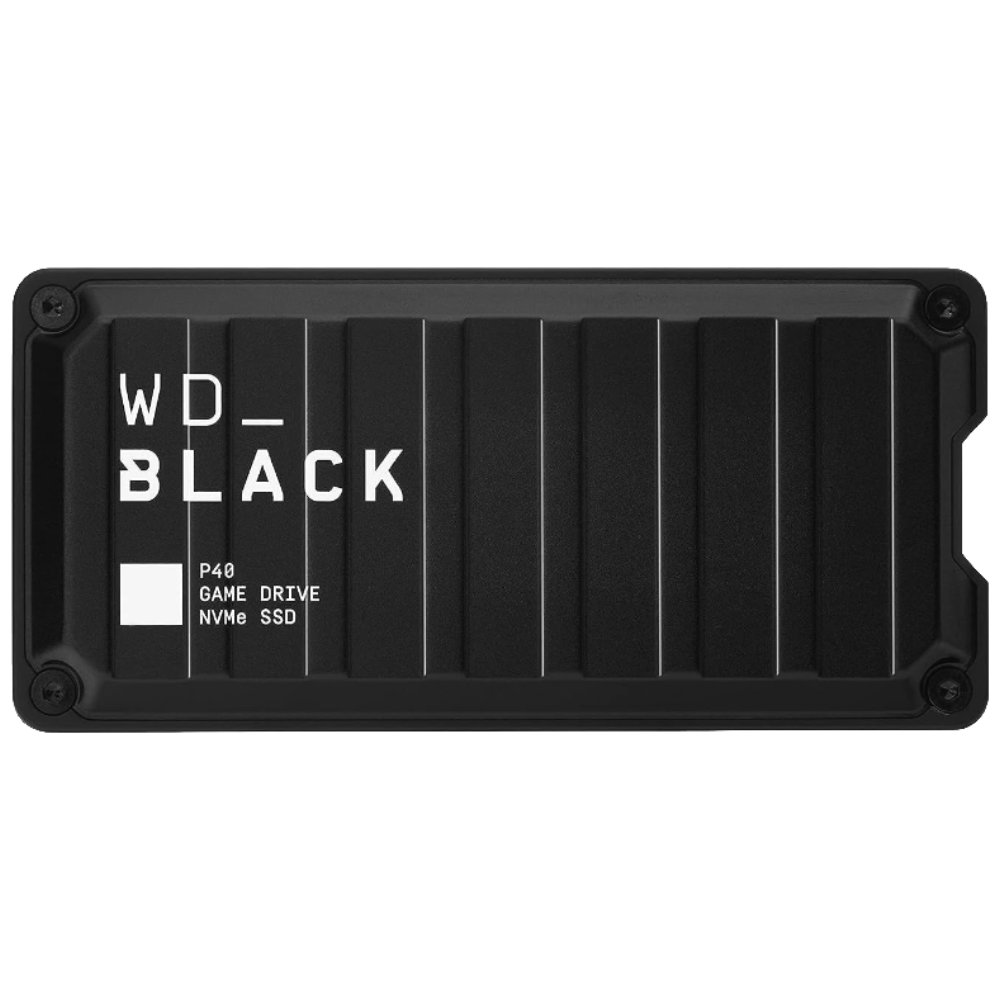
Western Digital P40 Game Drive SSD
$130 $180 Save
$50Western Digital’s P40 Game Drive SSD is made for gamers, with an industrial metal enclosure that provides protection for your data. You get up to 2TB of storage space, and the USB 3.2 Gen2x2 connection means being able to transfer data at up to 2,000MB/s. That’s enough to install games on your external drive and run them as if they’re on your Windows PC, which is awesome.
-
Best value
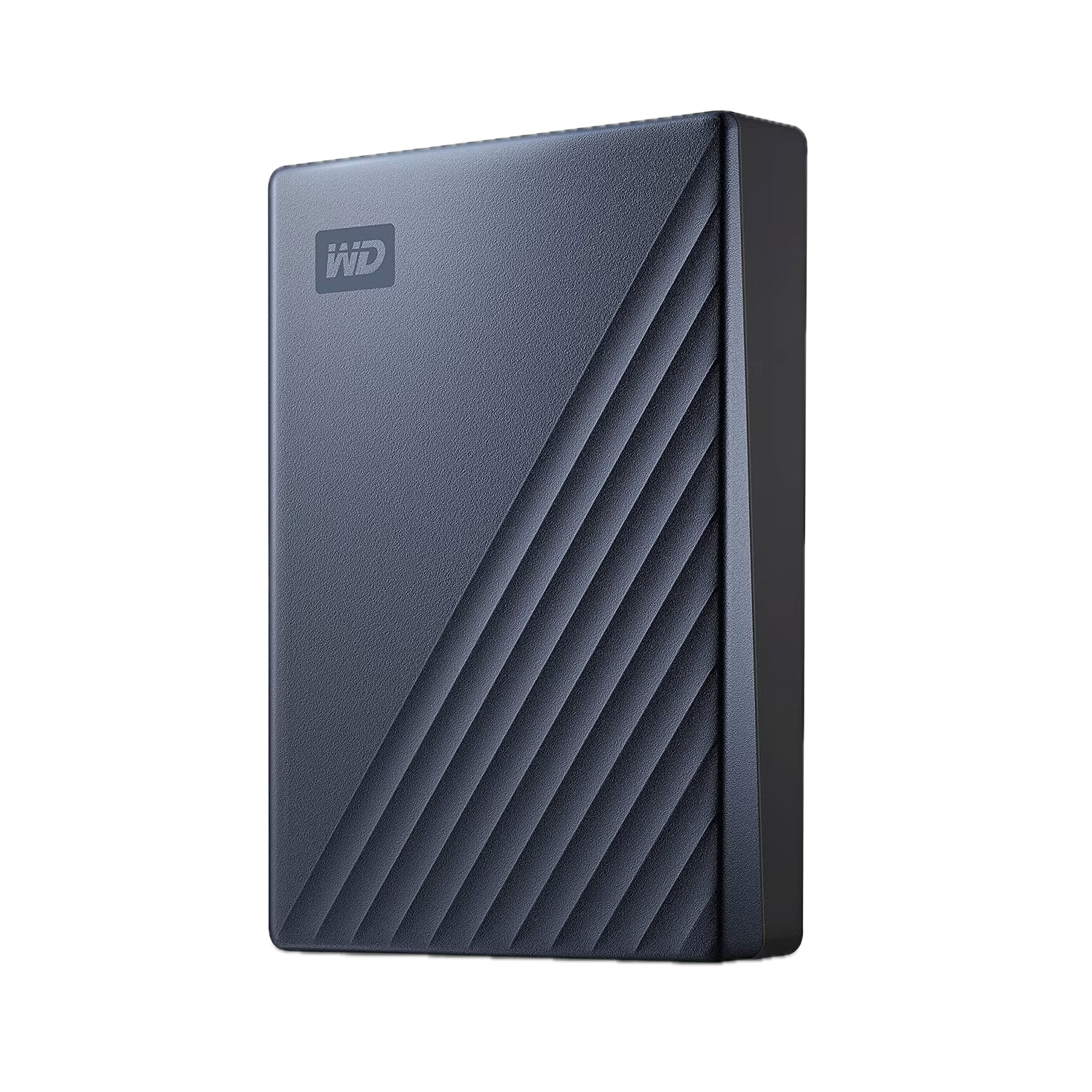
WD My Passport Ultra
$70 $80 Save
$10Sometimes all you want is a small external hard drive that you can throw into your computer bag and not have to worry about additional power supplies. The WD My Passport Ultra can add up to 6TB of capacity, and while it’s not the speediest external out there, the metal cover and USB-powered drive means it’s relatively hardy and won’t crowd your laptop case.
-
Best SSD
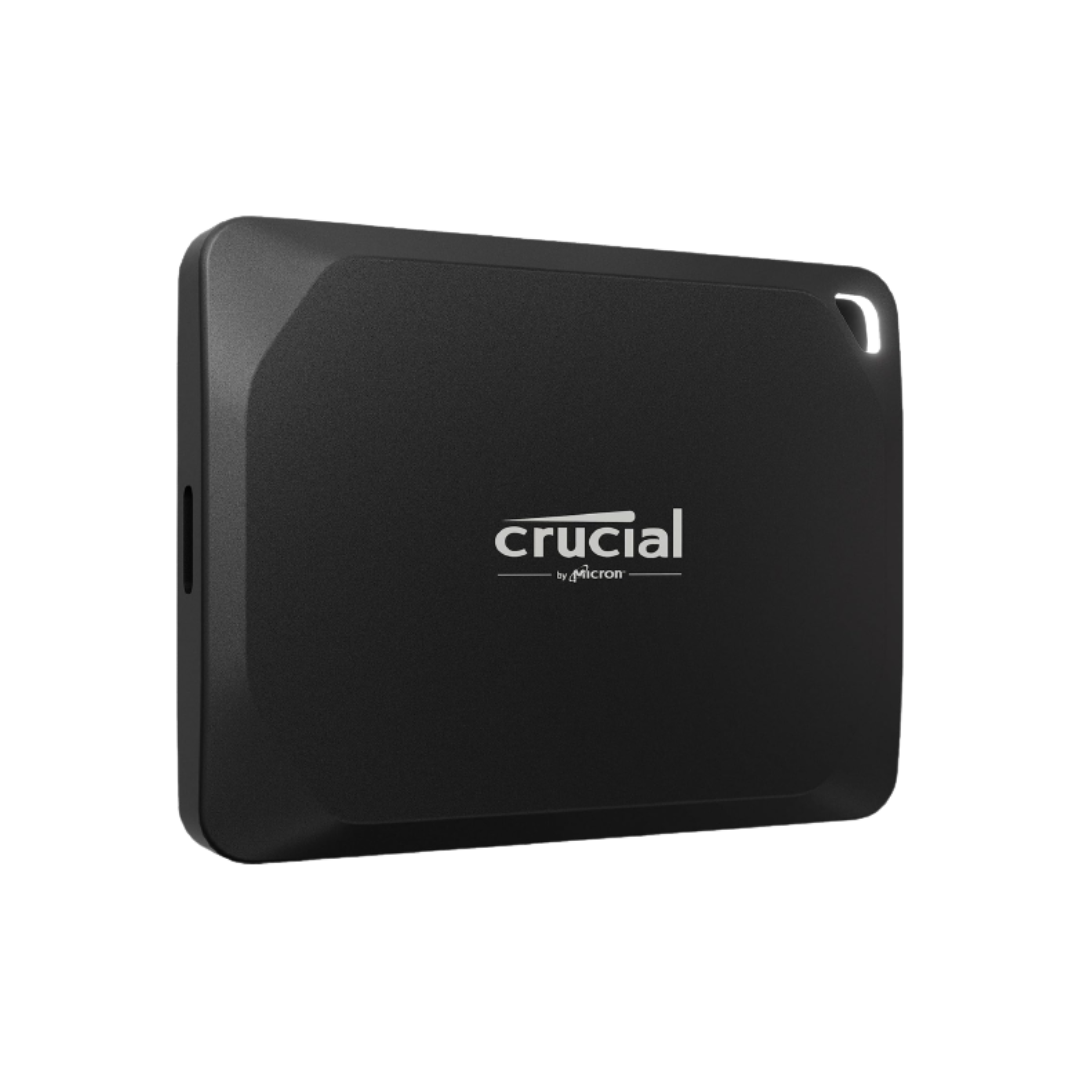
Crucial X10 Pro
$180 $192 Save
$12Photographers know the utility of speedy external SSDs better than most, and the 2,100MB/s transfer speed of this SSD means you can edit straight from the drive without having to transfer anything to your internal drive. It’s also IP55 water and dust resistant, so it will outlast many other drives in the wild, and it can be used with the iPhone 15 Pro to record ProRes video.
-
Best Thunderbolt
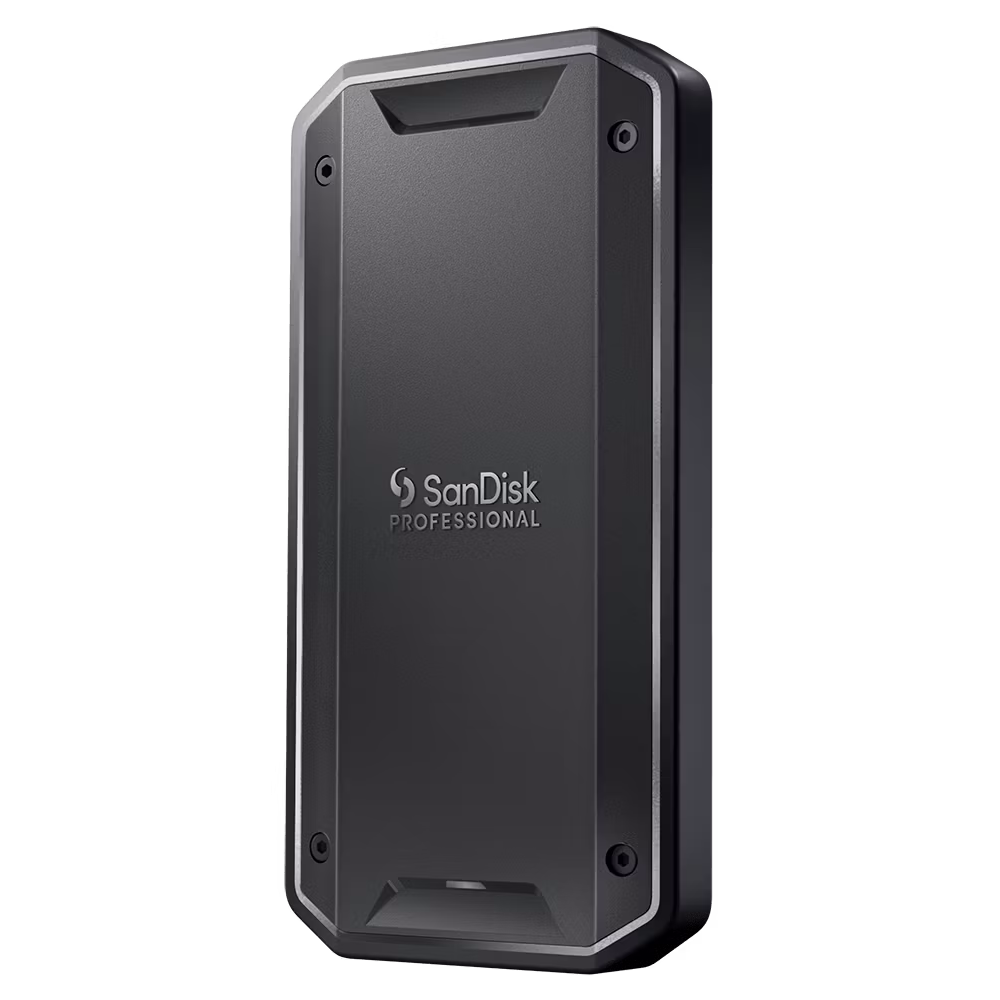
SanDisk Professional PRO-G40
$175 $300 Save
$125If you absolutely need the fastest transfer speeds, you know that you need an external SSD that supports Thunderbolt. The Pro-G40 can zip through file transfers with up to 3,000MB/s of speed thanks to its Thunderbolt 3 interface. It’s also rugged, with IP68 dust and water protection, and up to 4TB of capacity for video footage or other documents.
-
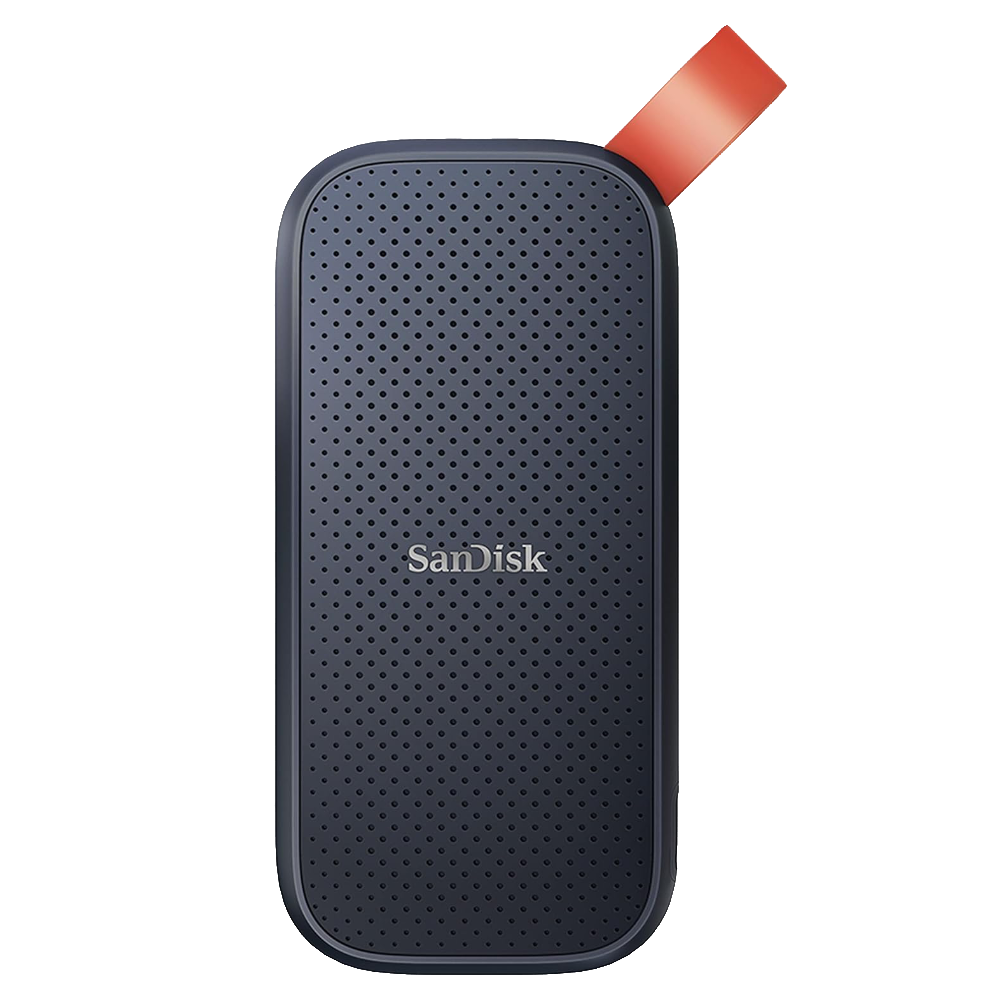
Best budget SSD
SanDisk Portable SSD
$140 $220 Save
$80For those that want the ease and portability of an external SSD without the price tag of most, this SanDisk 2TB Portable SSD is just the ticket. It might not have the fastest file transfers at 800MB/s, but it’s small at under 2×4 inches, and has an integrated loop for hanging it on your stuff so you won’t lose it.
-
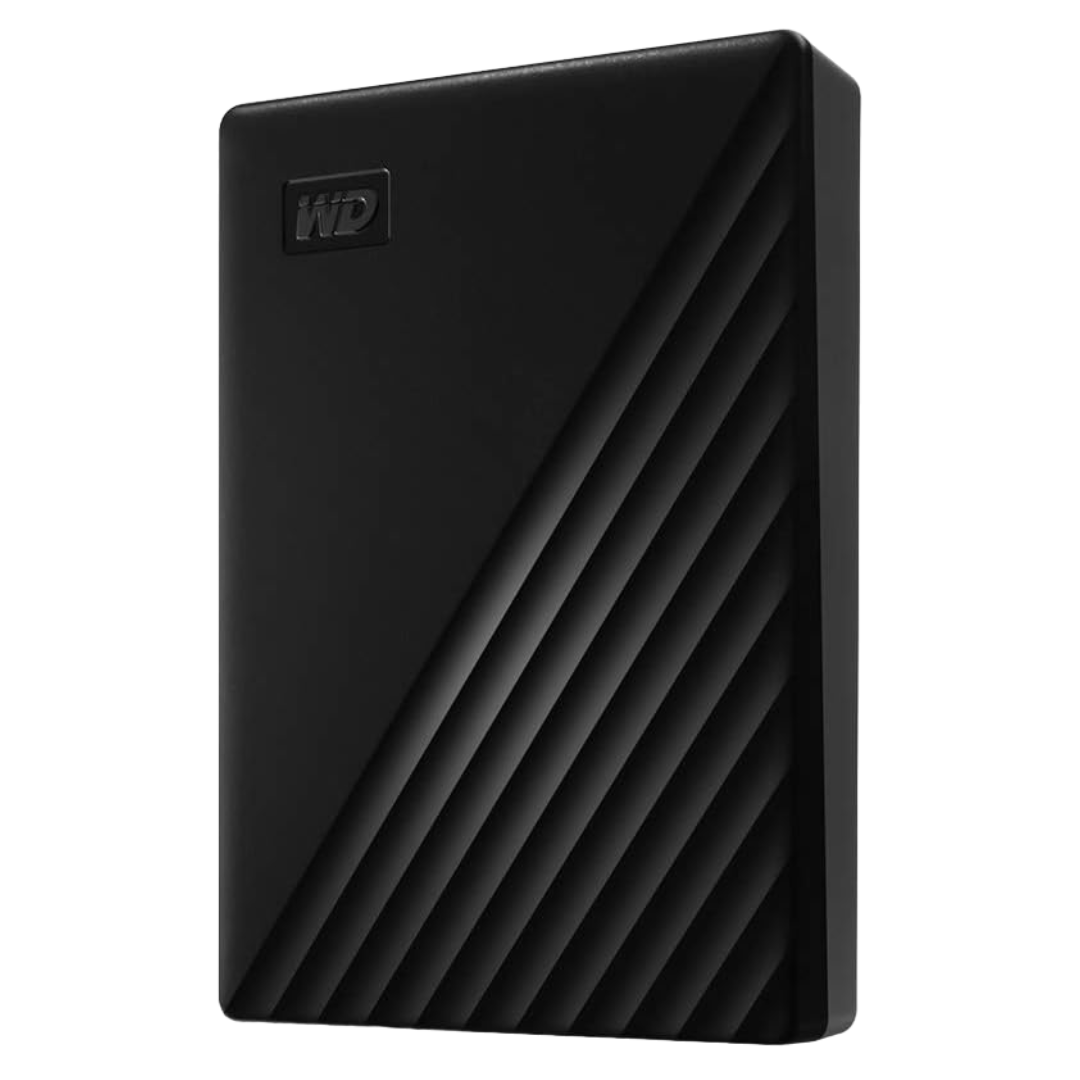
Best budget hard drive
WD 5TB My Passport
$128 $140 Save
$12Western Digital’s My Passport comes in a plastic housing, so you will want to be a little more gentle when moving it around. That said, the 5TB option is scarily good value when you need to store large amounts of data, and the lack of needing an external power supply is great for portability.
-
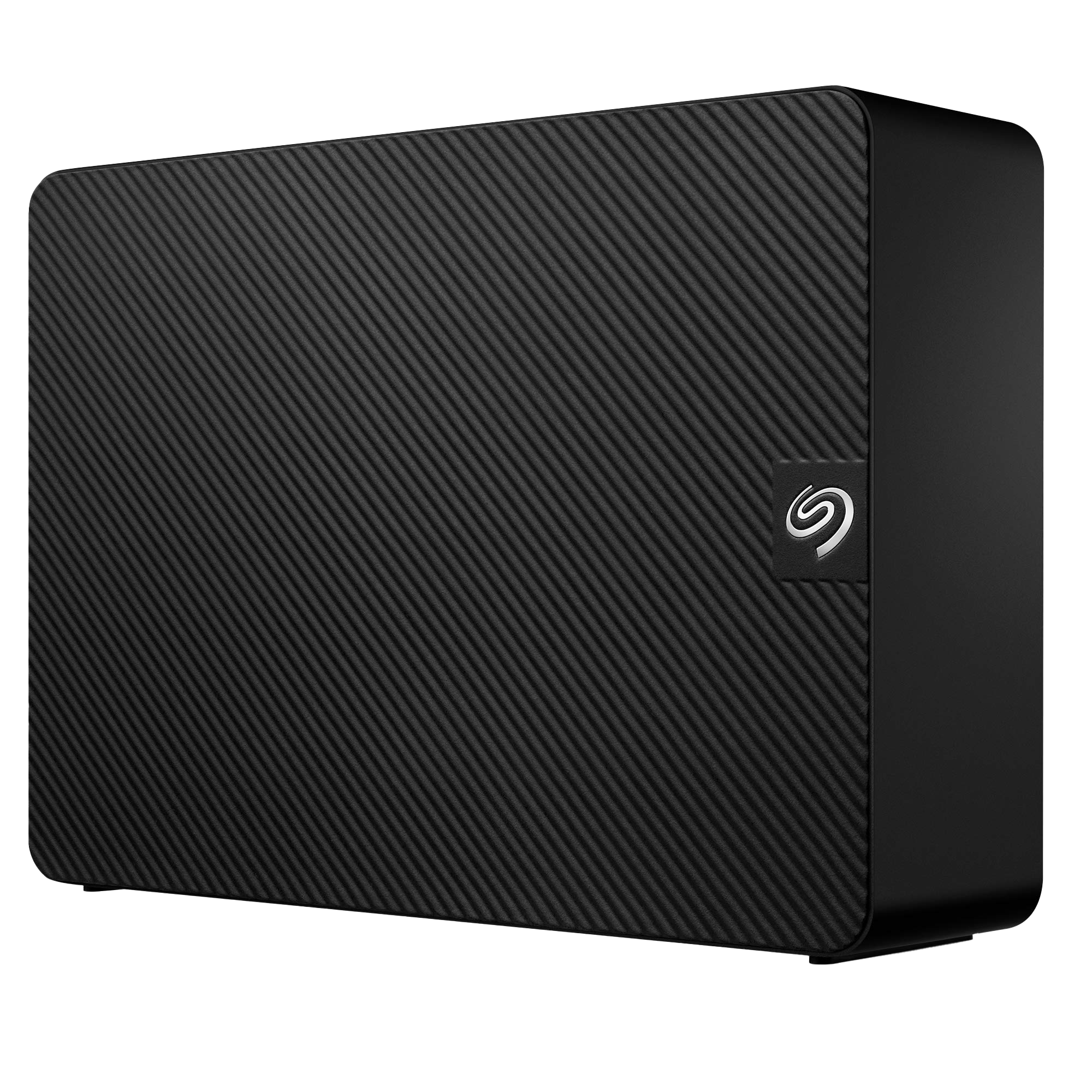
Best for capacity
Seagate Expansion HDD
$295 $330 Save
$35Desktop expansion drives are an easy way to add external storage to your Windows PC, without the high prices of the same capacity as SSD storage. This Seagate unit can add up to 18TB by plugging in a USB cable and power supply, and won’t take up much space on your desktop while doing so.
-
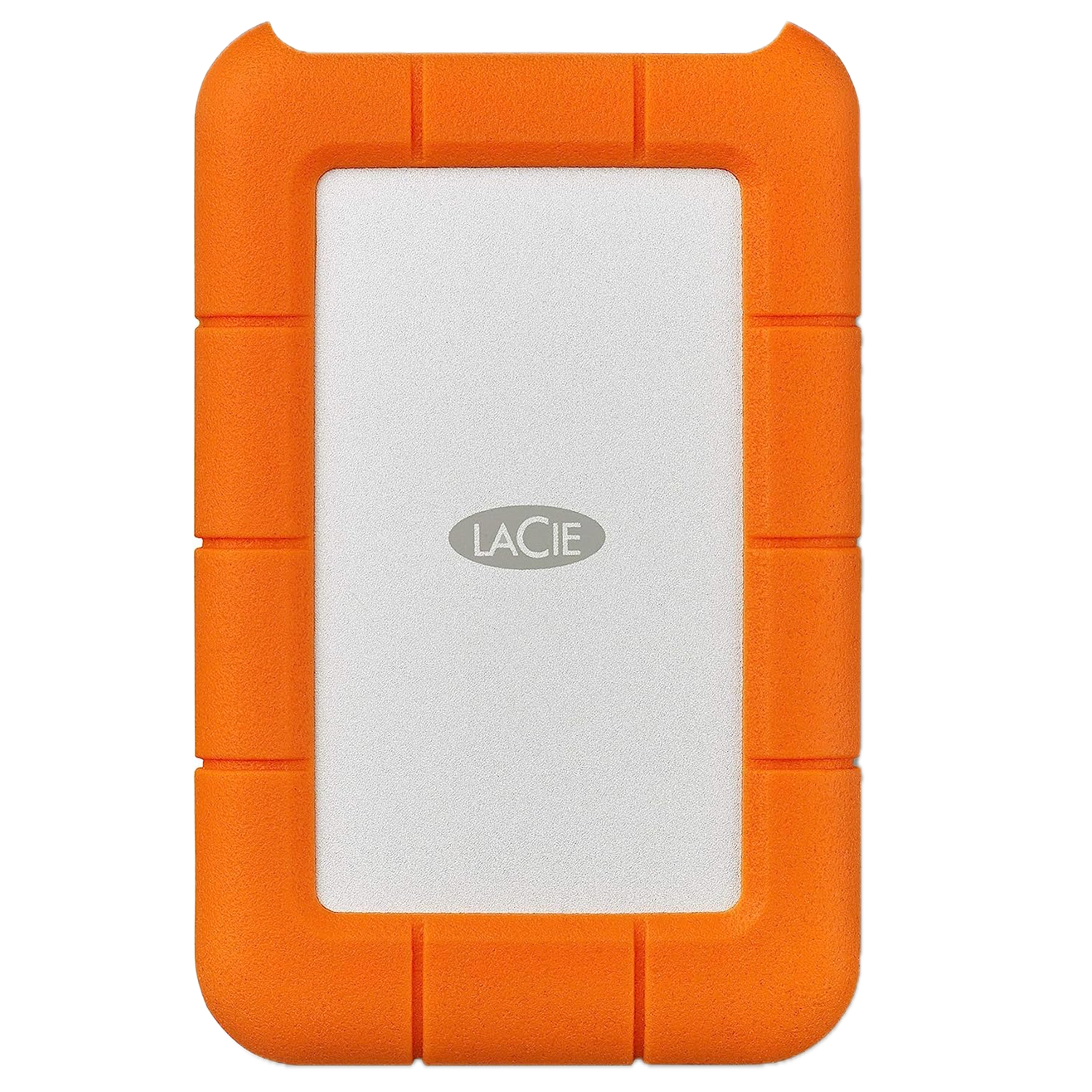
Best rugged
LaCie Rugged Mini HDD
$80 $85 Save
$5While external hard drives are often great value, they lack the inherent shockproofing of SSDs. This drive from LaCie is rugged enough to take a few hits and keep your data from harm while doing so. It’s USB-powered, has up to 4TB of capacity, and works with your Windows PC or with Mac, if you have two systems.


Picking the best external hard drive or SSD for your Windows computer
When looking for external storage options for your Windows computer, it’s essential to consider a few things. The most influential spec is capacity, which tells you how many files you can store on the drive. We recommend at least 1TB of storage so that you get the best value for your money. External solid-state drives (SSDs) have come down significantly in price lately and will give you faster file transfer speeds. However, classic hard disk drives (HDDs) are still common, and offer higher capacity for less money. Portability is also worth thinking about, as smaller drives can be slipped into a pocket, while larger capacities might need their own power supply and will likely take up more space.
The market for external drives for your Windows computer is dominated by a few large players, and it’s best to stick to drives from these reliable brands. After all, your data is important, and trusting it to a relatively unknown brand could be worrisome. We’ve included both external hard drives and SSDs, so you can pick the one that fits your budget and capacity requirements. All the drives above will work well with your Windows computer, be that a laptop, handheld, or desktop PC. If you’re also a Mac user, you should check out our list of the best external drives for Macs, to find one that’s good for both systems.
.jpg?q=49&fit=crop&w=440&h=280&dpr=2)
Related
How to fix an external drive that doesn’t show up in Windows
Got an external drive that’s no longer showing up when plugged in? Here’s how to fix it.
#external #drives #Windows
source: https://www.xda-developers.com/best-external-hard-drives-for-windows/


