

The Intel Core Ultra 9 285K is a powerful processor with 24 cores and support for DDR5-6400 memory, though you can push higher with the right system setup. You must install rapid system memory to get the most from this Arrow Lake CPU. Thankfully, with the power of XMP, you can purchase most DDR5 RAM kits available today and have an excellent experience with this processor. Like AMD chips, the faster your modules and the lower the latency, the better the overall system will perform. The sweet spot seems to be in the 7000s to 8000MT/s for Intel Core Ultra CPUs and the 285K will be no exception.
Related
Trying to build your next PC for gaming or work? Here are the best CPUs you can buy for a new machine or if you’re looking for an upgrade.
-
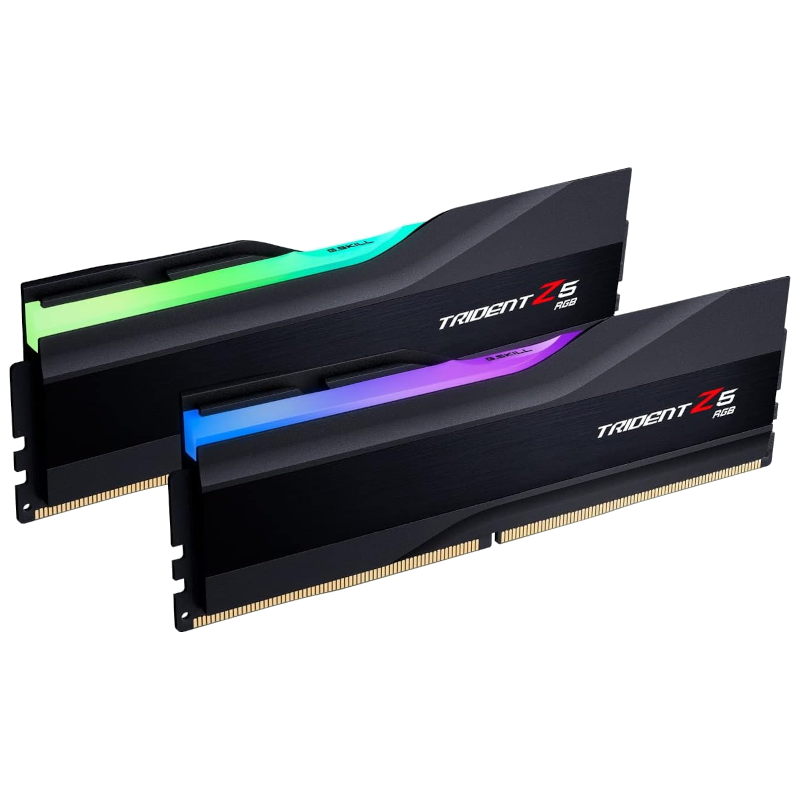
Best overall
G.Skill Trident Z5 RGB DDR5-6400 (2x16GB)
G.Skill’s Trident Z5 RGB DDR5-6400 is a great kit for the Intel Core Ultra 7 265K. A CAS latency of 32 is solid for DDR5, and the RGB-infused design will look great inside most gaming systems without looking too obnoxious.
-
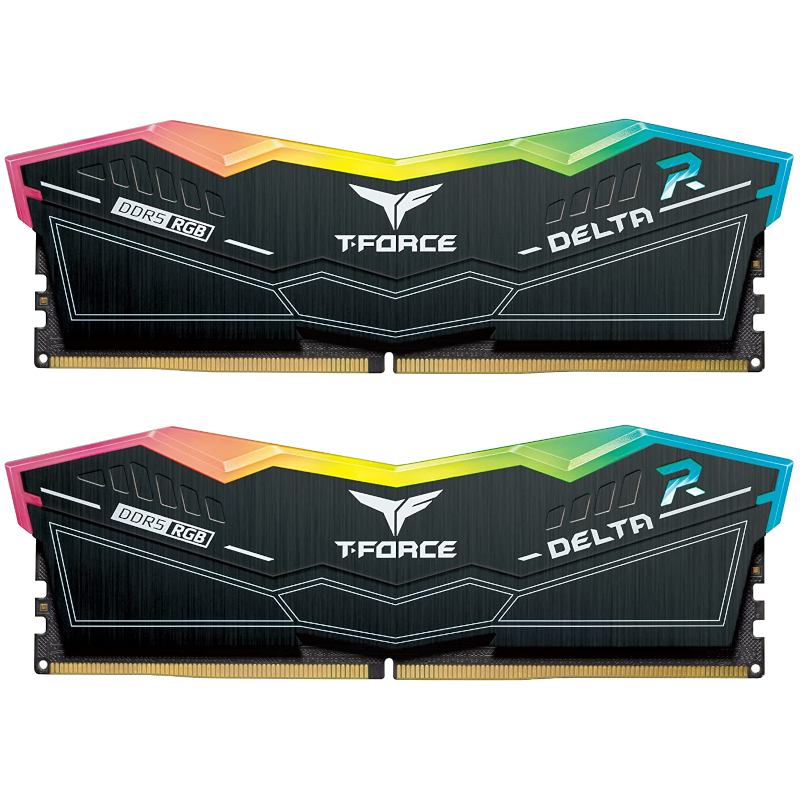
Runner-up
TeamGroup T-Force Delta RGB DDR5-6400 (2x16GB)
TeamGroup’s T-Force Delta RGB series may not have the performance numbers, but it’s priced aggressively, is well-designed, and will still allow the Core Ultra 7 265K to perform as designed.
-
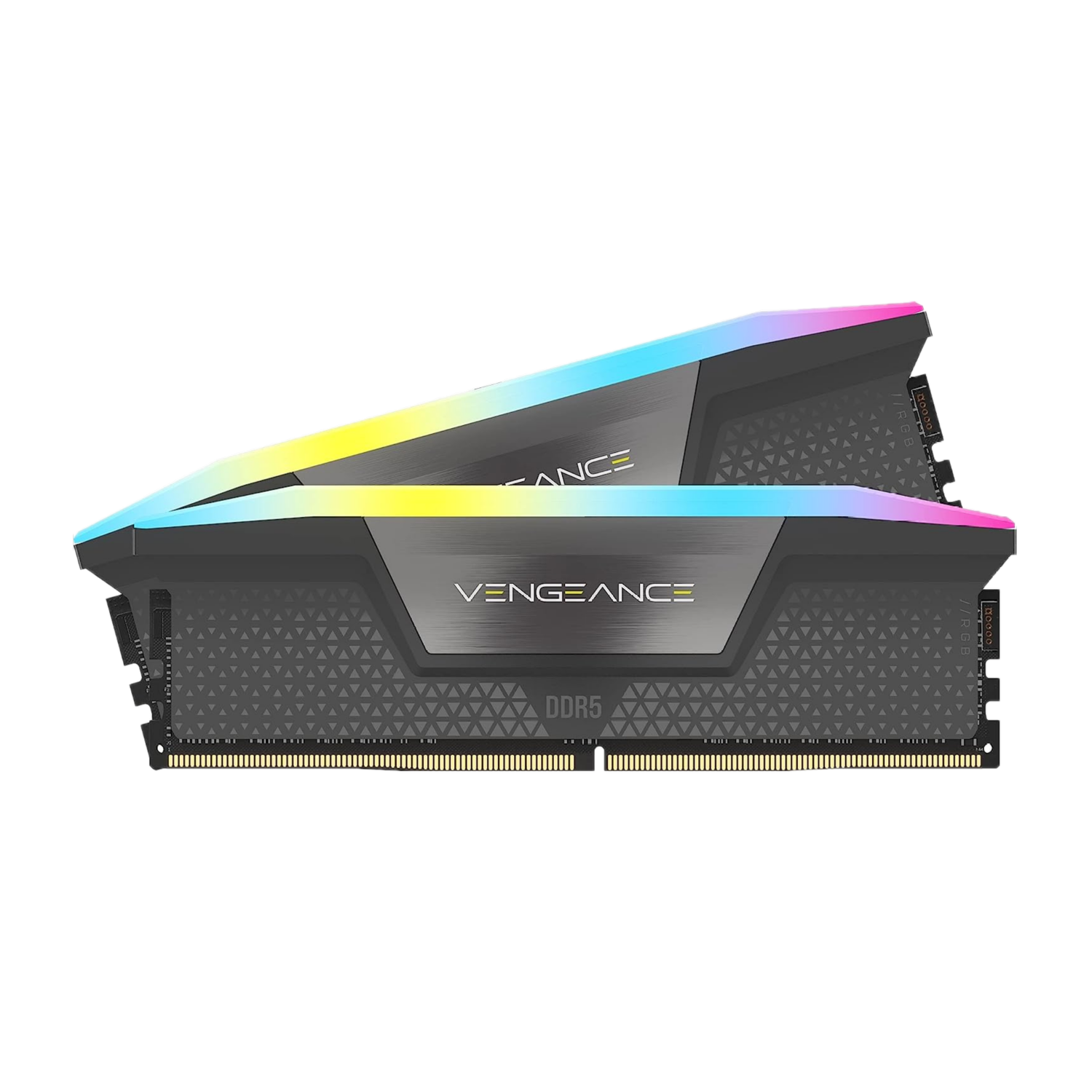
Best RGB styling
Corsair Vengeance Pro RGB DDR5-6400 (2x16GB)
With speeds of 6,400 MT/s and a latency rating of CL36, the Corsair Vengeance Pro RGB is a speedy kit for the Core Ultra 7 265K. With a customizable ten-zone RGB light bar across the entire stick length, you can easily add some extra flair to your build.
-
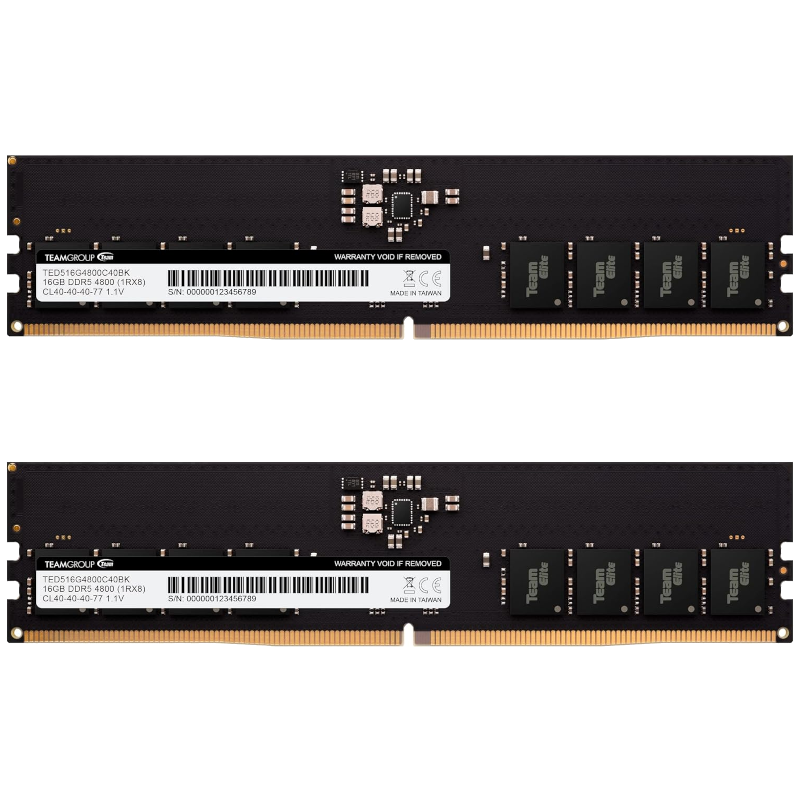
Best value
TEAMGROUP Elite DDR5-6400 (2x16GB)
TeamGroup’s Elite DDR5 RAM isn’t anything to write home about. The design is about as basic as it comes with a bare PCB and the performance isn’t incredible. Where this RAM kit comes alive is the price, striking a great balance between cost and speed.
-

Premium pick
Corsair Dominator Titanium RGB DDR5-7200 (2x16GB)
For premium PC builds, I’d go with the Corsair Dominator Titanium RGB DDR5-6400 kit. The performance is excellent with a CL32 latency rating but the design is where this kit stands out from the crowd. Its clean minimalist look is outstanding.
-
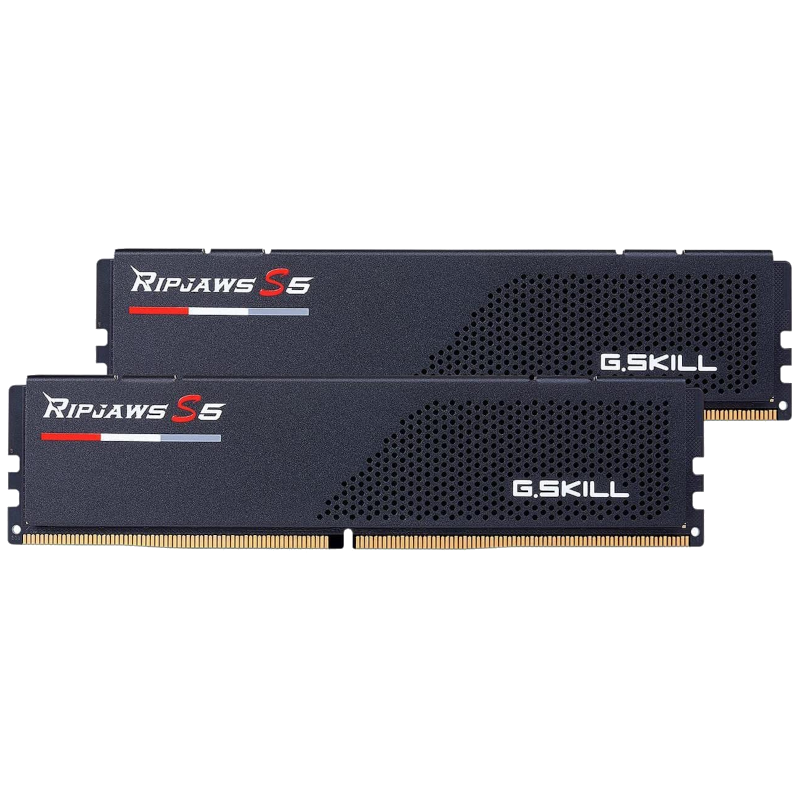
Best for gaming
G.Skill Ripjaws S5 DDR5-6800 (2x32GB)
G.Skill’s Ripjaws S5 DDR5 is one of the better pricks for gaming-focused builds. The 6,800 M/Ts transfer rate is among the fastest in our collection and its sleek design and low profile make it an ideal addition to your rig.
-
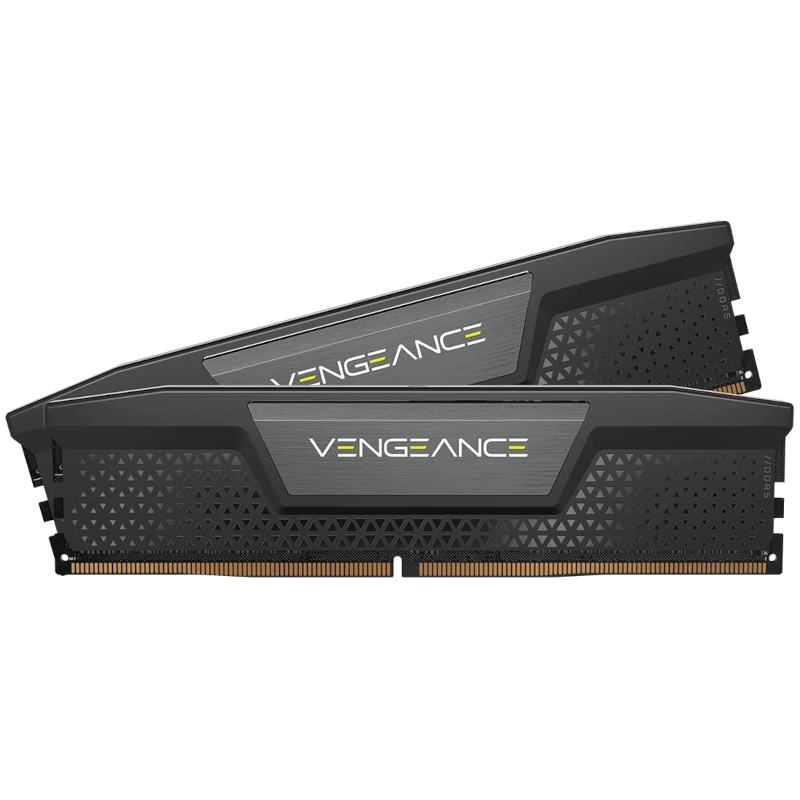
Best low-profile
Corsair Vengeance DDR5-6400 (2x16GB)
CPU coolers can interfere with system memory, especially if the RAM modules are tall. The Corsair Vengeance DDR5 RAM is a low-profile kit without flashy RGB lighting, instead focusing on performance.
-
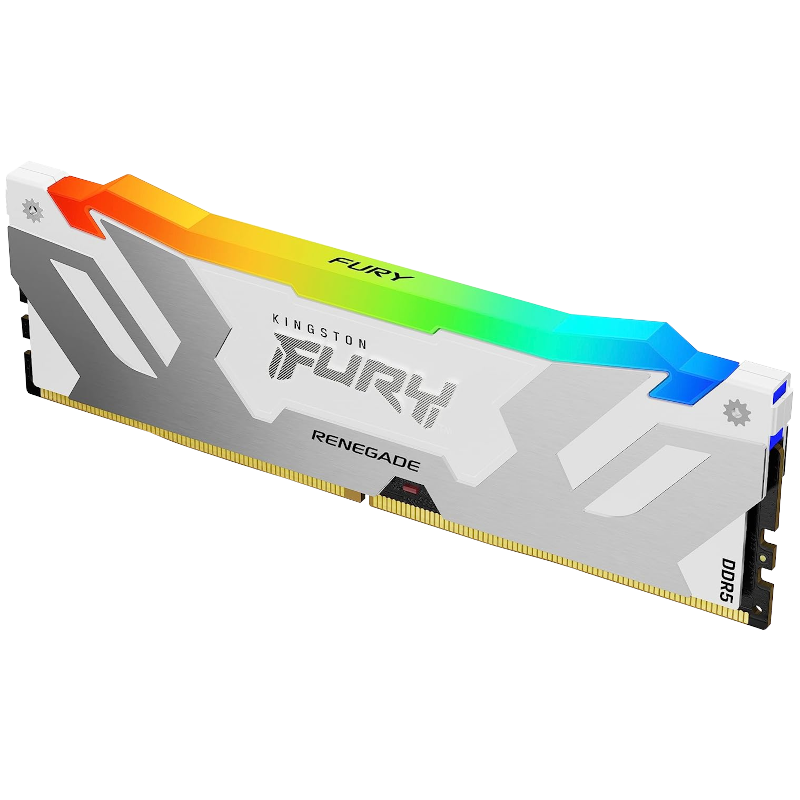
Best budget
Kingston Fury Renegade RGB DDR5-6400 (16GB)
Kingston makes some solid system memory kits and the Fury Renegade DDR5-6400 is a fine example of what next-gen memory can do. This module has 16GB of capacity and should be more than enough for running most PC games and software.


How to choose the best RAM for the Intel Core Ultra 9 285K
The Intel Core Ultra 9 285K has 24 cores, consisting of 8 P-cores and 16 E-cores. The CPU can hit speeds of 5.7GHz on some cores, allowing the CPU to power through more intensive workloads. When paired with equally fast system memory, you can enjoy what Intel offers with Arrow Lake. Although the processors didn’t make the splash Intel hoped for, they’re not terrible chips for work and play. DDR5-6400 is the recommended speed by Intel, though we’ve found higher speeds to be stable and even result in considerable performance boosts, so long as latency doesn’t get out of hand.
DDR4 is no longer supported by AMD or Intel. If you’re using a new CPU, you will need DDR5 memory. Spending more on the latest generation of RAM is a worthwhile investment for AMD and Intel systems since the modules should be supported for many years. We’re still seeing AMD release processors for older platforms that support DDR4 RAM, so even the previous generation of memory continues to be supported with new chips. You’ll want at least 8GB of RAM for a PC running Linux or Windows. 16GB is preferred for adding games and software into the mix. 32GB is a safe bet and 64GB could still be viewed as slightly overkill.
For latency ratings, things differ with DDR5 compared to DDR4. You won’t see anywhere close to CL12 with DDR5. A CL30 is viewed as relatively brisk with increased clock speeds. The higher the speeds and lower the latency, the more you can expect to pay for RAM.
#RAM #Core #Ultra #285K
source: https://www.xda-developers.com/best-ram-for-core-ultra-9-285k/


