

If you’re buying a new Lenovo laptop, you’ll almost certainly want to consider one of the many great convertibles from the Lenovo Yoga line. Whether it’s the premium Yoga 9i, the mid-range Yoga 7i, or even the futuristic dual-screen Yoga Book 9i, you can flip the screen around to tablet mode (or any other mode), open an inking app, and let your inner creativity fly. Or, if you’re using your device for work, you can sign PDFs and annotate on the screen. Inking simply gives you more ways to enjoy your device.
Typically, these devices will come with an active pen in the box. But, if your specific configuration didn’t come with a pen, or if you’re looking for a spare pen, there are plenty of other options. Most Lenovo Yoga devices support the AES pen protocol, which is the type of hardware we’ve rounded up here. Check out these great pens for Lenovo Yoga laptops to upgrade your inking experience.
-
Editor’s Choice
Lenovo Precision Pen 2
$66 $70 Save
$4This pen from Lenovo supports WGP, MPP 2.0, and AES 2.0 protocols, making it a great choice for the Yoga line of devices. Its built-in battery charges via USB-C, it offers 4,096 levels of pressure sensitivity, and there’s tilt detection for easier shading. Two buttons can be assigned shortcuts as needed.
-
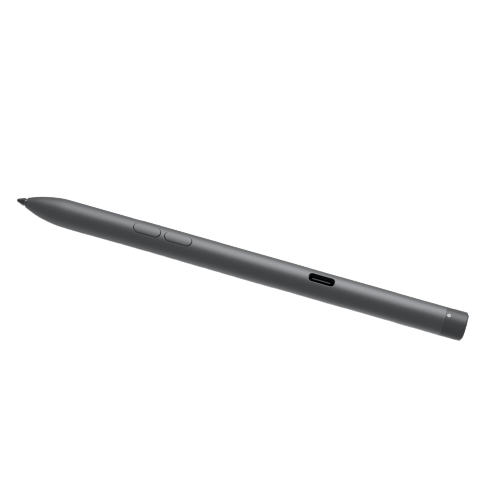
Premium Pick
Dell Premier Rechargeable Active Pen
$82 $90 Save
$8It might be weird to use a Dell pen with a Lenovo device, but this is one of the more premium options on our list. It has a rechargeable battery via USB-C, up to 40 days of battery life, and Bluetooth 5.1 support. It also has tilt support, and Tile functionality is built in to help you find the pen should you leave it behind.
-
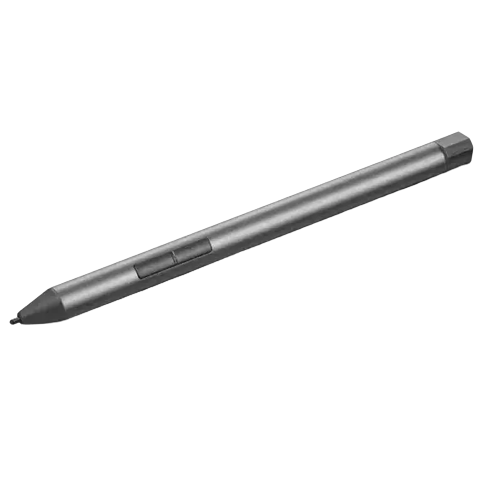
Budget pick
Lenovo Digital Pen 2
$22 $40 Save
$18This AES 1.0 pen will work well on older Yoga models, and it should work with newer displays if you don’t mind not having tilt support. The tip is made of a material that makes writing feel more natural, and it has the 4,096 levels of pressure sensitivity that you need for accurate drawing and note-taking.
-
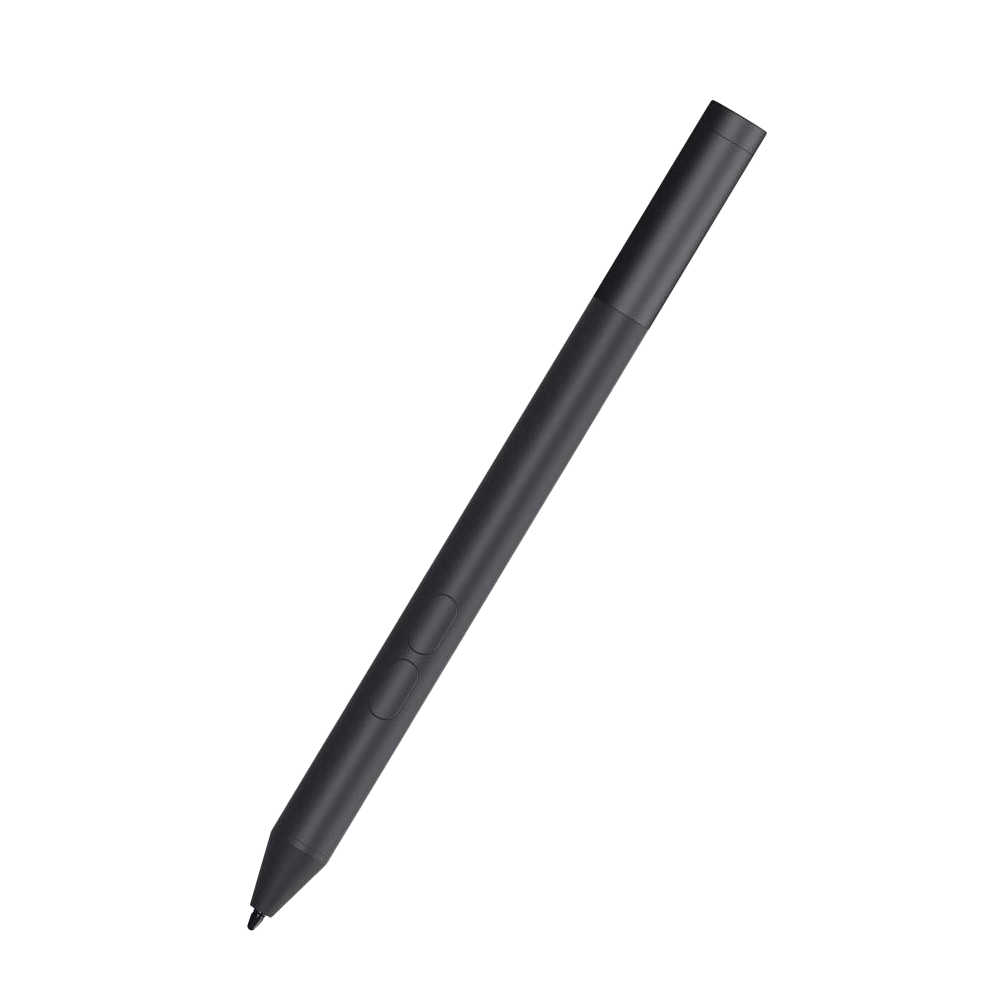
Runner-up best budget
Dell Active Pen
This affordable pen from Dell supports AES 1.0, AES 2.0, and WGP alongside featuring 4,096 levels of pressure, making it a competitive option for those on a budget. Most importantly? This pen will only cost you $40 or even less on sale.
-
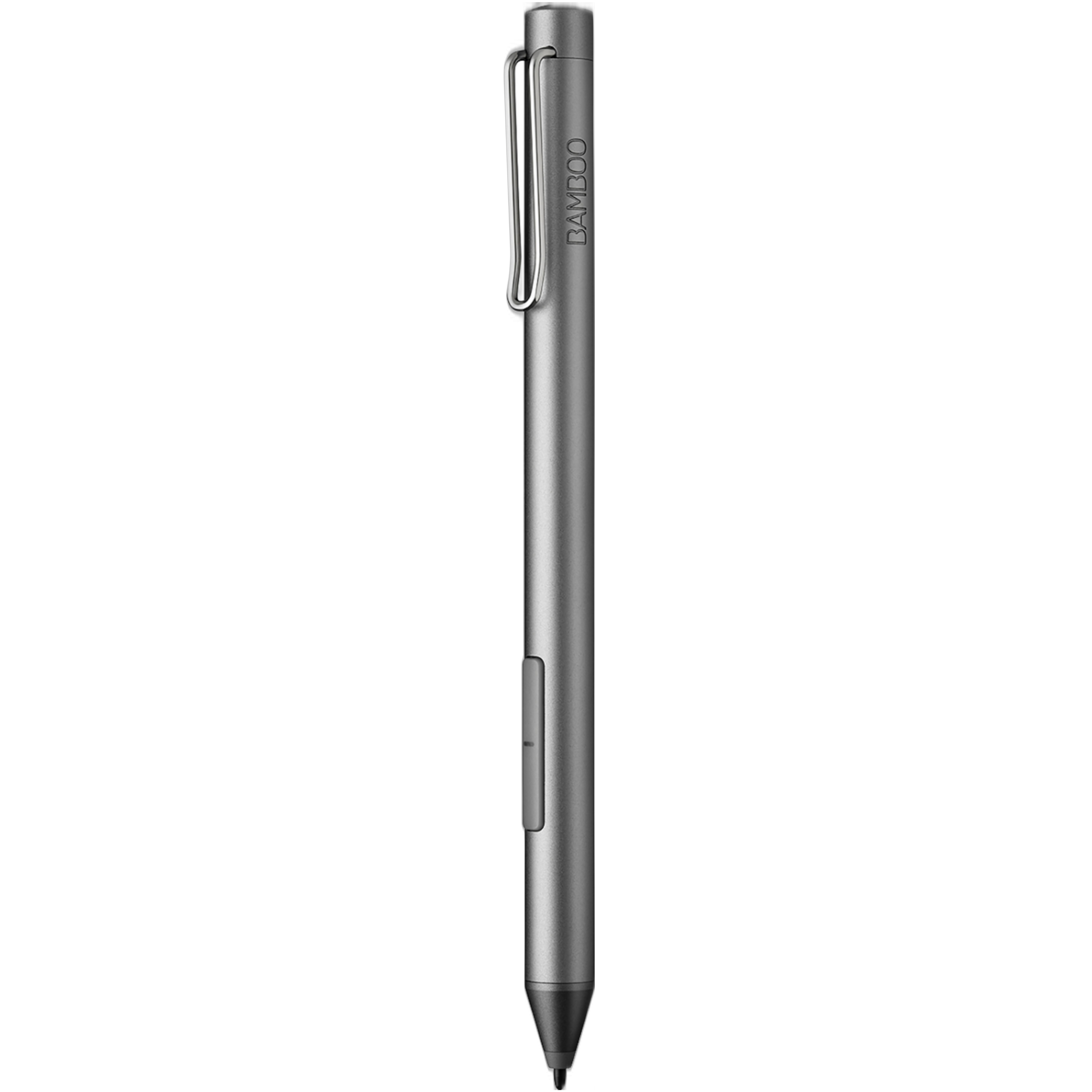
Great for writing
Wacom Bamboo Ink
$41 $50 Save
$9This pen from Wacom is another option that supports both AES 1.0 and MPP protocols. It won’t land you tilt support, but it does have a fancy clip as well as a couple of customizable shortcut buttons. The 4,096 levels of pressure sensitivity and fine tip make it a great option if you’re primarily writing notes.
-
For artists
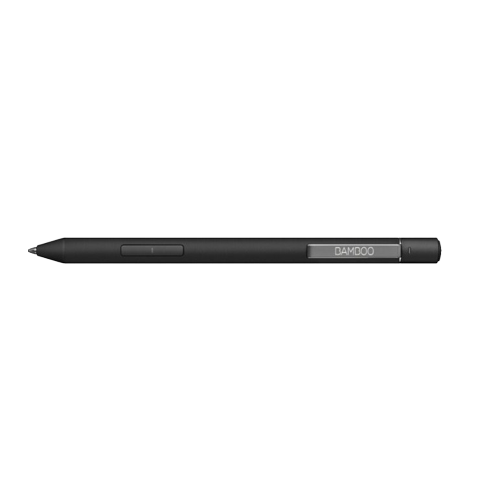
Wacom Bamboo Ink Plus
The Bamboo Ink Plus is an upgrade over the standard Bamboo Ink, bringing AES 2.0 compatibility, tilt support, and rechargeable batteries. It runs at 4,096 levels of pressure sensitivity with tilt support, making it a great option for notes or for drawing. The built-in battery charges via USB-C.
-
Advanced hybrid pen
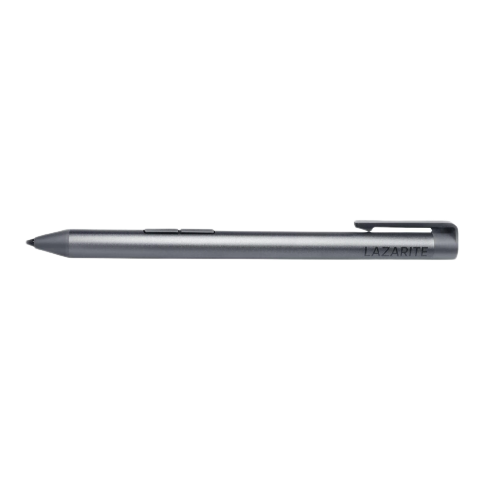
LAZARITE M Pen
$47 $51 Save
$4This is yet another third-party AES and MPP hybrid pen, but it’s one of the more advanced you can find. This pen not only supports palm rejection and tilt support, but it also has 4,096 levels of pressure sensitivity and has a clip that you can use to store it safely. It runs on a single AAAA battery.
-
Comfy grip
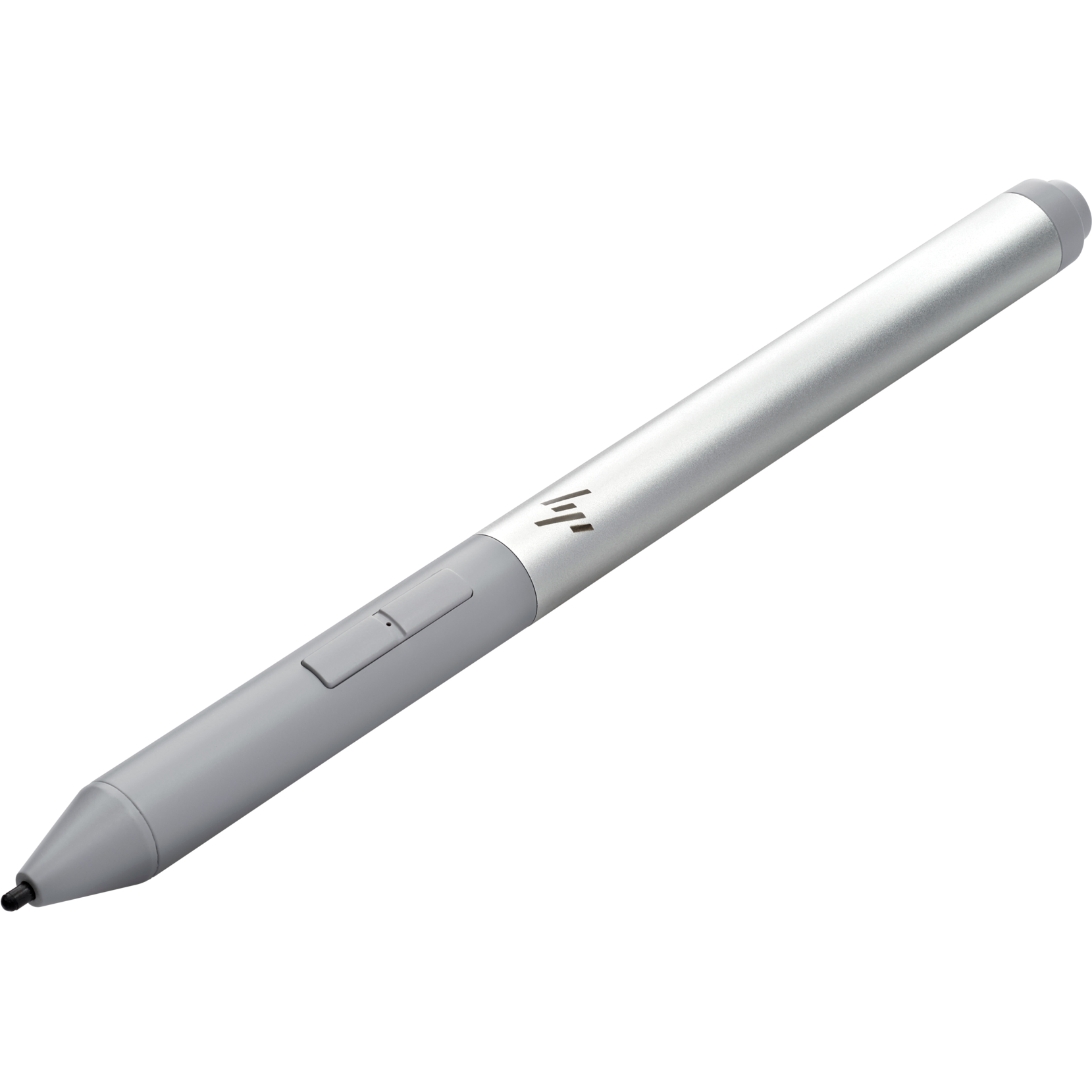
HP Rechargeable Active Pen G3
$36 $76 Save
$40HP’s Rechargeable Active Pen G3 support AES 1.0 and AES 2.0 standards, plus it features a rechargeable battery via USB-C. Tilt support is included, and it has two buttons for shortcuts. The barrel design is comfortable to hold, with a bit of grip toward the front.
-
Simple stylus
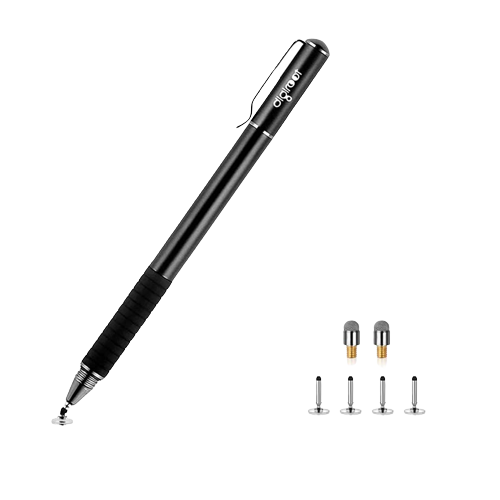
Digiroot Universal Stylus
While a lot of the pens we mentioned are AES pens, this is actually one that’s more simple. It’s a basic stylus that doesn’t have any fancy technology onboard and works with almost any touchscreen device you own. If you just want to navigate your laptop with a pen, this is an affordable way to go.


Truly the best pen for Lenovo Yoga laptops
Out of all of these picks, if you’re looking for the best possible pen to use with your Lenovo Yoga laptop, you’ll want to consider the Lenovo Precision Pen 2. This pen is offered by Lenovo itself and is made of premium aluminum, so it’s guaranteed to have no issues when you use it with your device.
It might have a high price, but it is a universal stylus, supporting all the major pen protocols. It has a built-in battery rechargeable via USB-C, with up to 246 days of battery life. It even has configurable side buttons, which you can use in drawing apps or note-taking apps to simplify your workflow. As for drawing accuracy, it has 4,096 levels of pressure sensitivity and even has tilt support, so you can use it just like you would a pencil.
#pens #Lenovo #Yoga #laptops
source: https://www.xda-developers.com/best-pens-lenovo-yoga-laptops/


