

The 7800X3D is the best CPU for frame-chasers, but which motherboards are the best to pair with it?
AMD’s Ryzen 7 7800X3D is the absolute best CPU option for framechasers right now, able to eke out higher scores than the competition. Even though you might think it needs the best AM5 motherboard to reach its peak potential, it’s a relatively easy processor to power and can quite easily be put onto midrange boards to keep costs down. With a modest 120W power requirement and locked core clocks, you won’t need overbuilt VRM solutions to get high frame rates in games like CS: GO:2 and Overwatch 2. To help you out with your choice, we’ve rounded up a list of the best motherboards to pair with the Ryzen 7800X3D.
-
ASRock X670E Taichi
Editor’s choice
The ASRock X670E Taichi is a premium EATX motherboard with a huge 24+2+1 VRM power stage. It’s packed with the latest technologies, including two PCIe 5.0 x16 slots and a single PCIe 5.0 M.2 SSD socket, and has both 2.5GbE wired and Wi-Fi 6E wireless connectivity. It also has tons of I/O for peripherals, with ten USB ports of which two are USB4.
-
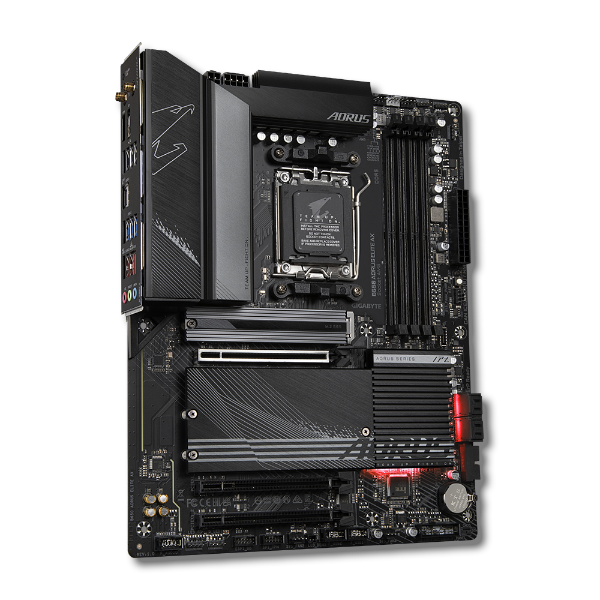
GIGABYTE B650 AORUS Elite AX
Best value
The Gigabyte B650 AORUS Elite AX is the best low-cost motherboard to pair with the Ryzen 7 7800X3D as it has an impressive 14+2+1 VRM power stage and 8+4 EPS sockets. While this Ryzen chip won’t need all of that, the better-built power stages will supply clean, smooth power under hectic gaming loads. It’s also got an understated design, with an all-black aesthetic with small RGB accents, perfect for showing off your other hardware.
-
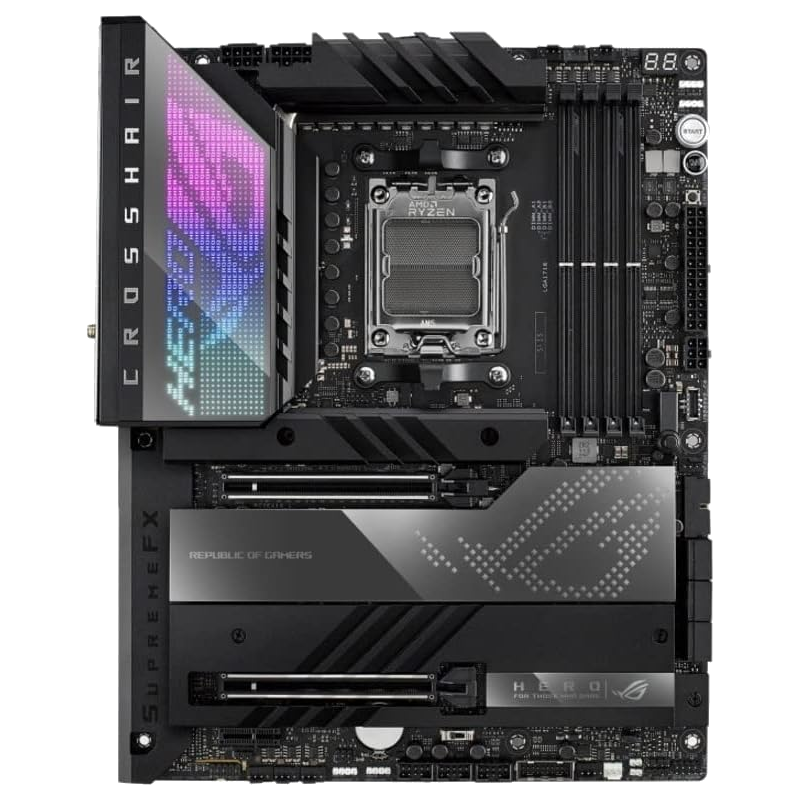
ASUS ROG Crosshair X670E Hero
Premium pick
The Asus ROG Crosshair X670E Hero is a premium motherboard with a gamer-centric design and plenty of style. Every inch of the construction screams high-end, with the two PCIe 5.0 and two PCIe 4.0 M.2 SSD slots hidden behind thick metal heatsinks that fill the gaps between the two PCIe 5.0 x16 slots. This is what’s in my personal build, and it is worth every penny, with high-speed RAM compatibility even with all four slots filled.
-
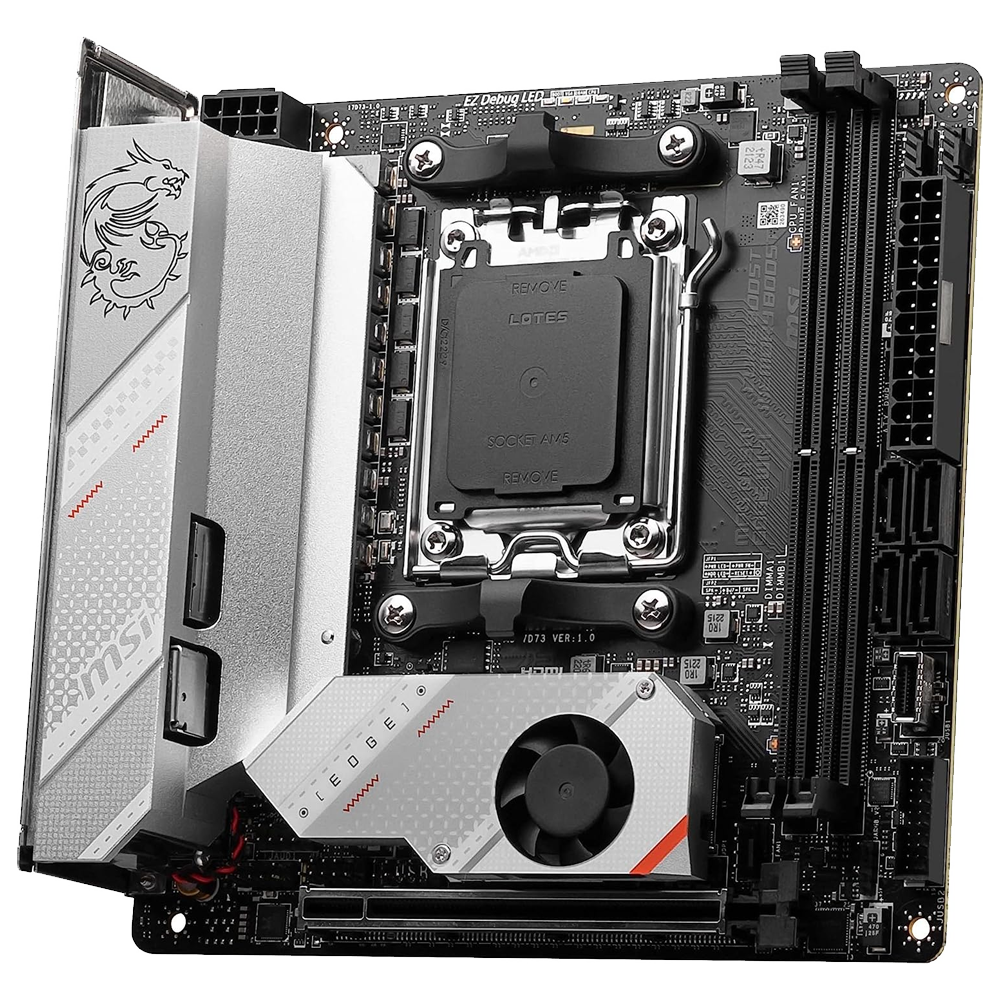
MSI MPG B650I EDGE WIFI
Best M-ITX
The MSI MPG B650I Edge WiFi is the best Mini-ITX motherboard for building a small but capable gaming rig with the Ryzen 7 7800X3D. With a 10-layer PCB and a 8+2+1 VRM power design rated to 80A, it will handle every ounce of the Ryzen chip’s capabilities. Even though it’s a compact design, it still has tons of storage capacity including two PCIe 4.0 M.2 SSD slots, four SATA ports, and a 20Gb/s USB-C for external use.
-
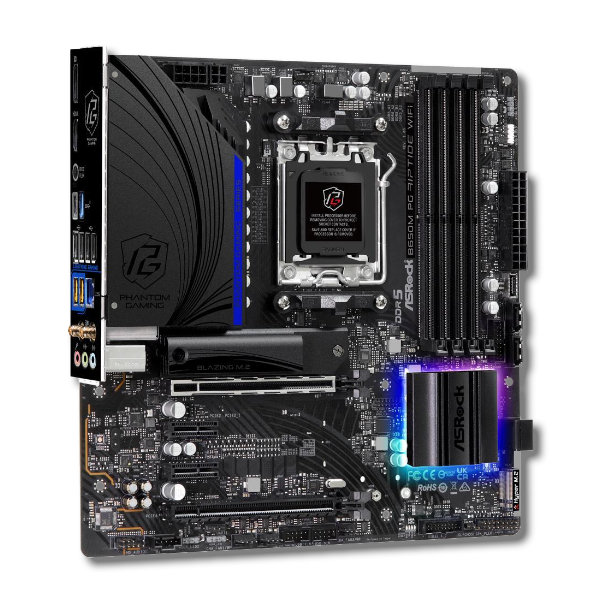
ASRock B650M PG Riptide WiFi
Best M-ATX
$170 $190 Save
$20The ASRock B650M PG Riptide WiFi is a budget-friendly mATX motherboard for when you want a little more connectivity than SFF cases allow. Both x16 slots are PCIe 4.0, and you get two PCIe 3.0 x1 slots as well, one PCIe 5.0 M.2 SSD slot, and one PCIe 4.0 M.2 SSD slot for tons of speedy storage space. The 12+2+1 power stage is more than enough for the 7800X3D, and it supports up to 7,200MHz DDR5.
-
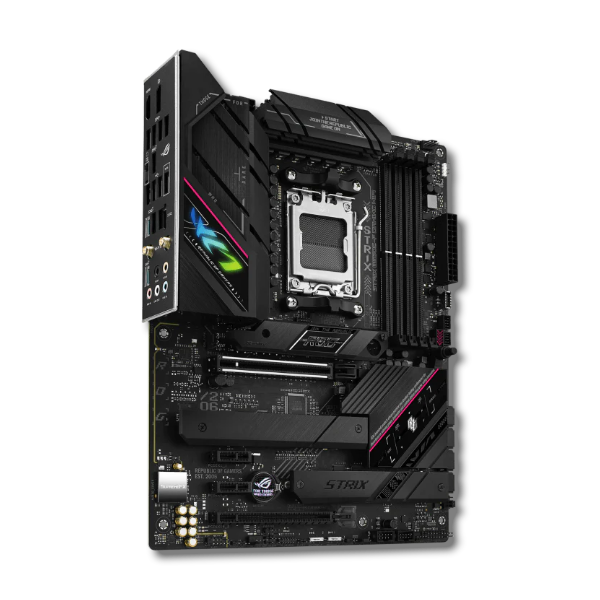
Asus ROG Strix B650E-F Gaming WiFi
Best B650 chipset
$262 $290 Save
$28The ASUS ROG Strix B650E-F Gaming WiFi is a midrange motherboard for the AM5 platform that punches above its weight. The 12+2 VRM power stages supply more than enough for the 7800X3D with enough smooth power to support 6,400MHz memory. The somewhat understated Strix branding covers one PCIe 5.0 M.2 SSD and two PCIe 4.0 M.2 SSD slots, and you get one PCIe 5.0 x16 slot which will be compatible with future graphics cards.
-
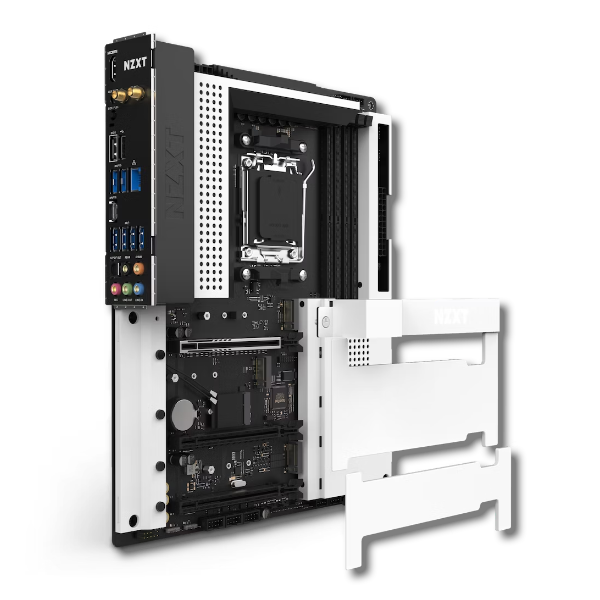
NZXT N7 B650E Gaming Wi-Fi 6 Motherboard
Best white motherboard
When building a gaming PC, one important aspect to consider is aesthetics. The NZXT N7 B650E gives you a blank canvas to create on, literally, as the motherboard’s black PCB and VRM heatsinks are covered by a pure white metal shield. That means it’ll handily reflect any RGB lighting in your case. It plays as good as it looks too, with a 16+2+1 power stage, one PCIe 5.0 x16 slot and a PCIe 5.0 M.2 SSD slot.
-
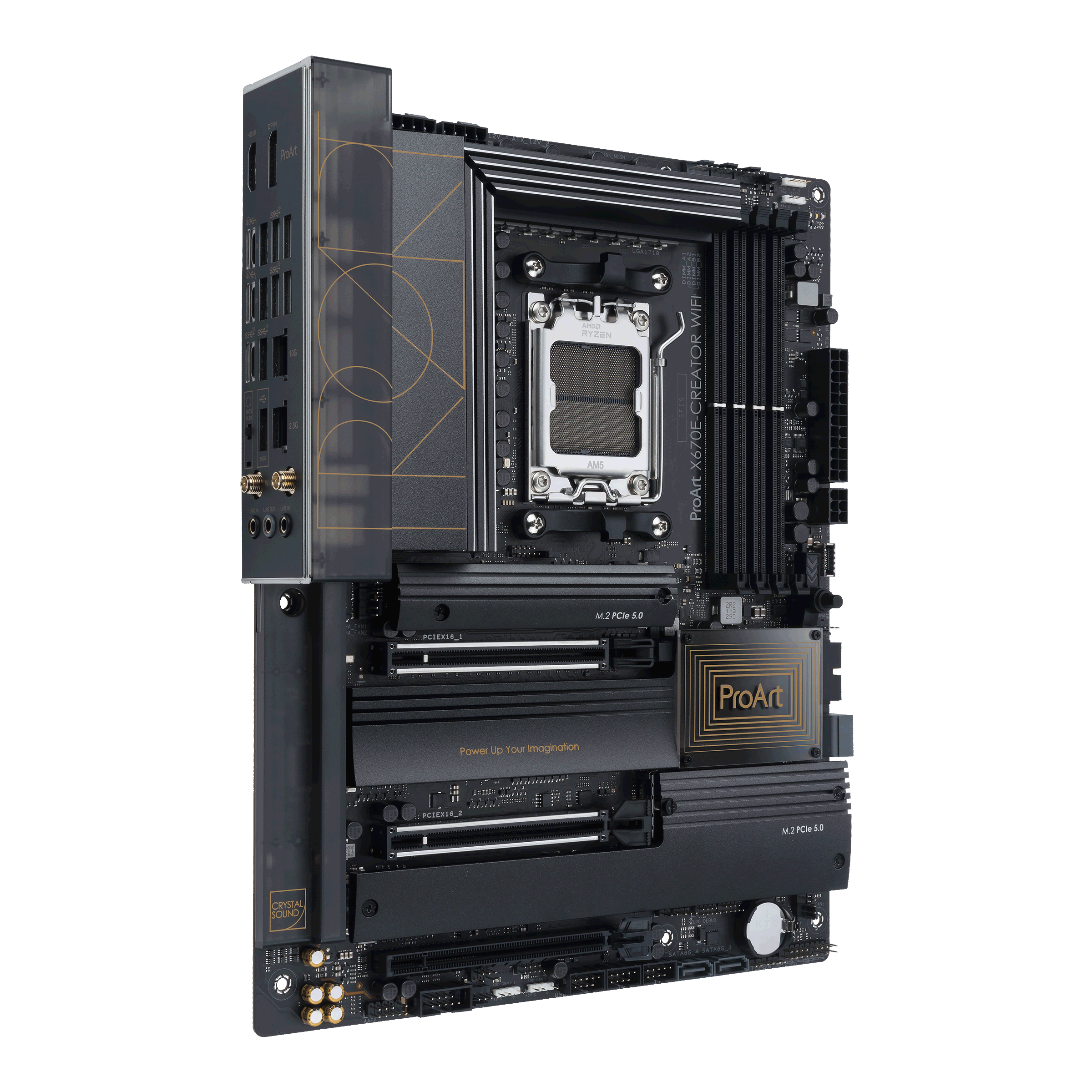
Asus ProArt X670E-Creator
Best for content creators
For those content creators that will be using the 7800X3D to livestream or splice together their content, the Asus ProArt x670E-Creator is a perfect match. A 16+2 power stage sets things up with reliable power, it has two PCIe 5.0 M.2 SSD slots and two PCIe 4.0 M.2 SSD slots for plenty of speedy storage, and support for up to 128GB of memory for video editing or other heavy tasks.


How to choose the best motherboard
The Ryzen 7 7800X3D is the standout star of AMD’s Ryzen 7000 range, able to hit high frame rates in many titles that are popular with competitive gamers. It’s been out for a while now, and can regularly be found at deep discounts, so not only are you getting great value, you’re also getting a bargain to boot. To make it even sweeter, you don’t necessarily need the most expensive motherboard to build a capable gaming PC with this chip, as it has relatively modest power requirements.
That’s not to say you should skimp on power though, as motherboards with better power stages are usually better built overall. For a quick recommendation, the ASRock X670E Taichi should tick all the boxes for anyone looking for a solid motherboard for a gaming build. It’s regularly found discounted by $100 or so and has AMD’s flagship X670E chipset for plenty of PCIe 5.0 connectivity.
If you’re on a tighter budget, then the Gigabyte B650 Aorus Elite AX is well worth looking at. It has a great 14+2+1 power stage while also coming with PCIe 5.0 in the form of one M.2 SSD slot. You’re not missing much without a PCIe 5.0 x16 slot, as graphics cards that use the newest standard are still some ways off. And for the best, regardless of price, look no further than the ASUS ROG Crosshair X670E Hero, which is packed with premium features and is built to last. Lastly, don’t forget about cooling, as you’ll want one of the best CPU coolers to gain the best performance out of the Ryzen 7 7800X3D.

AMD Ryzen 7 7800X3D
The Ryzen 7 7800X3D is the best CPU for frame-chasing gamers who play games that are capable of running at 200 frames-per-second or higher. Even though it’s powerful, it requires modest motherboard specifications and cooling, saving you money overall on your build.
#motherboard #Ryzen #7800X3D
source: https://www.xda-developers.com/best-motherboard-for-ryzen-7-7800x3d/


