

Discover the best docking stations for incorporating your Lenovo ThinkPad T14 Gen 5 into a full desktop setup
Lenovo has brought some impressive upgrades with the new ThinkPad T14 Gen 5. Between the integrated NPU, the new Communications Bar, and new TrackPoint Quick Menu, there is a lot to like about this new notebook. But you’ll still need a proper docking station if you want the same rich I/O options as a desktop. These are some of the best docking stations for easily pairing your Lenovo ThinkPad T14 Gen 5 with all your essential peripherals.
What are the best Lenovo ThinkPad T14 Gen 5 docking stations in 2024?
-
Lenovo ThinkPad Universal Thunderbolt 4 Dock
Editor’s choice
$227 $340 Save
$113The Lenovo ThinkPad Universal Thunderbolt 4 Dock ads multiple USB ports and display outputs to your laptop, plus it delivers up to 100W of power.
-
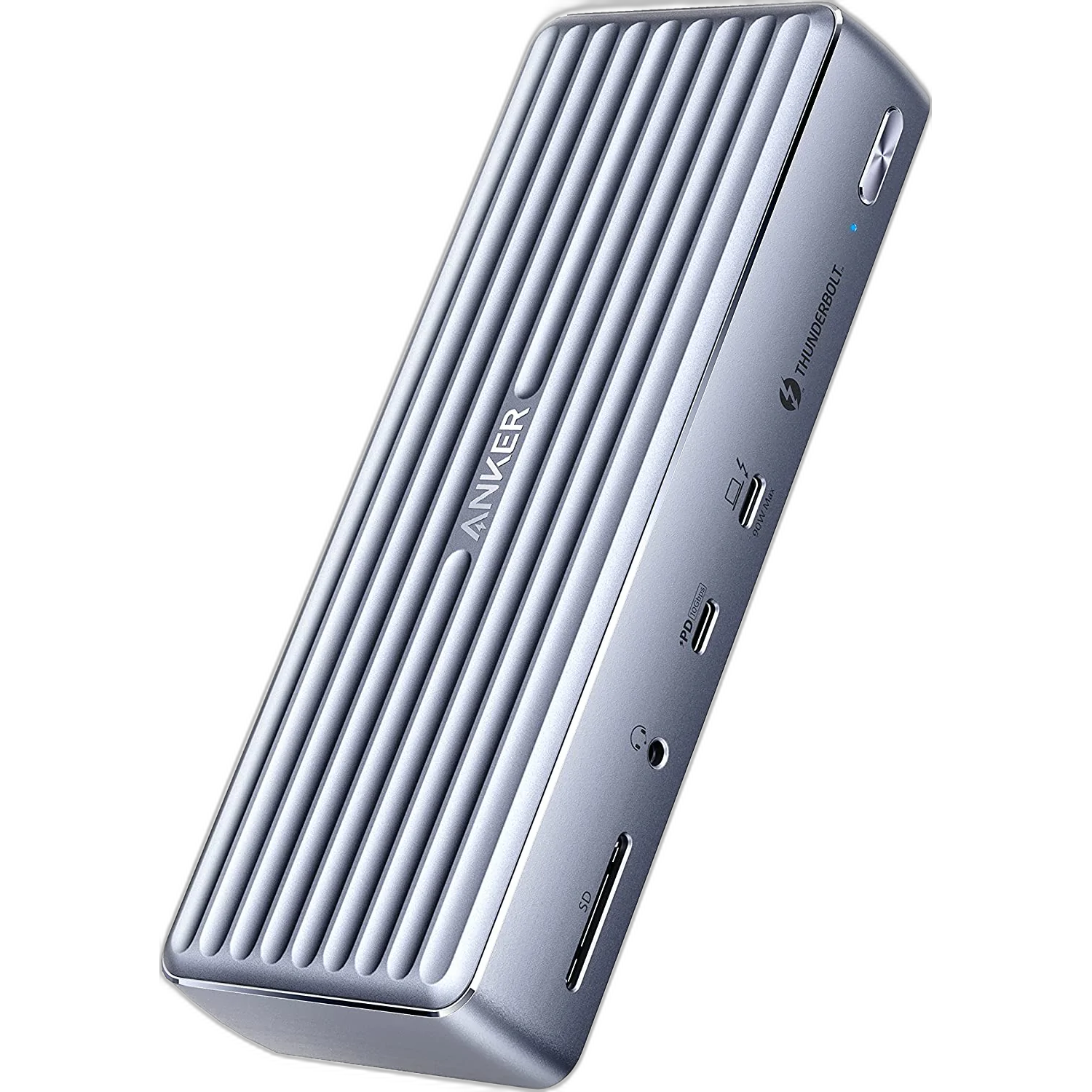
Anker 777 Thunderbolt Docking Station
Best value
If you need a docking station that is cheaper than our top pick but more feature-rich than a USB hub, consider the Anker 777. This stylish and durable dock offers a wide selection of I/O ports for data, peripherals, and charging. This includes two high-speed Thunderbolt 4 ports (one 90W max and one 15W max) and a 20W USB-C Power Delivery port.
-
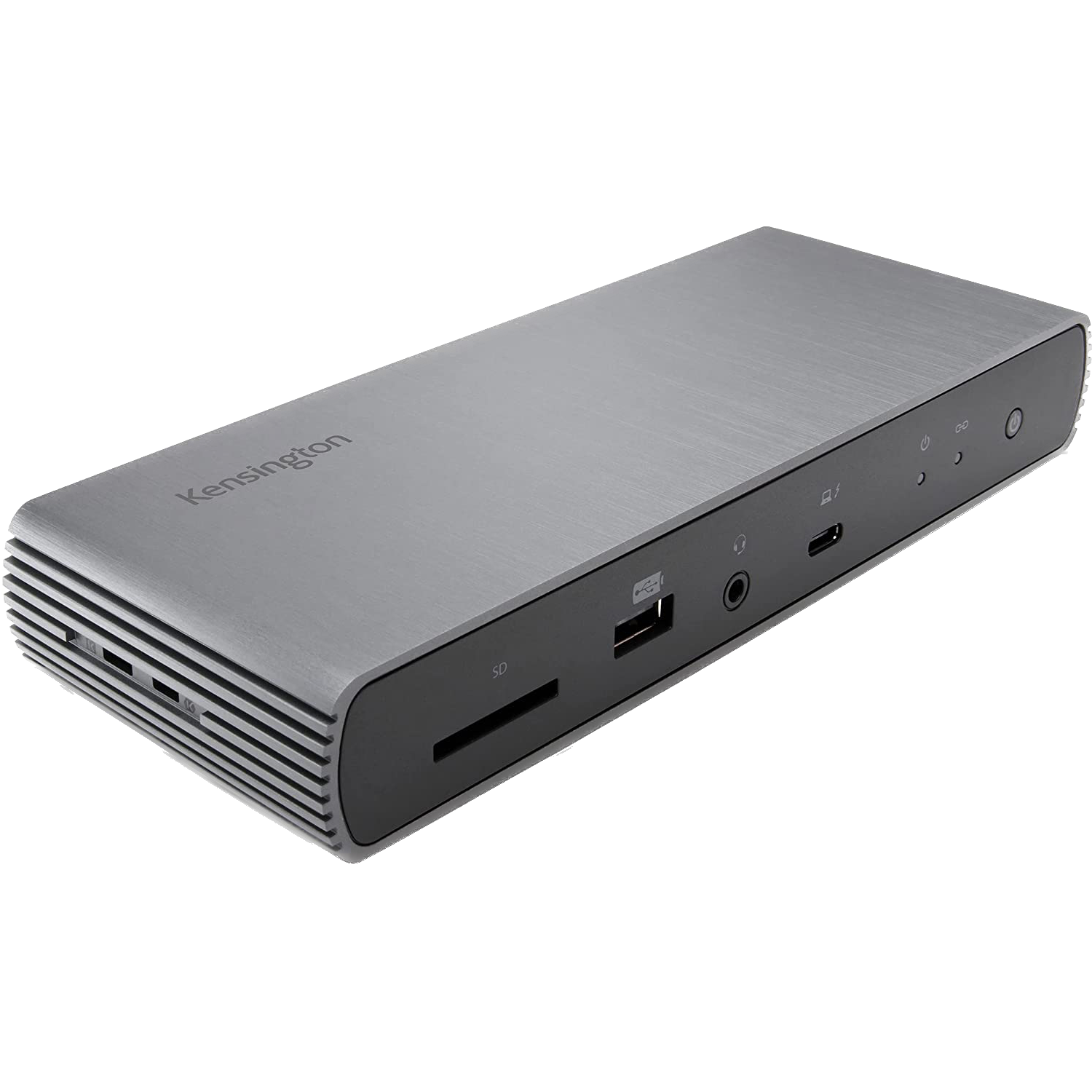
Kensington SD5700T Thunderbolt 4 Docking Station
Alternative best value
$226 $370 Save
$144If you use a USB-C monitor (or already have a display adapter), you can save a little more money yet with the Kensington SD5700T. It doesn’t have an HDMI or DP port, but it has three USB-C ports and 180W power delivery (90W of which is dedicated specifically to your laptop). This brand makes some of the best third-party docking stations around, so you aren’t compromising on build quality either.
-
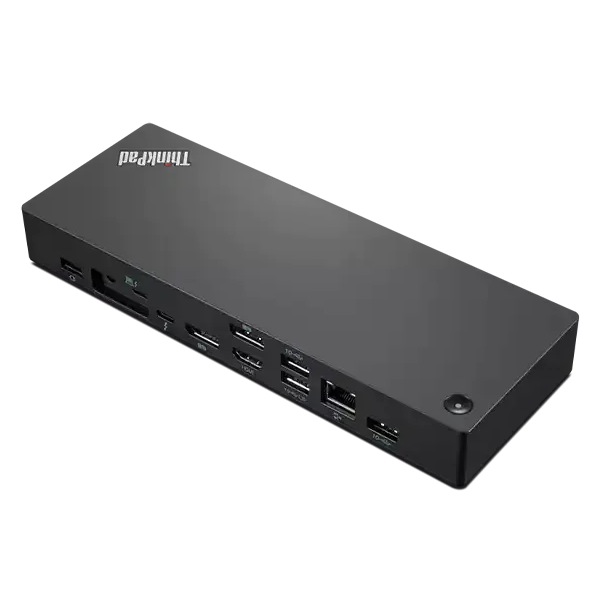
Lenovo ThinkPad Thunderbolt 4 Workstation Dock
Most power delivery
$295 $440 Save
$145We’ll say right off the bat that this one may be a bit too expensive for your needs, but it’s an official Lenovo dock that offers a lot of versatility. It has four USB Type-A ports.,HDMI, two DisplayPort connections, gigabit Ethernet, and a downstream Thunderbolt port. Plus, it can deliver up to 230W of power to Lenovo laptops, and the power button can turn on your laptop too.
-
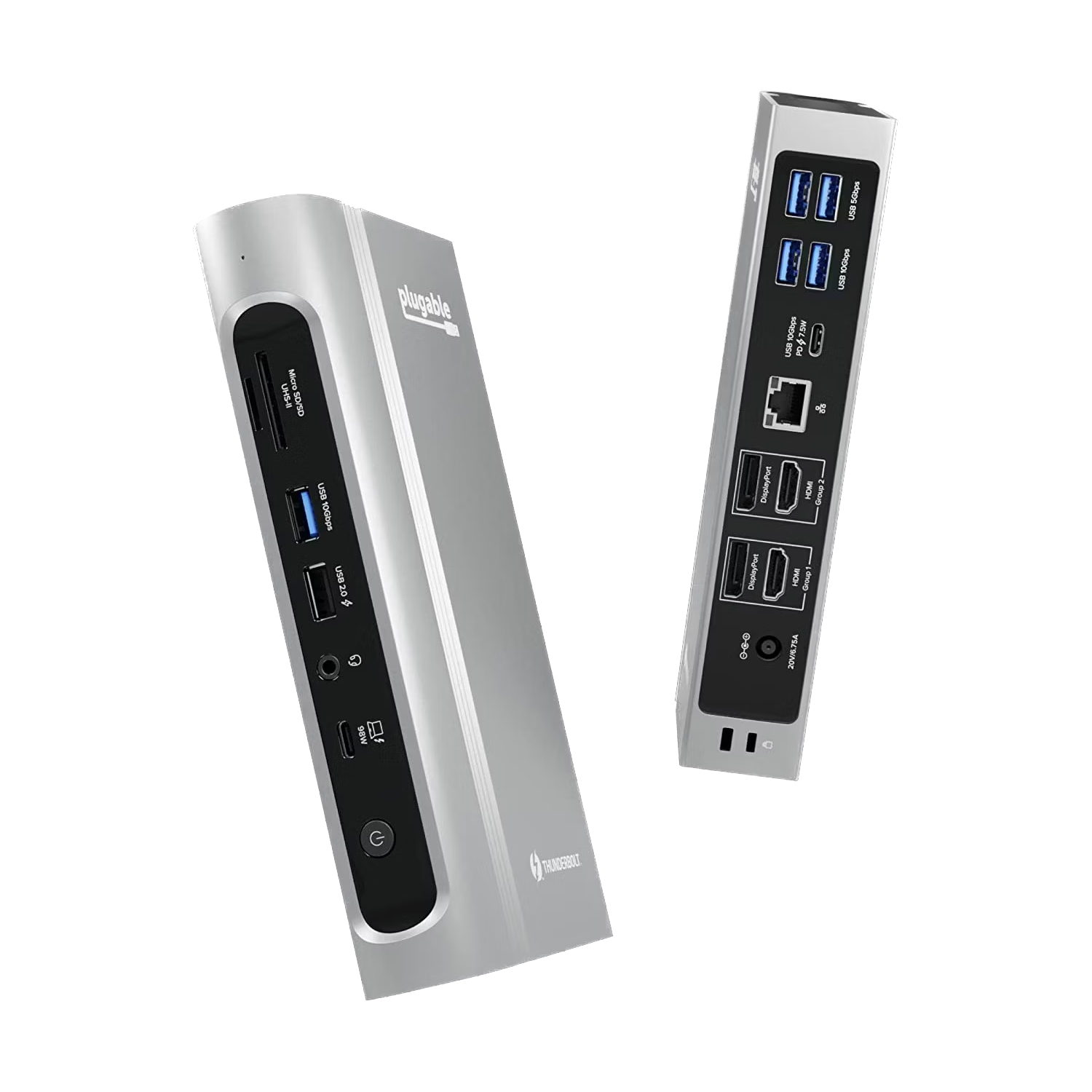
Plugable 16-in-1 Thunderbolt 4 Dock
Quad-monitor dock
While the Lenovo ThinkPad T14 Gen 5 has a built-in HDMI 2.1 port to connect a 4K@60Hz display, you can connect far more displays with the Plugable 16-in-1 Thunderbolt 4 Dock. It has two HDMI ports and two DisplayPorts, allowing you to potentially connect up to four additional 4K@60Hz displays. It also has 100W power delivery and a wide selection of charging and data I/O options.
-
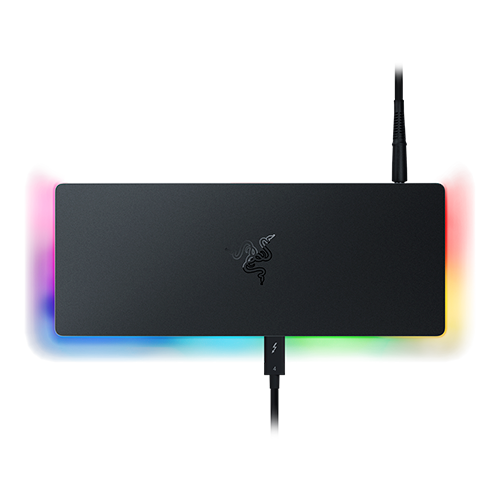
Razer Thunderbolt 4 Dock Chroma
Best RGB
$300 $330 Save
$30The Razer Thunderbolt 4 Dock Chroma is an excellent Thunderbolt 4 dock for the Razer Blade 14. It has RGB lighting on the side that’ll match gaming-themed setups, plus it packs 10 total ports, including Thunderbolt 4, HDMI, Ethernet, and SD card slots.
-
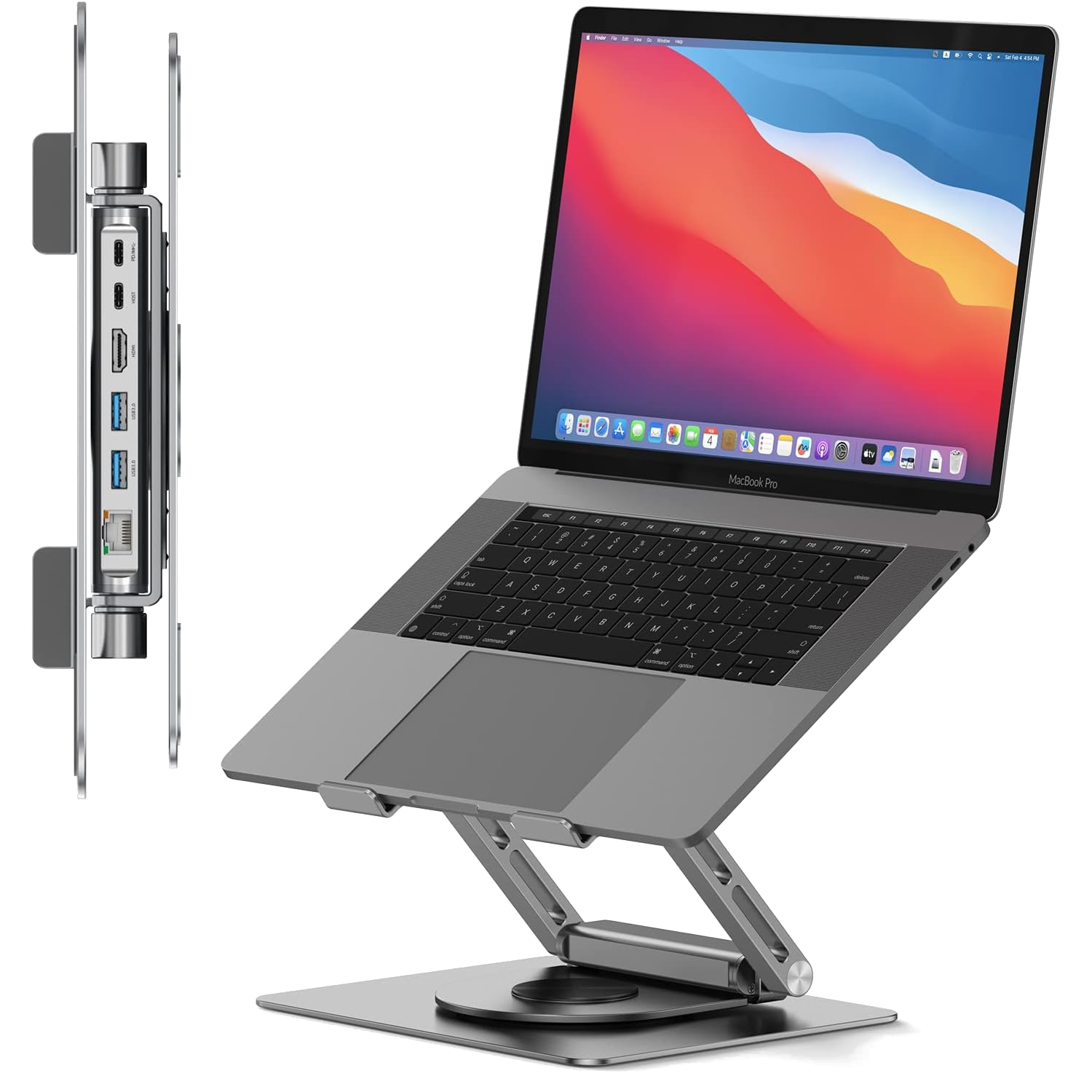
Tobenone USB-C Docking Station Stand
Docking station stand combo
The Lenovo ThinkPad T14 Gen 5 may have the horsepower to replace a desktop setup but it is quite uncomfortable to use at a desk without a laptop stand. The Tobenone USB-C Docking Station Stand alleviates this by elevating and angling your laptop’s display for easier use. It also has plenty of ports to connect a proper keyboard and mouse to complete the ideal desktop setup.
-
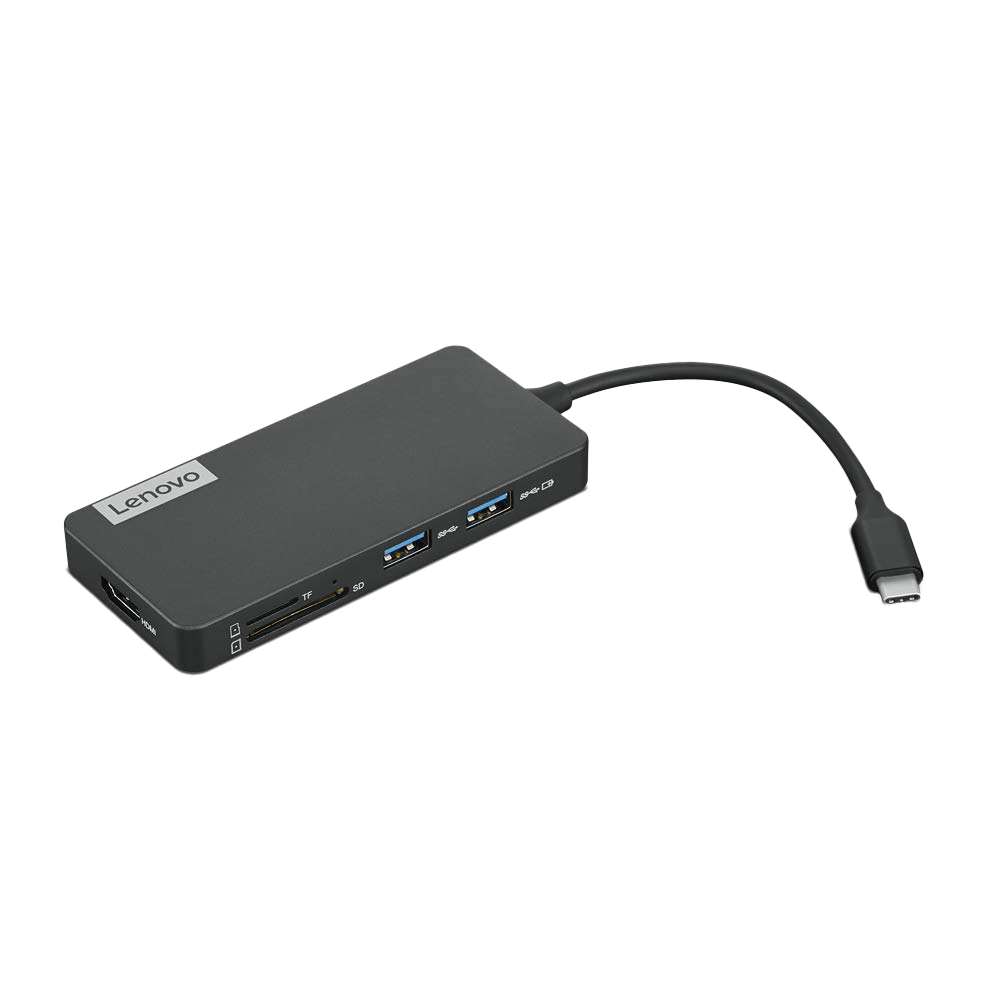
Lenovo USB-C 7-in-1 Hub
HDMI USB hub
$64 $80 Save
$16If you want a more portable hub to add ports to your laptop, this one from Lenovo may do the trick. It gives you three USB Type-A ports, HDMI, and a couple of card readers, plus it supports passthrough charging via USB-C. It’s very compact, too.
-
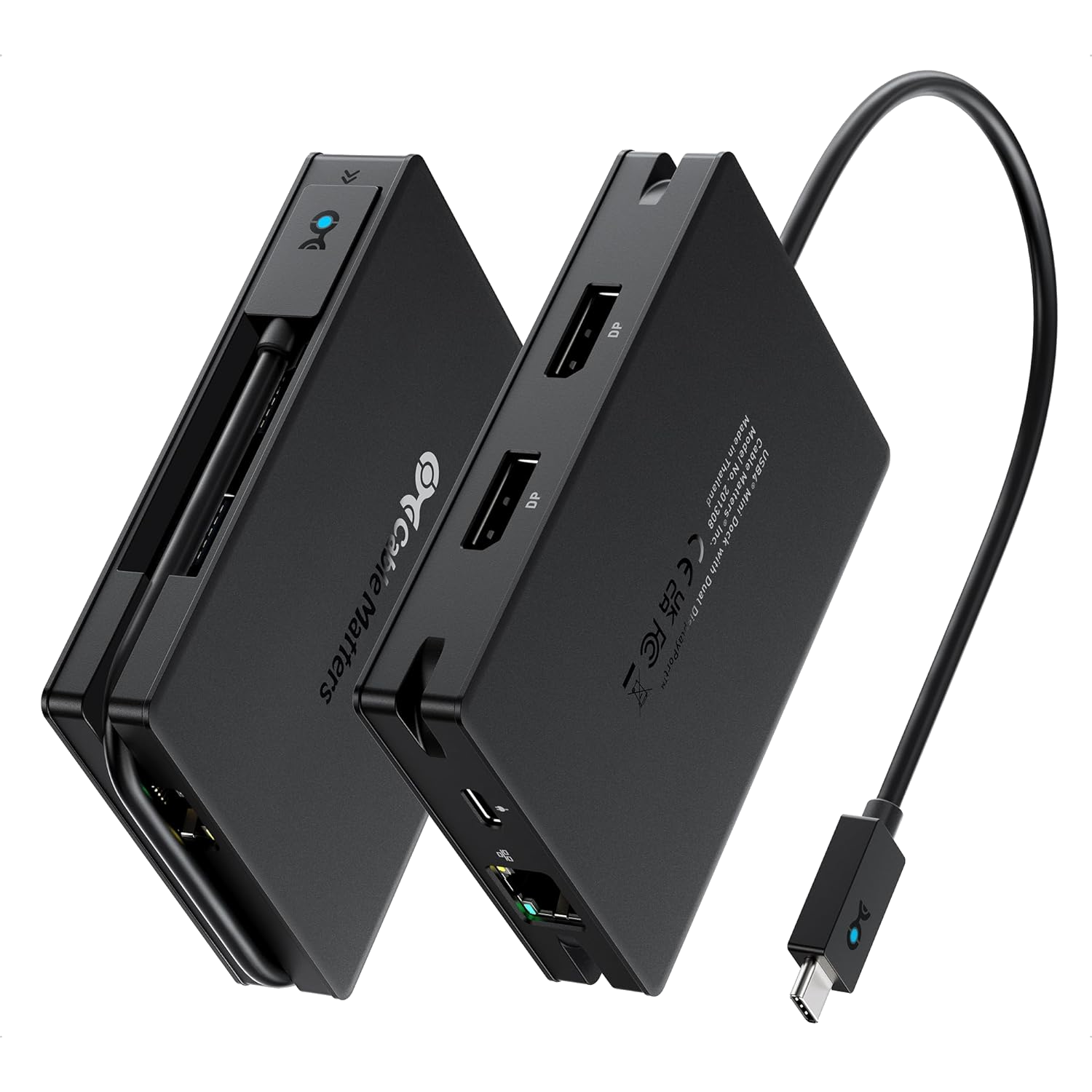
Cable Matters 8-in-1 USB4 Hub
DP USB hub
The Cable Matters 8-in-1 USB4 Hub is fairly similar to the Lenovo USB-C 7-in-1 Hub in terms of its port selection, except it features two DisplayPort 1.4 ports for external displays instead of another HDMI port. Additionally, it offers 100W power delivery, which means it feels more appropriate to include in the docking station conversation than to list among other non-powered USB hubs.


Best Lenovo ThinkPad T14 Gen 5 docking stations: The bottom line
Considering that the Lenovo ThinkPad T14 Gen 5 comes equipped with two Thunderbolt 4 ports, two USB-A ports, one HDMI 2.1 port, an Ethernet port, a 3.5mm audio jack, a Nano SIM slot, and a Smart card reader, you might think it doesn’t need a docking station. And depending on how you plan to use yours, it may not. But for those who like to hook into a suite of peripherals at home but still be able to grab their laptop and go, a docking station is still extremely useful.
If that’s all you need out of a docking station, we suggest you simply go with the ThinkPad Universal Thunderbolt 4 Dock, which has a solid selection of ports and sufficient power delivery for the price. However, the Anker 777 Thunderbolt Docking Station is a compelling alternative for those trying to save some cash. There are even compelling powered USB hub options like the Lenovo USB-C 7-in-1 Hub and the Cable Matters 8-in-1 USB4 Hub. But at the end of the day, the best choice for you depends on exactly which peripherals you want to connect to your laptop. So you can’t go wrong by counting up the peripherals you plan to use and then going with whatever fits them all.

Related
Lenovo upgrades its most popular ThinkPads with AI and a 5MP webcam
Lenovo has announced the latest ThinkPad T14 and T16 laptops with some big upgrades. There’s also a new tablet and a convertible.
#docking #stations #Lenovo #ThinkPad #T14 #Gen
source: https://www.xda-developers.com/best-docking-stations-for-lenovo-thinkpad-t14-gen-5/


