

When we think of overclocking a computer, we generally think of an expensive gaming PC being pushed to its limits for the best gaming experience. But did you know you can also overclock your Raspberry Pi relatively easily?
However, this may not be necessary for everyone. If you want to push your Raspberry Pi 5 to its limits, or if you want to give your older model Raspberry Pi a breath of new life, here are four reasons to overclock your Raspberry Pi.
4 Learning how to overclock
Practice makes perfect
It can be daunting for beginners to learn how to overclock hardware on an expensive desktop. Overclocking your Raspberry Pi could teach you the basics before you try anything on your PC. Learning how to overclock on a +$500 CPU can be pretty nerve-racking, as any potential mistake you make could cost you dearly.
So, instead of overclocking your desktop with shaky hands, try overclocking your Raspberry Pi first and learn the basics of how to safely increase the core clock speed and voltage of your device, while maintaining stability and avoiding crashes.

Related
How to safely overclock your CPU: A beginners guide to unlock more performance
If you want to get into overclocking, whether for your Intel or AMD CPU, here’s where to start.
3 It’s a free upgrade
Cheaper than upgrading to a newer model
Source: Unsplash
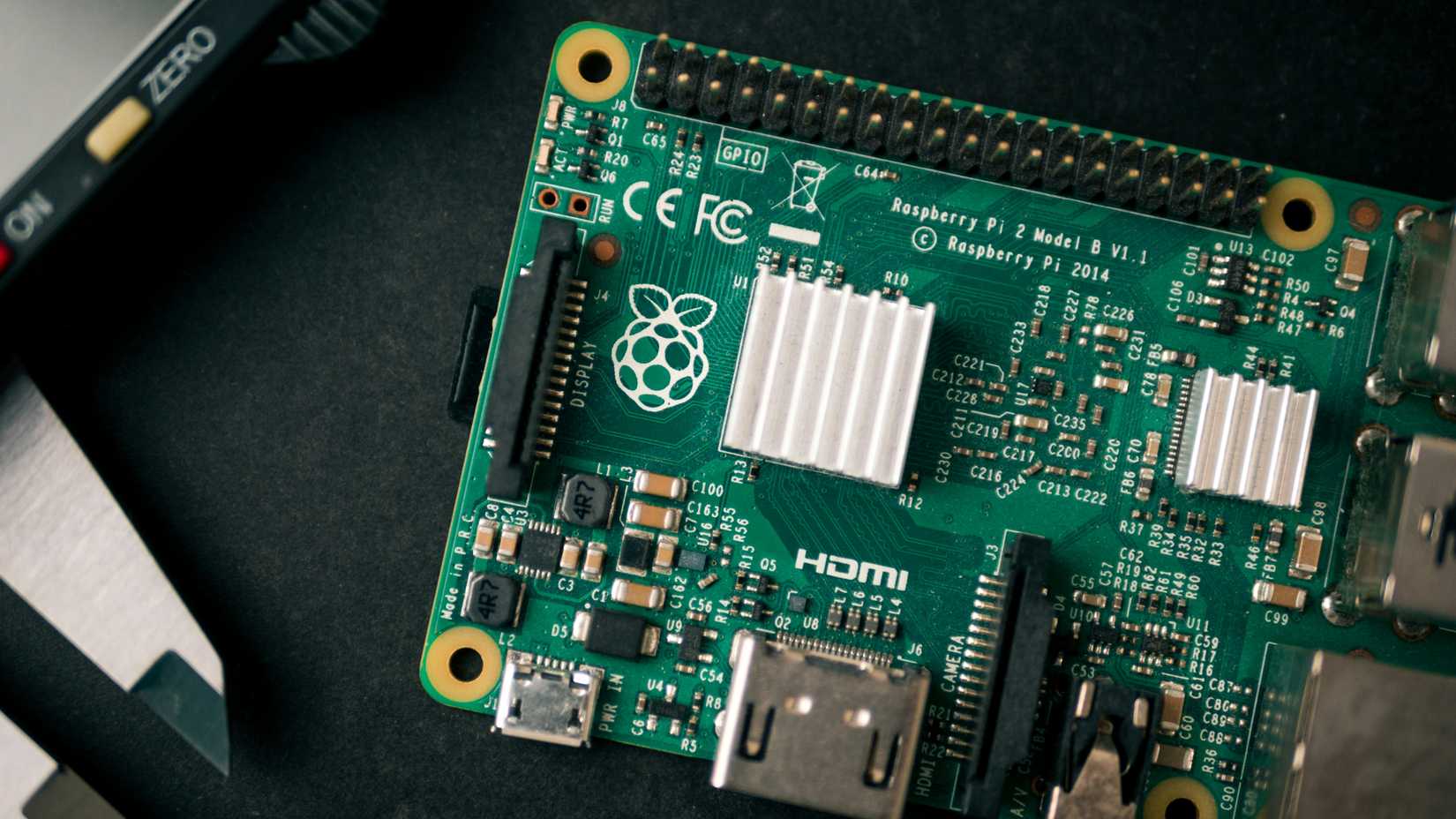
Since you have already bought and paid for your current Raspberry Pi, you might as well get the most for your money. While it may be tempting to just go out and buy the newest Raspberry Pi when yours starts feeling a little sluggish, the truth is that there is still a lot of unused power in your current model.
On the other hand, if you need more power but can’t afford to buy a newer model Raspberry Pi at the moment, then overclocking your current model could give you enough of a boost to stave off shelling out the money for a newer model.

Related
10 simple Raspberry Pi projects for beginners
You don’t need to be a DIY god to create these projects with your Raspberry Pi
2 Running more powerful applications
Make a Pi that rivals a PC

Another reason to overclock your Raspberry Pi is so that you can use more powerful applications on the device without lag or crashes. Raspberry Pi 3 and later models have all been touted as desktop replacements, but you may need to add a little more power if you want it to run certain applications.
For example, if you want to use your Raspberry Pi as a retro gaming station, then you will need to run applications like RetroPie or Recalbox. These applications were made for the Pi but are still notorious resource hogs, so if you are using anything older than a Raspberry Pi 4 you are going to have a hard time with stability without overclocking it first.
This is also the case if you want to turn your Raspberry Pi into a media streaming device. To do so, you will need to use an application like OSMC or Plex Media Server. Although not as resource intense as making a retro gaming rig, these programs can still cause lag or slow playback on older Raspberry Pi models. Overclocking your Pi may just give you the boost you need to get things running properly.

1 Improved performance
Faster, smarter, and hotter
If you are using your Raspberry Pi every day in place of your laptop or PC, then you may find that all the software you use will slow it down considerably. Overclocking your Raspberry Pi will help mitigate the resource bottleneck and give you a boost in both speed and performance on the device. This will help your Raspberry Pi boot and open applications faster, run more resource-intensive tasks, reduce lag, and just make your tiny PC snappier overall.
Overclocking isn’t just a free upgrade though, it will come at the cost of increased heat and a lot of settings tweaks in order to run the system smoothly. On top of this, depending on how much you want to overclock your Raspberry Pi, you may need to buy an additional heatsink or fan so that your Pi does not crash from overheating.

With great power comes great responsibility
There are many valid reasons for wanting to overclock your Raspberry Pi, whether you want to make a retro gaming console, use more powerful applications, or just want to beef up your older Raspberry Pi for a new project. At the end of the day, if you enjoy building DIY Raspberry Pi projects or want to use it as your daily work PC, then you might as well use all the power it offers.
#reasons #overclock #Raspberry
source: https://www.xda-developers.com/reasons-overclock-raspberry-pi/


