

I love SSDs for their blazing-fast read and write speeds; mechanical hard drives are no match for them. I started using SATA SSDs back in 2012, and today, I wouldn’t dare to build a new PC without one. Right now, I use the Corsair MP600 PCIe 4.0 SSD as my primary drive, but that doesn’t mean I’ve completely abandoned HDDs. That’s because there are times when reliability matters more, for example, when you want to store important personal or work documents.
As impressive as they are, SSDs aren’t all that great for long-term storage. Over the years of using multiple SSDs, I’ve experienced corrupted files and entire drives abruptly failing without warnings, which made me reconsider using them for critical data storage. So, if you’re planning to ditch your good old mechanical hard drive for the sake of speed, think again, because you’d want one to keep some of your data intact over the long haul. Without further ado, let me explain exactly why I don’t prefer using SSDs for long-term storage.
Related
4 ways an HDD is still viable in your PC (though maybe not for gaming)
Don’t think HDDs are dead just yet.
3
SSDs have limited write endurance
Every write cycle brings your SSD closer to failure
SSDs rely on NAND flash memory, which inevitably wears out after a finite number of write cycles. Every time you write data to an SSD and erase it, you use up one write cycle. Most manufacturers specify the write endurance for their SSDs, which is usually in terabytes written (TBW). For instance, the Corsair MP600 2TB I own has a write endurance of 1800 TBW, whereas the Samsung 990 Pro 2TB has a write endurance of 1200 TBW. This means that if you write 500GB every day to the Corsair MP600, you’ll hit its rated TBW in 10 years.
Although this isn’t an issue for casual users, the limited write endurance of SSDs can be a concern for data hoarders who constantly rewrite large files and video editors who work with raw 4K or 8K footage. Before I bought the Corsair MP600, I had the Samsung 850 EVO, which had a write endurance of just 150 TBW, meaning it wasn’t designed to last nearly as long. I managed to exceed its write limit sooner than expected, leading to write errors, data loss, and corruption without warning. So, if you wish to preserve your childhood photos or personal documents for several years, avoid storing them on an SSD—especially a cheap one.
2
Data retention is worse than HDDs
Leaving an SSD unpowered for years is risky

When I first started using SSDs, I was under the impression that I could just leave them on the shelf for a few years and access all my data whenever I wanted. But unfortunately, that’s not how NAND flash memory works. The data stored in each cell leaks over time; the electric charge used to represent a bit can degrade, and if you don’t power on the drive periodically to refresh the NAND cells, those bits can become unreadable. This is called charge leakage, and it gets worse with SSDs using lower-end NAND flash memory.
Most consumer SSDs these days use TLC and QLC NAND flash memory, which aren’t as great as SLC and MLC SSDs at data retention. For instance, TLC SSDs can typically retain data without power for around 3 years, whereas MLC and SLC SSDs can retain data for up to 5 years and 10 years, respectively. I once removed the Samsung 960 EVO from my old laptop before selling it, thinking I’d install it on a PC at some point to access my old data, but by then, some of the files on it were corrupted or unreadable, even though the drive itself was healthy. That’s when I learned first-hand that SSDs are optimized for active use, not passive storage.
1
SSDs don’t handle sudden power loss well
Abrupt shutdowns can cause data loss or file corruption
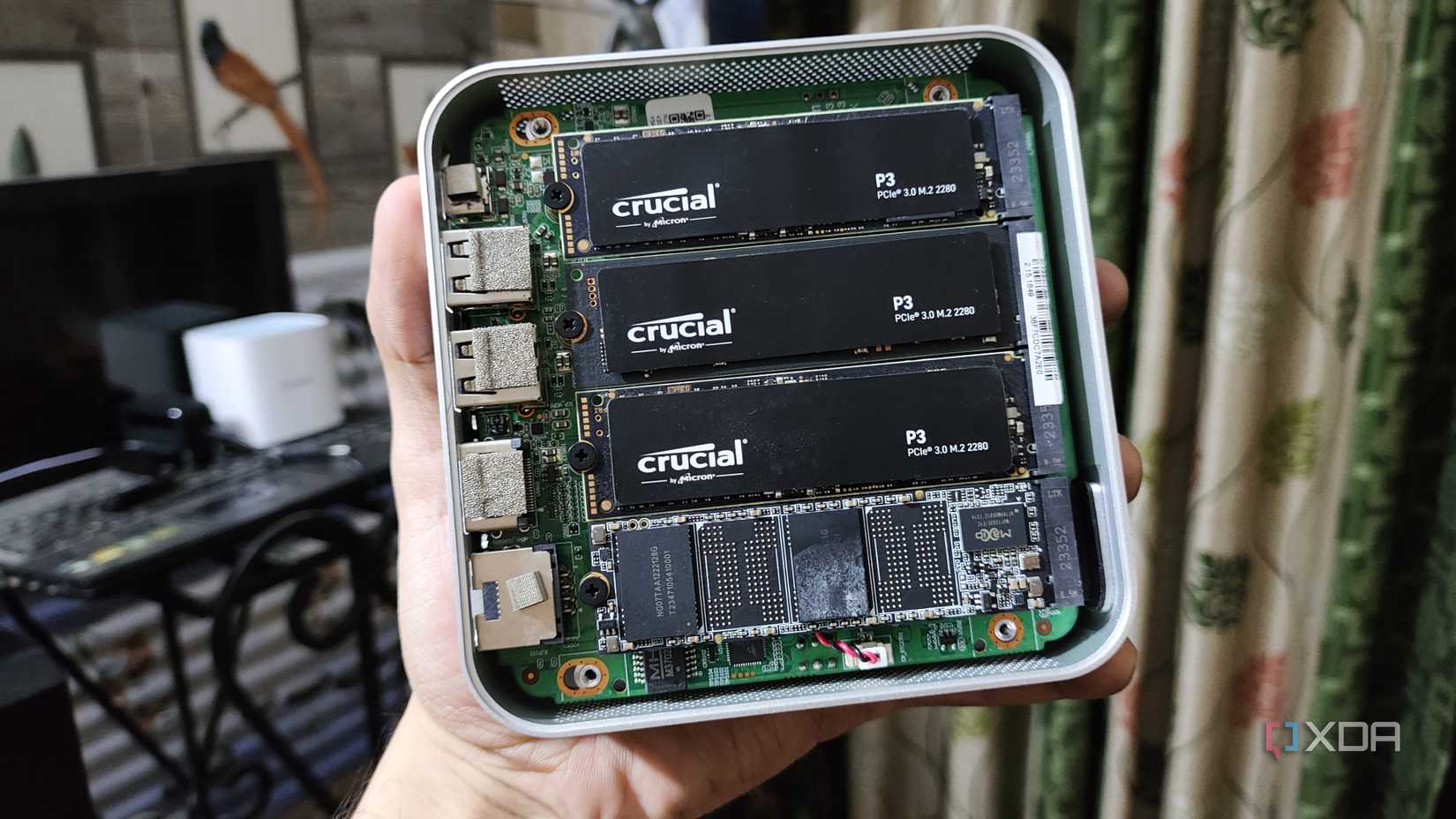
I live in a country where power outages are pretty common, and I’ve encountered them multiple times, specifically during write operations. A sudden power loss during critical write operations can corrupt data blocks and make recovery impossible. That’s because SSDs often utilize complex caching mechanisms and intricate wear-leveling algorithms to optimize performance. During an abrupt shutdown, these processes might fail to complete correctly, leaving your data corrupted.
I remember when my PC suffered an abrupt power loss during a Windows update, which ended up corrupting my OS files. My only option was to clean install Windows and start from scratch, which meant losing important files that I’ve had on my PC for several years. Unfortunately, consumer-grade SSDs don’t offer the same level of power-loss protection as enterprise SSDs. So, if you can’t guarantee a stable power supply at all times, relying solely on SSDs for long-term storage needs may be a bad idea.
SSDs prioritize performance over reliability
There’s no doubt that SSDs offer blazing-fast transfer speeds, but that can’t compensate for their critical drawbacks in long-term storage applications. As you’ve probably learned by now, relying solely on SSDs for archiving your personal documents is risky, which is exactly why I still recommend having a mechanical hard drive in your PC in 2025. Until NAND technology fundamentally changes, high-speed SSDs will likely never earn my trust as a reliable long-term storage solution. For now, I believe a hybrid storage solution will give you the best of both worlds.

#reasons #I039ll #trust #SSD #longterm #data #storage
source: https://www.xda-developers.com/why-i-never-trust-ssd-for-long-term-storage/


