

The best RAM for one of the top Intel processors
The Intel Core i7-14700K is a powerful processor with plenty of cores for handling the most intensive games and software. To get the most out of the chip, I’d recommend using DDR5 RAM, which is the fastest available for desktop and laptop PCs. The more memory available, the faster your system will run before having to store temporary data on slower storage drives. I’ve rounded up the best RAM kits for use with the Core i7-14700K for you to build a great PC. I’d recommend 16GB or 32GB of RAM with a new build.
-
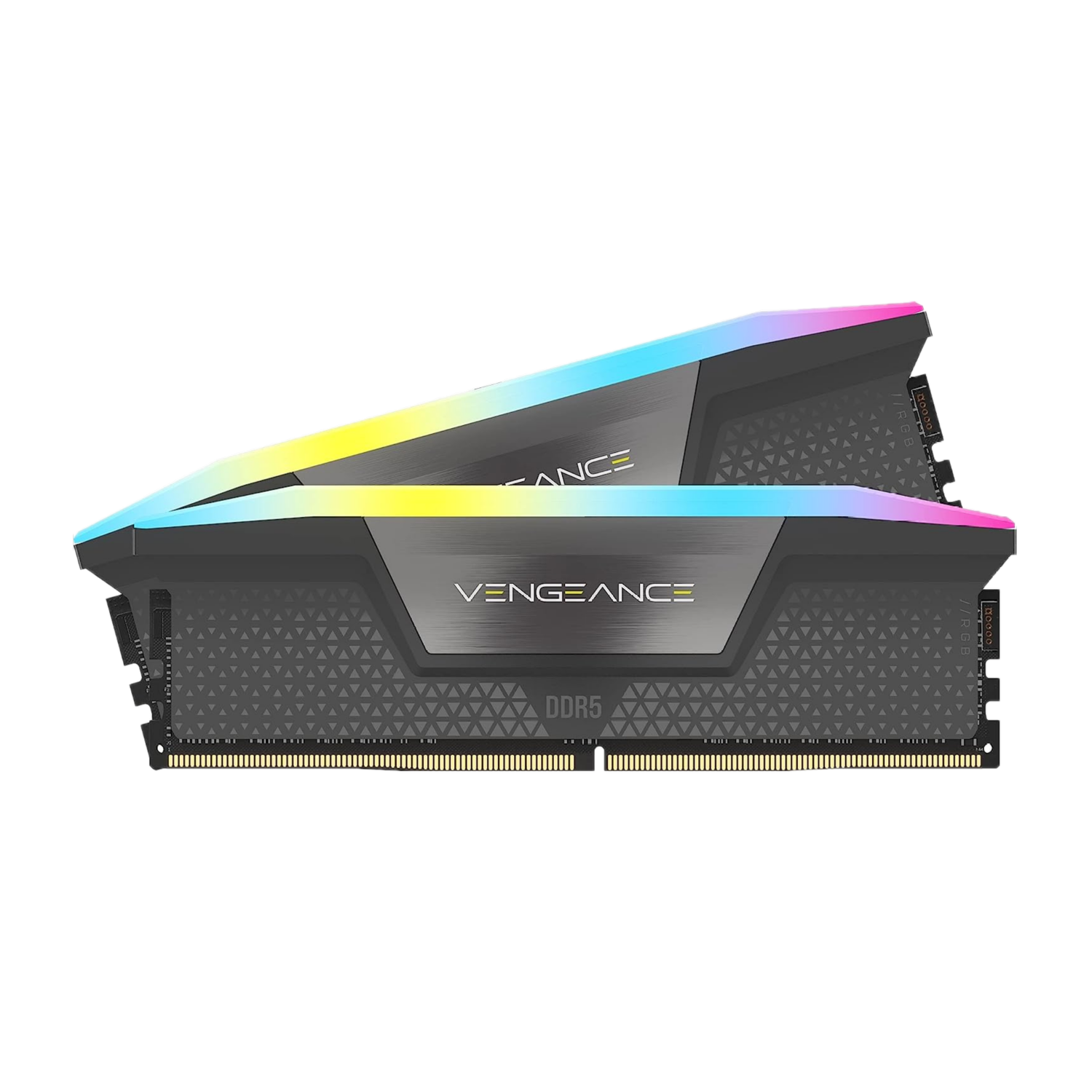
Corsair Vengeance Pro RGB DDR5-6000 32GB
Best RAM
$115 $128 Save
$13This RAM kit from Corsair is excellent for running the latest software and games. The modules also look amazing with a sleek RGB light bar and 64GB of DDR5-6000. It’ll run seriously well with the Core i7.
-
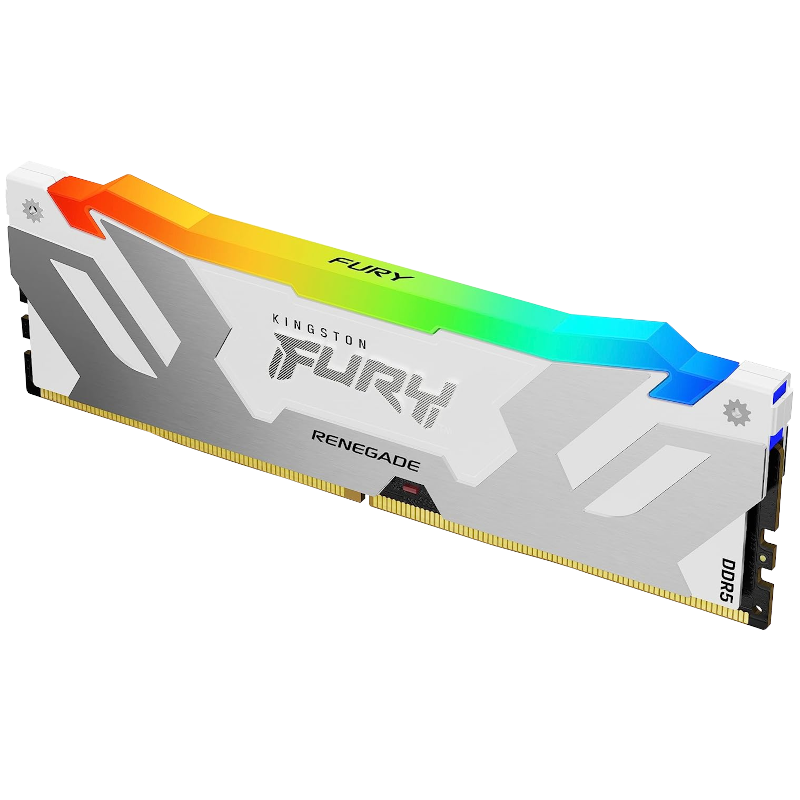
Kingston Fury Renegade RGB 32GB DDR5-6400
Runner-up best RAM
$146 $155 Save
$9If you need more performance, Kingston has you covered with the Fury Renegade RGB DDR5-6400 RAM kit. It’s fast, looks great, and will opne up the Core i7 power floodgates.
-
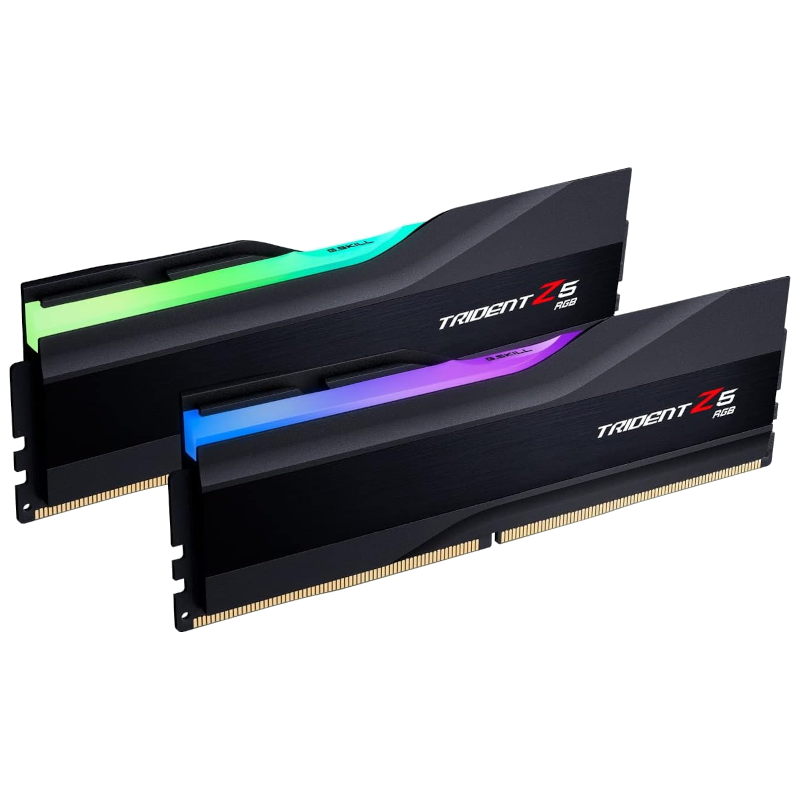
G.Skill Trident Z5 RGB DDR5-7200 32GB
Best performance RAM
$130 $133 Save
$3The G.Skill Trident Z5 RGB DDR5-7200 is a monstrous RAM kit for the Core i7-14700K. It’s rapid, looks incredible, and can even be pushed harder for overclocked systems.
-
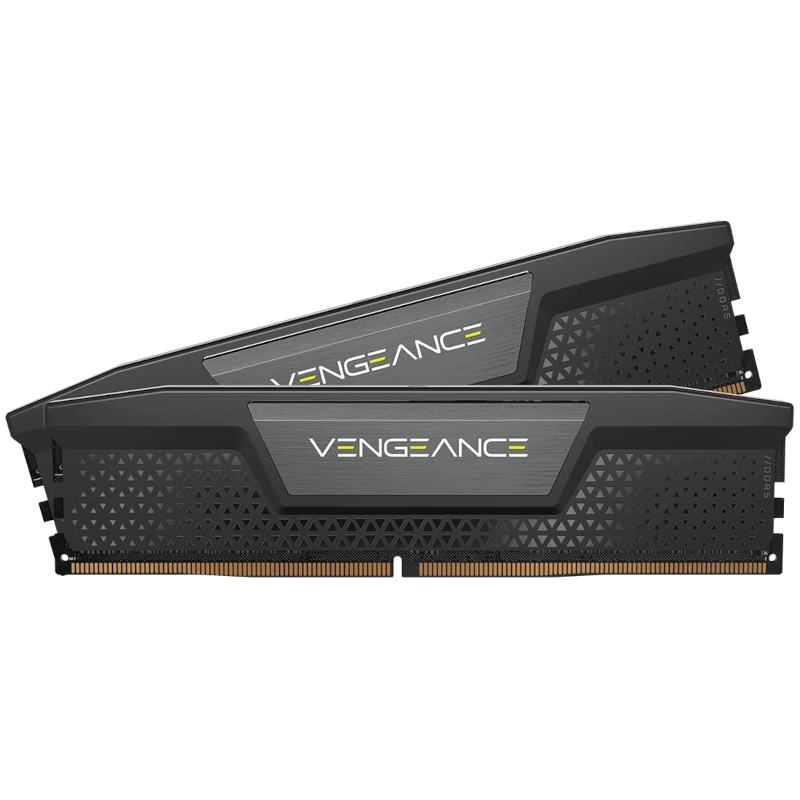
Corsair Vengeance DDR5 RAM
Best value RAM
32GB is plenty of capacity for storing data, but should you require more space, there’s always Corsair’s Vengeance DDR5-4800 kit with a capacity of 64GB. It’s ideal for heavier PC usage.
-
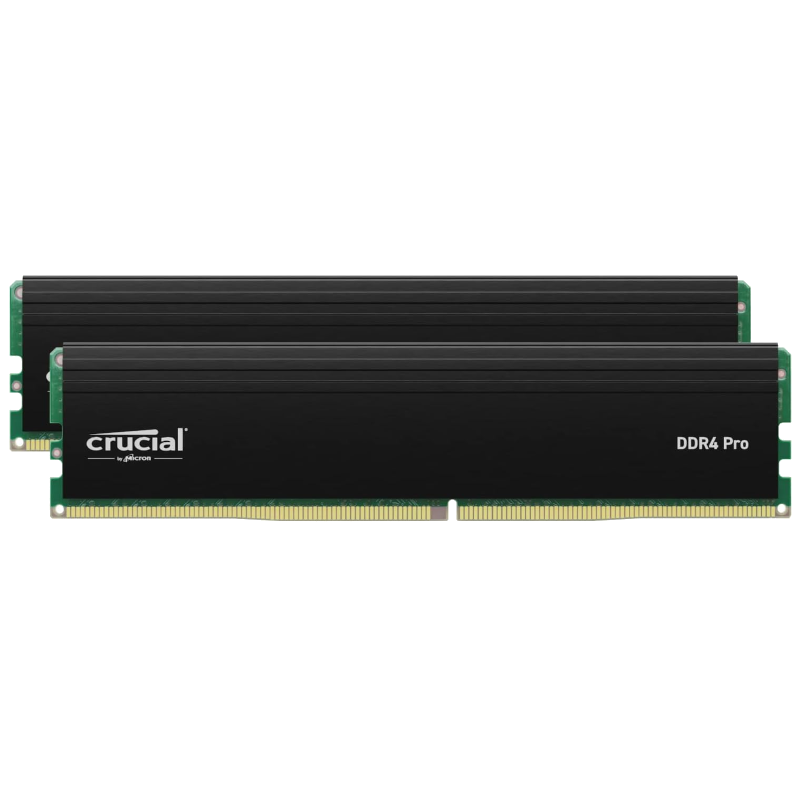
Crucial Pro DDR4-3200 32GB (2x16GB)
Best DDR4 RAM
$59 $95 Save
$36There’s always the potential of saving money and using DDR4 RAM with the Core i7-14700K, which is where this Crucial Pro DDR4-3200 kit comes into play. It costs just $60.
-
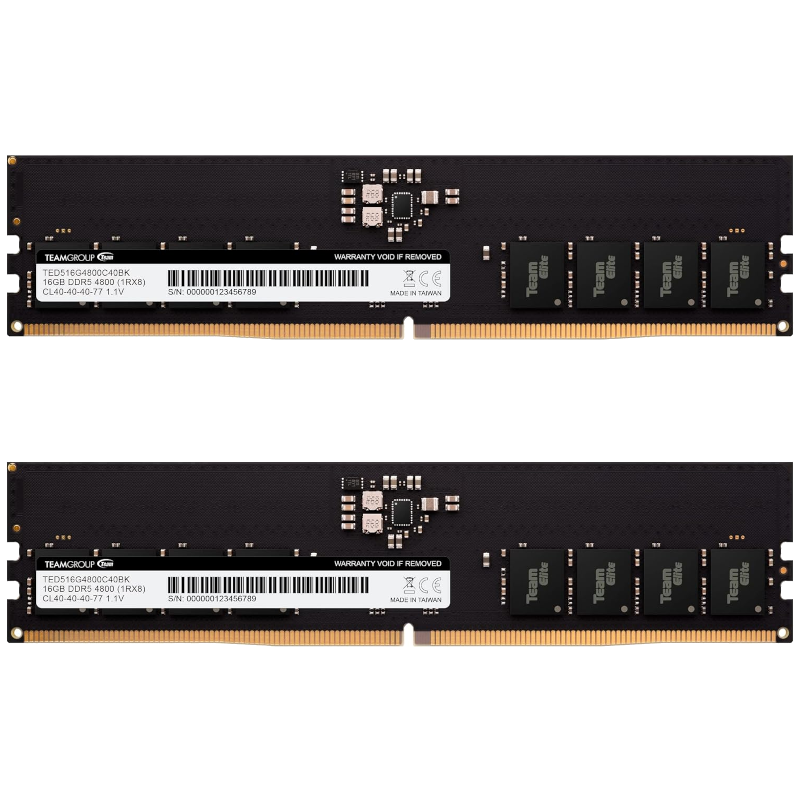
TEAMGROUP Elite DDR5-4800 (2×16) RAM
Best budget RAM
For those on the tightest of budgets, we’d recommend going with something like the TEAMGROUP Elite DDR5 range of RAM. This is a 32GB kit with speeds of 4800MT/s.
-
Corsair Vengeance RGB DDR5
Best capacity RAM
$440 $460 Save
$20Should you work with heavy data, you may need more than 64GB of RAM. This is where this impressive Corsair Vengeance Pro RGB DDR5-5600 kit comes into play.
-
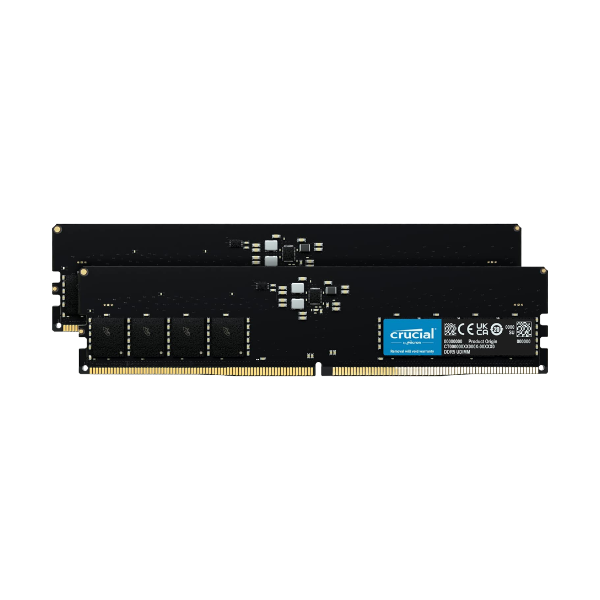
Crucial RAM DDR5
Best cheap RAM
Look no further than this single 8GB stick of RAM from Crucial if you want one of the very cheapest DDR5 options available. It won’t win awards for performance, but you will save a lot.
-
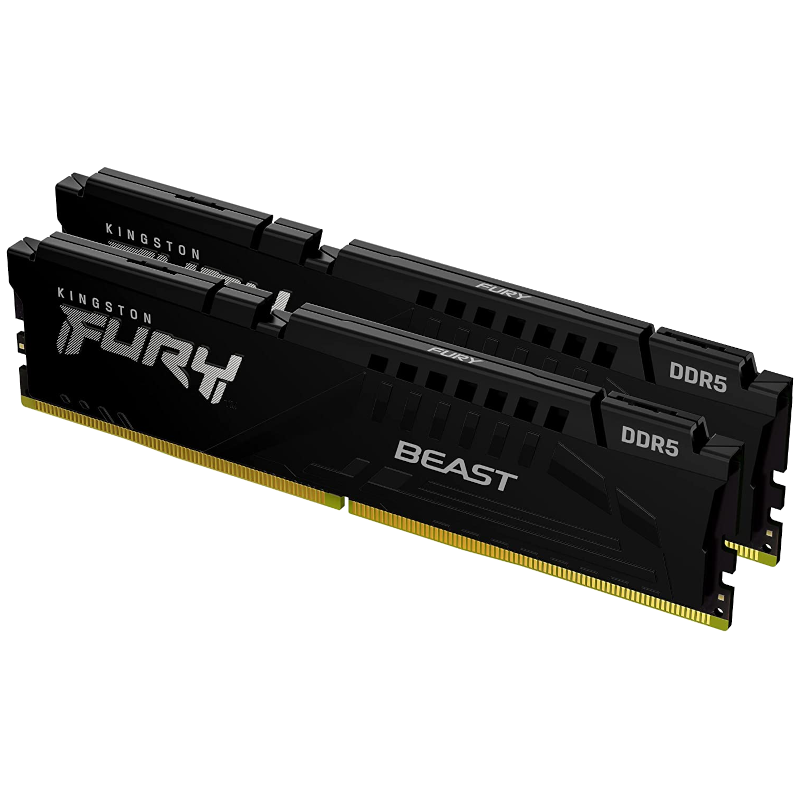
Kingston Fury Beast DDR5
Best for no RGB
$118 $170 Save
$52This 32GB kit of DDR5 RAM from Kingston features 6000MT/s speeds at CL36 timings, but you’re also getting a clean, minimalist design without any annoying bright colors or flashing lights to distract the eye in your build. Plus, this kit is routinely on sale for well under $150.


Choosing the best RAM for the Intel Core i7-14700K
For the best performance with the Intel Core i7-14700K, Intel recommends using either DDR4-3200 or DDR5-5600 system memory. RAM manufacturers work with motherboard partners to offer Extreme Memory Profiles (XMP) to allow the modules to run at faster speeds than what’s officially supported by Intel. The RAM kits found in my collection here will need to make use of XMP to hit advertised speeds, but thankfully, motherboard makers make it easy to activate these through the UEFI BIOS and everything is automated for achieving system stability.
Depending on other components inside your PC, the actual speed results will vary. Even two PCs with identical hardware may achieve different RAM speeds before encountering instability issues. Overclocking components, be it a CPU or RAM, requires trial and error to reach the best results. Whether you should go with DDR4 or DDR5 system memory depends on the motherboard. The two RAM types are not interchangeable, and I’d recommend DDR4 if you already have fast modules with enough capacity. DDR5 RAM is the newer technology and offers enhanced performance through increased transfer speeds and other improvements.
64GB could be considered overkill for most PC builds, but software and games do use more system resources, and we expect this only to increase over time. As such, Corsair’s Vengeance Pro RGB DDR5 kit offers a capacity of 64GB and speeds of 6000 MT/s. If you don’t need 64GB of capacity and wish to save the most money, I’d recommend the TEAMGROUP Elite DDR5-4800 32GB kit for one of the best Intel CPUs.

Related
Intel Core i7-14700K review: The only meaningful Raptor Lake Refresh upgrade
Intel’s i7-14700K is a powerful chip that has four more E cores than last generation, so how does it fare?
#RAM #Intel #Core #i714700K
source: https://www.xda-developers.com/best-ram-for-intel-core-i7-14700k/


