

There is no shortage of note-taking apps out there. However, finding one that balances functionality and security can feel like a daunting task. After trying out dozens of note-taking solutions, it’s Standard Notes that ticked all the right boxes for me. It is truly versatile and offers an eye-catching theming engine and peace of mind with a private note-taking experience. Here are the top features that make Standard Notes a compelling choice for anyone seeking a secure, adaptable, and powerful note-taking solution.
Related
10 best productivity apps every PC should have
Supercharge your workflow with these must-have productivity apps.
6
A true cross-platform solution
Accessible on all your devices

Thanks to Standard Notes’ cross-platform support, you won’t have a hard time accessing your notes on any platform. Unlike some of the note-taking apps (looking at you, Craft and Bear Notes), Standard Notes is broadly available on iOS, Android, Windows, macOS, and even Linux. There is a robust web clipper to find and share information from the web.
There is even a web app that can be useful for situations where a native app isn’t available, such as on Chromebooks or public computers. The sync speed is excellent, and changes and edits reflect across all devices in real time, unlike OneNote.
5
A robust theming engine
Tweak Standard Notes to look the way you want

Standard Notes goes beyond the typical light and dark theme options. It allows users to deeply personalize their note-taking environment. You can switch between different appearance options like Dark, Carbon, Futura, Midnight, Solarized Dark, and Titanium. You can also choose to hide the tags and notes panel to create a personalized setup.
What’s more? There is an option to install a plugin from the Standard Notes community as well. You can head to the Plugins menu in Settings and check the available themes for your account.
4
Flexibility of different note types
Even supports spreadsheets!
Standard Notes might appear like a simple note-taking app, but that’s not the full story. The plain text offers the foundation for a simple, distraction-free writing experience. However, it’s the Super note type that takes your note-taking setup to the next level. It enables rich text formatting, image embedding, tables, code blocks, and much more in your account.
Surprisingly, there is even spreadsheet functionality built right into your Standard Notes account. Of course, Standard Notes doesn’t aim to rival dedicated tools like Excel or Google Sheets, but it does the job with basic databases and formulas. This is a very powerful addition for productivity seekers who often need to deal with small databases in their workflow.
3
Markdown support
Future-proof your notes and documents
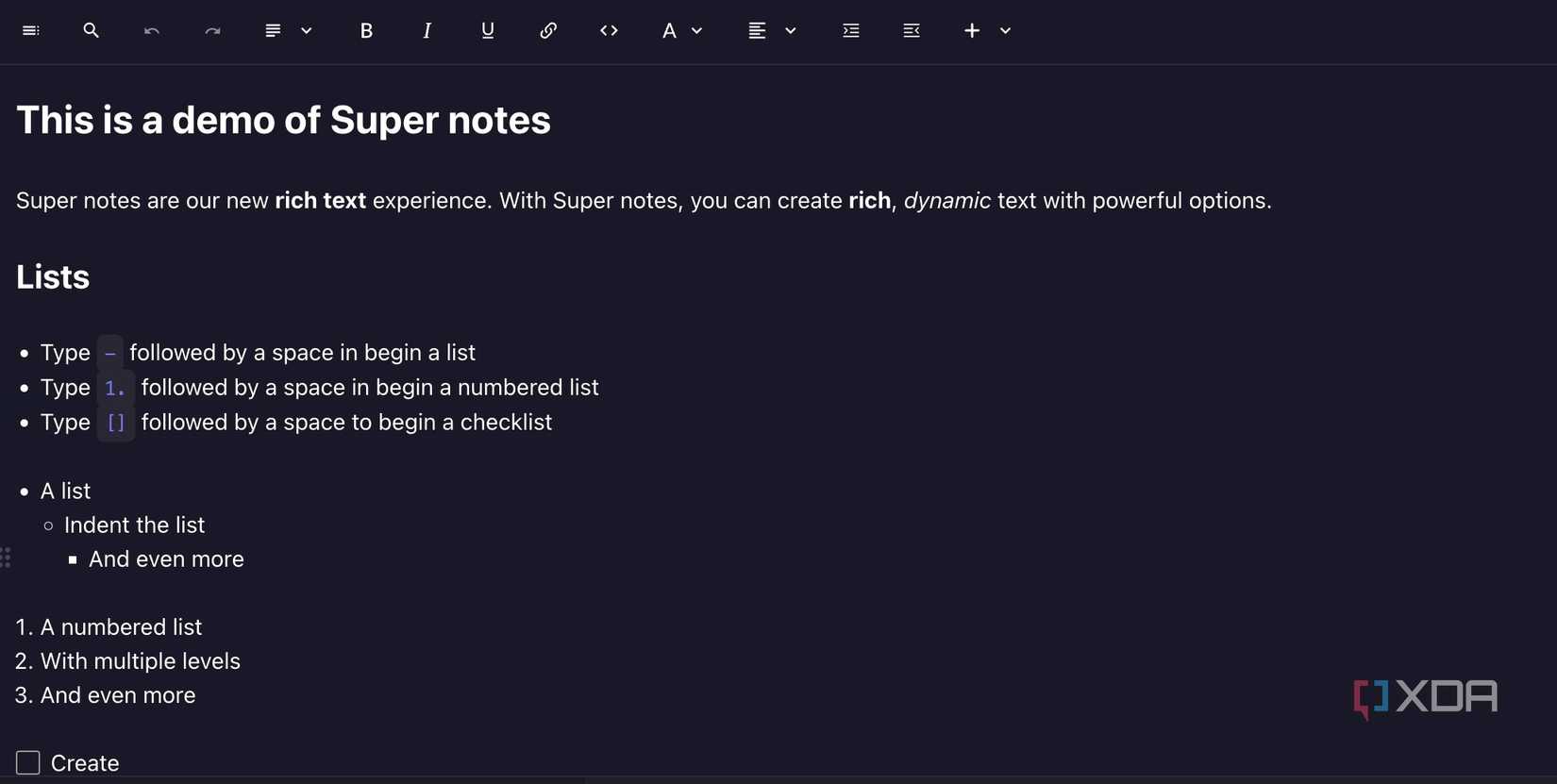
Standard Notes’ Markdown support is a crucial aspect of its flexibility and futureproofing. It allows users to format text using simple syntax, such as # for headings, * or _ for emphasis, and [] for links. This eliminates the need for complex formatting menus and keeps the focus on writing. Standard Notes also supports a dedicated focus mode to hide all distractions on the screen.
Because Markdown is plain text, your notes are not locked into a proprietary format like Evernote or OneNote. You can easily export and import them into other Markdown-compatible applications or platforms like Obsidian and Logseq.

Related
Supercharge your productivity with these top 5 AI note-taking apps
Use automatic transcription, content summarization, and other AI tools to revolutionize how you capture and organize information
2
Excellent search capabilities with smart views
Find relevant notes in no time

While Standard Notes supports tags and folders, Smart Views takes its search capabilities to the next level. It allows you to run complex search queries using a combination of criteria. You can filter notes based on date, title, tags, and content and even use the combinations. For example, you can create a view that shows all notes tagged with todo and edited within the last day. This provides a focused list of your daily tasks.
1
End-to-end encryption and open-source
Keep prying eyes away
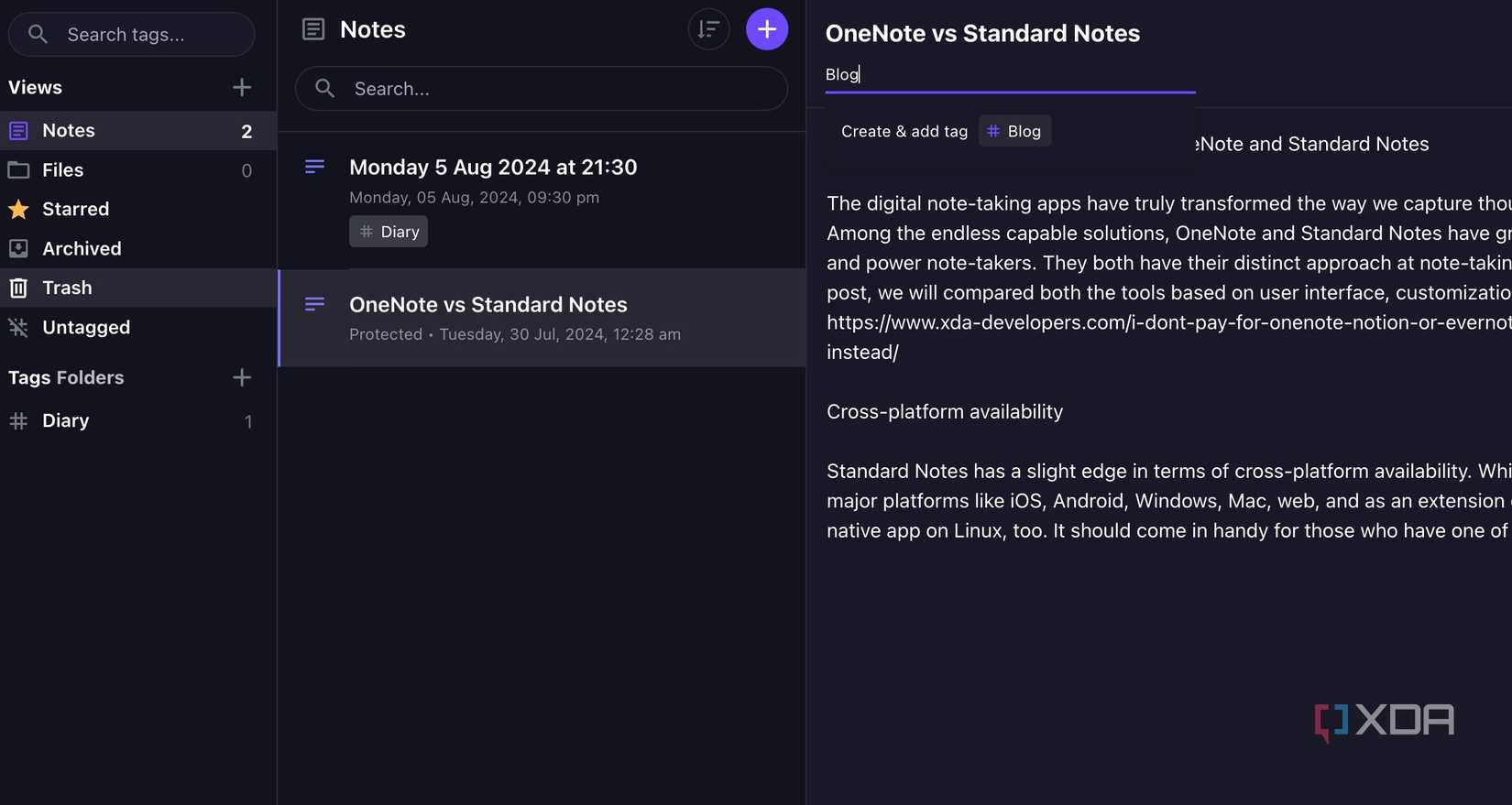
Privacy and security is where Standard Notes stands out among the sea of note-taking apps. First of all, it’s open-source, meaning anyone can inspect the source code and verify the company’s tall privacy claims.
Standard Notes also supports end-to-end encryption. All your notes are encrypted before they are moved to the company servers. E2EE provides strong assurance of privacy and protects your confidential notes from unauthorized access. Read our separate guide if you want to explore more open-source note-taking apps for desktop.
The note-taking revolution
Thanks to its strong focus on flexibility and privacy, Standard Notes clearly emerges as a winner in the note-taking space. However, like any productivity tool, it’s not flawless. I would love to see inking support, more note types, and the ability to set reminders in future updates. These are just nitpicks, though. Standard Notes is still capable in its current avatar, and with a recent acquisition by Proton, I can’t wait to see how the Swiss company takes it to the next level.
If you are an existing OneNote user and looking to switch to Standard Notes, check out our comparison guide to learn all the differences between the two.

#features #Standard #Notes #notetaking #tools
source: https://www.xda-developers.com/features-that-make-standard-notes-one-of-the-best-note-taking-tools-around/


