

The AMD Ryzen 7 9800X3D isn’t quite out yet, but you can bet that two things will be true. First, it’ll be awesome for gaming workloads because the last-gen Ryzen 7 7800X3D is still a powerful processor. The other thing is that it’s fully unlocked, so you’ll be able to overclock the core for the first time on an X3D processor. That makes it worthy of a good motherboard to call home, and that means you’ll want one of AMD’s AM5 motherboards. What’s fantastic here is that every existing AM5 board will support the new CPU as long as it can supply the 120W TDP of power that this gaming beast requires. We’ve rounded up some of our favorites from the existing crop and the new X870/E chipset motherboards that will be great pairings with this 8-core overclockable monster.
-
Editor’s choice
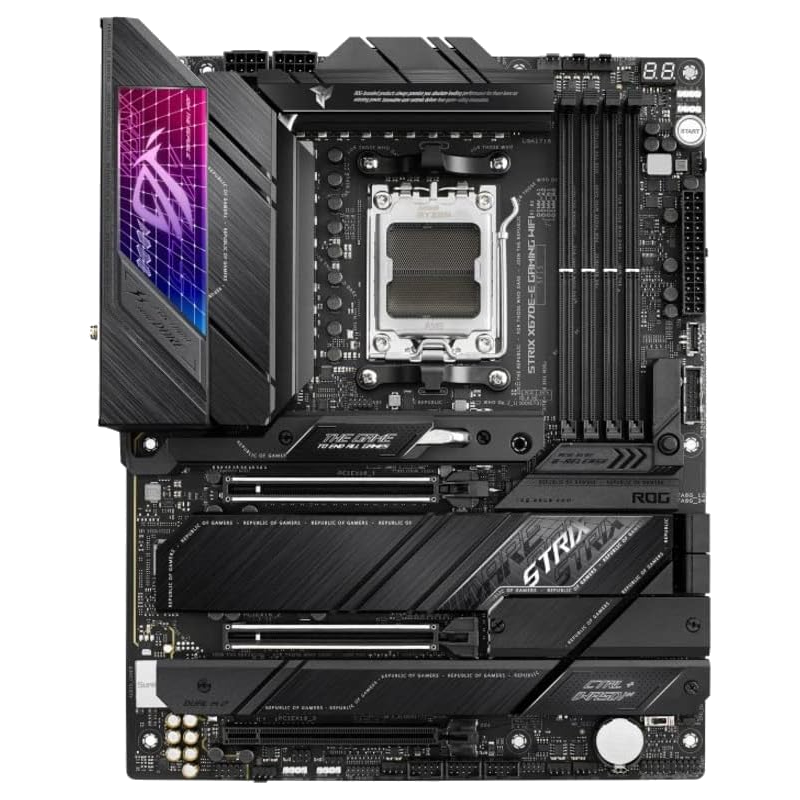
Asus ROG Strix X670E-E Gaming
$400 $480 Save
$80The ROG Strix X670-E Gaming is still our go-to AMD gaming motherboard, even with the new X870E chipsets arriving. It has excellent power delivery, solid build quality, plenty of ports and SSD slots, and PCIe 5.0 connectivity for future GPUs. Plus it looks slick, which always helps when building with the best gaming CPU on the market.
-
Premium pick
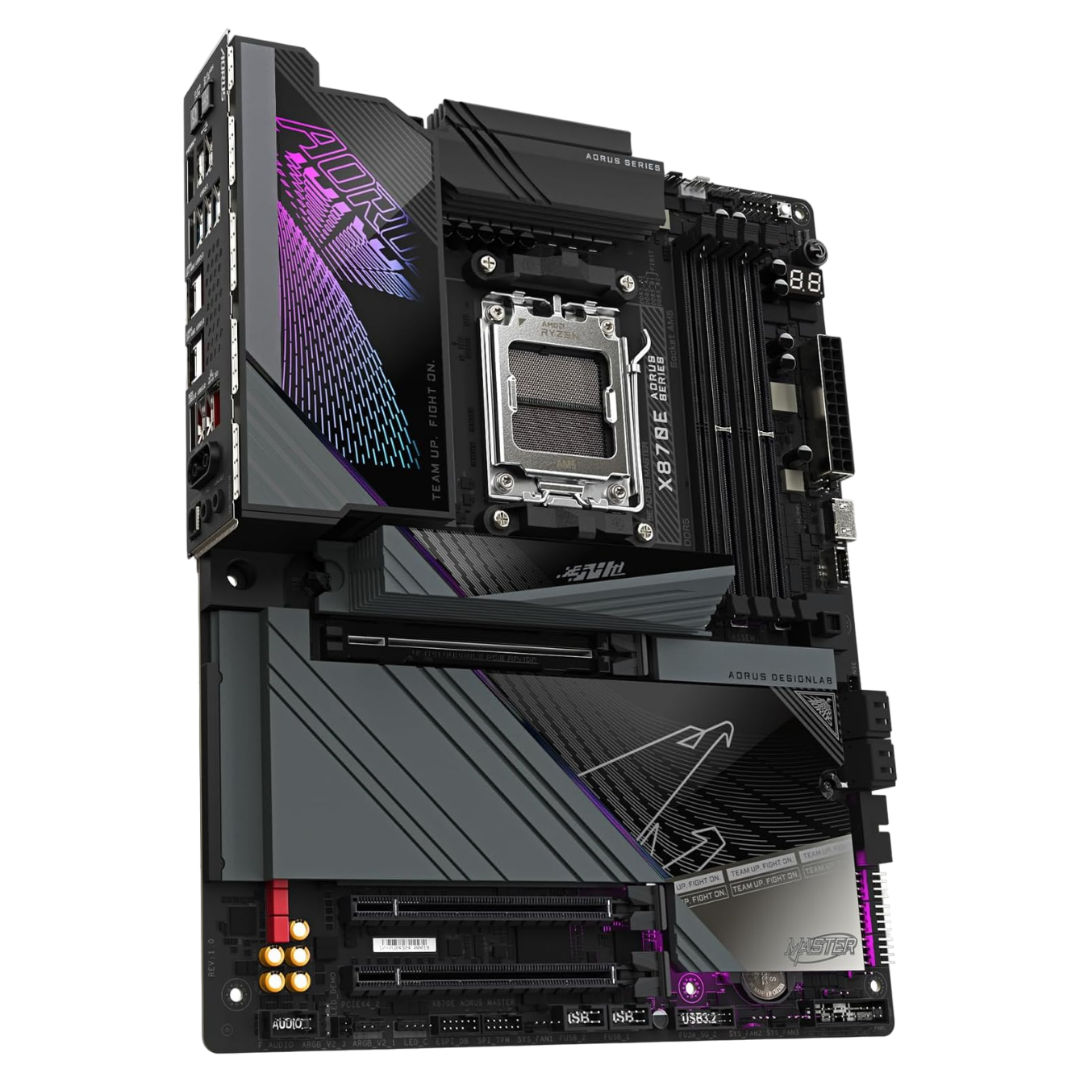
Gigabyte X870E Aorus Master
Enthusiasts looking for every ounce of power out of the Ryzen 7 9800X3D will want a motherboard like this X870E Aorus Master, which has a beefy power stage with 110A VRMs to supply the unlocked X3D chip with as much power as it desires. Plus, you’ll get Wi-Fi 7, 5GbE LAN, two USB4 ports and 10 USB-A for peripheral use.
-
Best value
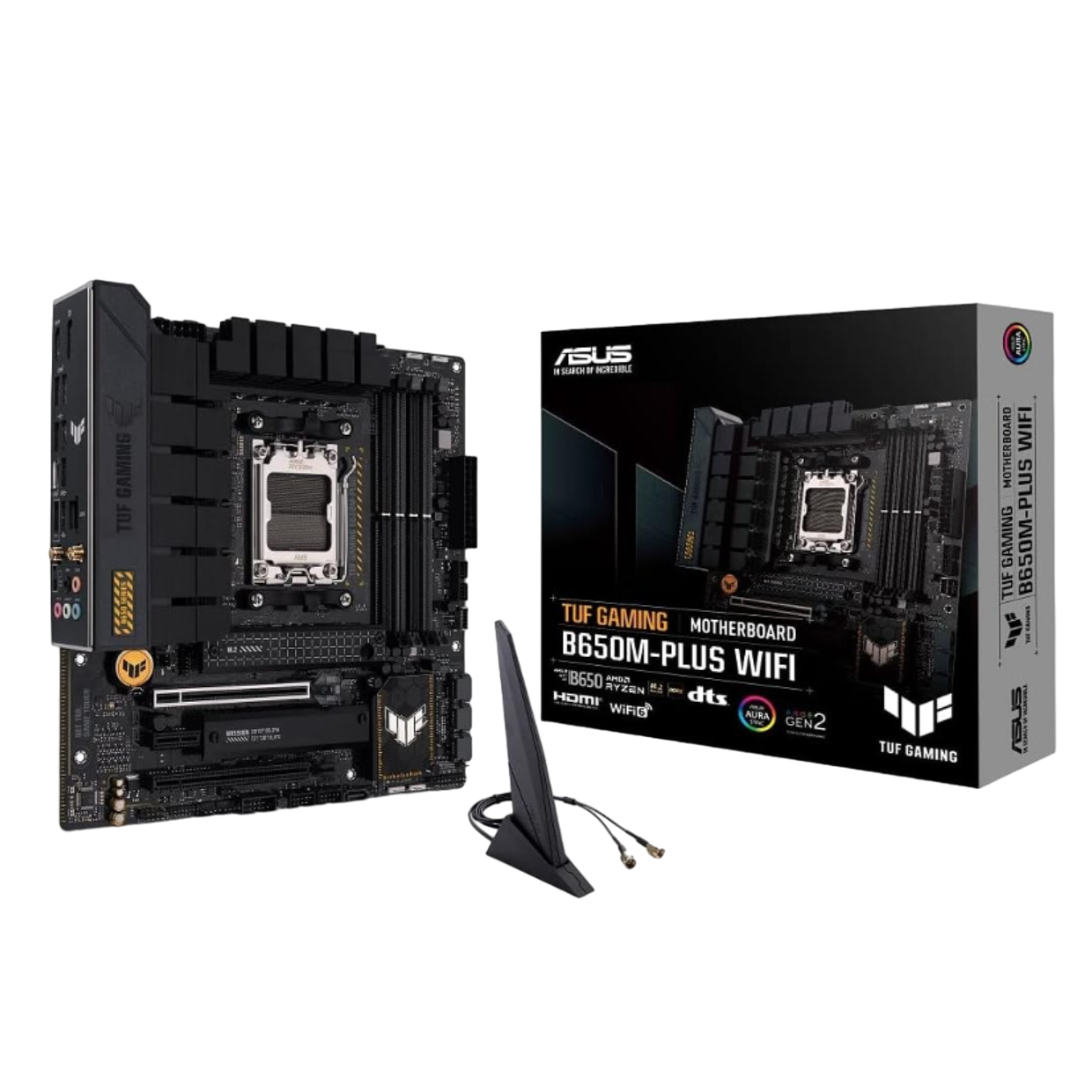
Asus TUF Gaming B650M-Plus Wi-Fi
$198 $210 Save
$12The Asus TUF range is often our go-to for value picks, and this mATX variant of the B650M is an exceptional example of why. With 14 power stages and USB4 support, it’s got everything you need to overclock the 9800X3D while ensuring your gaming accessories are equally cared for. It’s rare to find mATX boards that aren’t aimed at the budget crowd too, and this one is stylish and powerful.
-
Best X870E
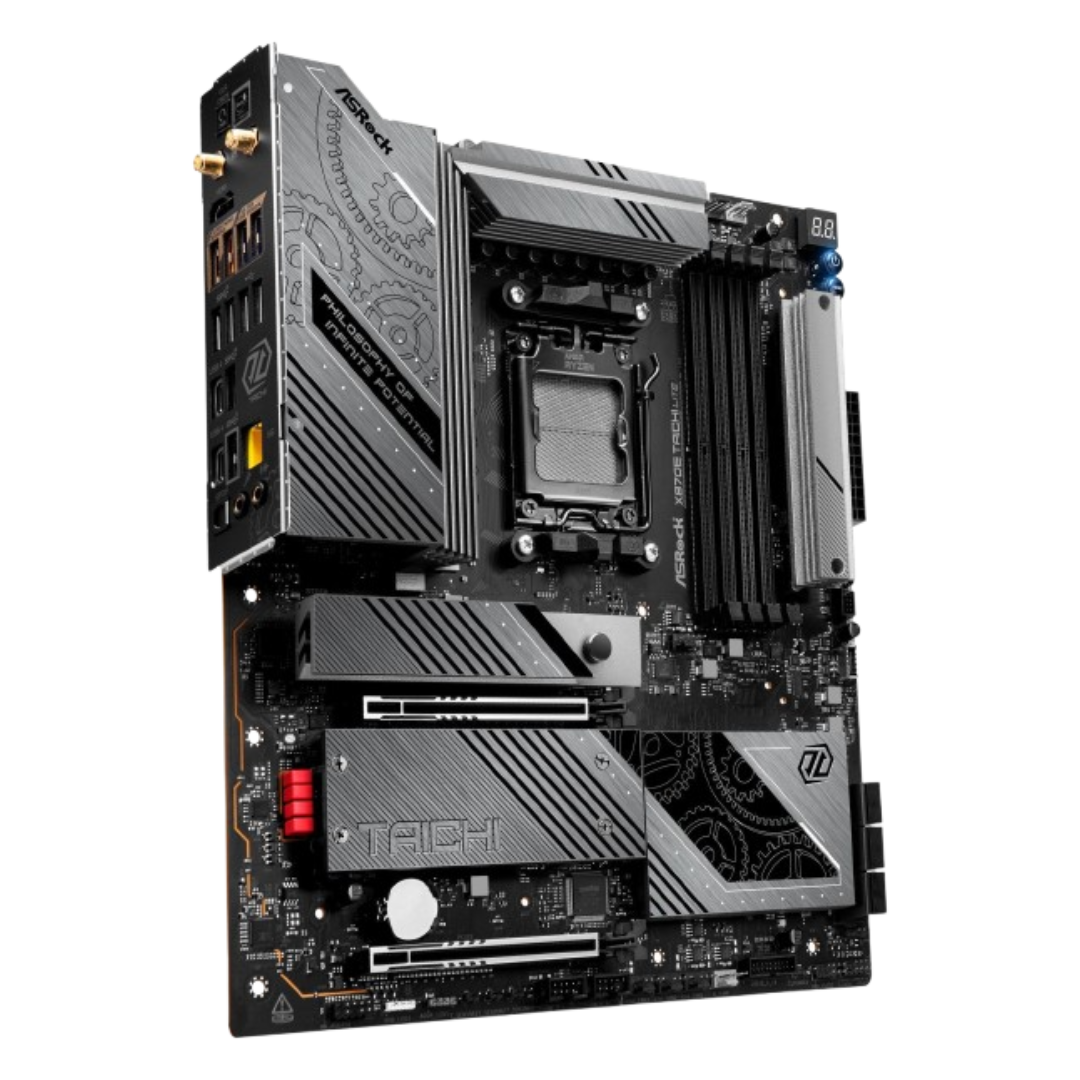
ASRock X870E Taichi Lite
The new X870E chipset is here, which brings USB4 to every board, better networking connectivity, and generally faster I/O. The Taichi Lite was one of our fav boards of last generation, and this time around it’s even better with toolless M.2 slots, and a 24+2+1 VRM solution that will overclock the 9800X3D with ease.
-
Best X670E
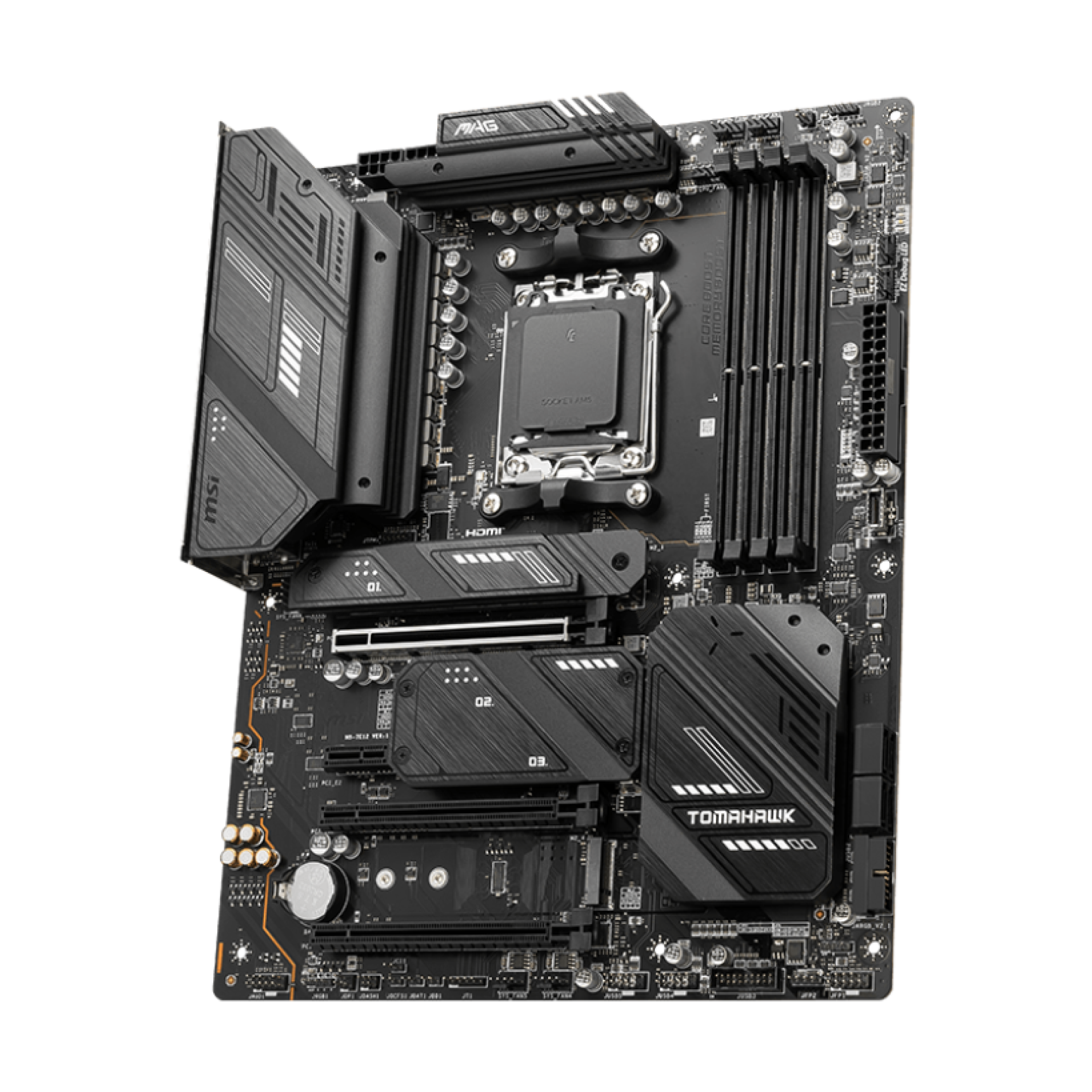
MSI MAG X670E Tomahawk WiFi Gaming
$240 $300 Save
$60Want mid-tier features with a budget friendly price? Go for this MSI MAG X670E Tomahawk which has plenty of power delivery for the X3D chip, good DDR5 support, and a blacked-out design that will fit in most builds. There’s also a X870 version if you want the newest chipset, but that’s $100 more so you get much more value going with the older board.
-
Best X870
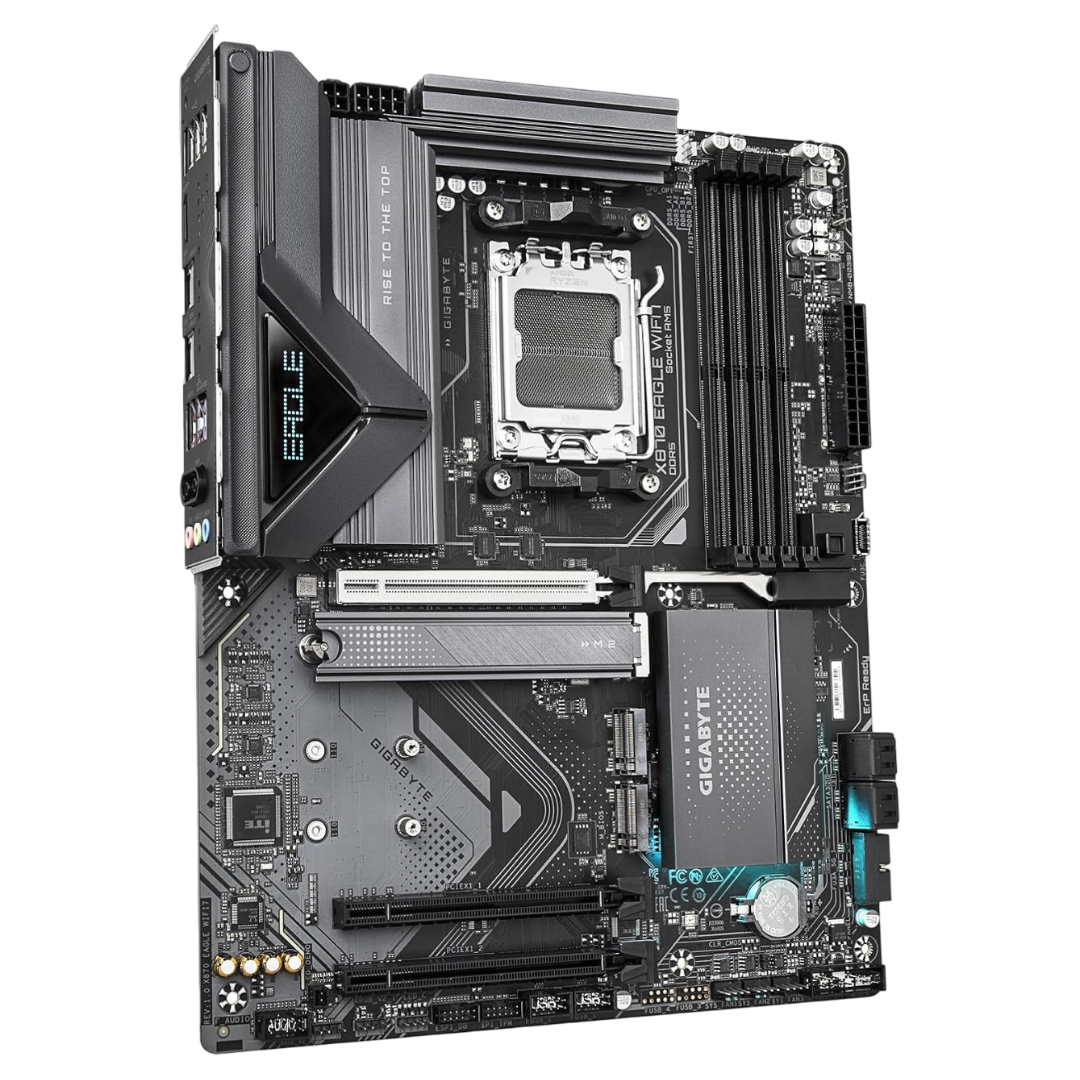
Gigabyte X870 Eagle WiFi7
You don’t have to go for a flagship if you want the latest chipset. This Gigabyte X870 Eagle has everything you need with a 14+2+2 VRM layout, three M.2 slots for speedy storage, USB4, toolless M.2 and PCIe slots, and the latest in wireless connectivity, for not very much money.
-
Best M-ITX
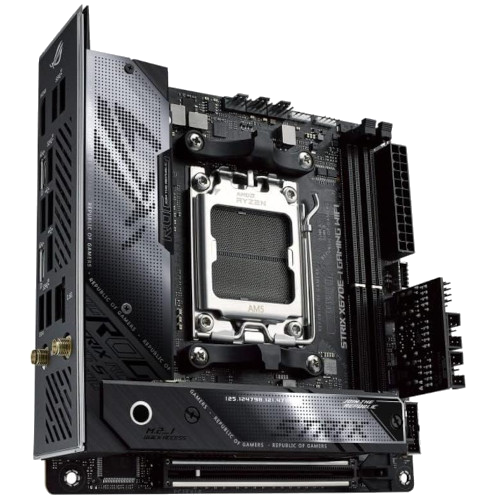
ASUS ROG Strix X670E-I Gaming WIFI
$400 $440 Save
$40Small form-factor enthusiasts don’t always get many motherboards to choose from, but maybe that doesn’t matter because there’s always a Strix model to fit their needs for a compact motherboard with good power delivery and plenty of ports. You even get more ports, as the ROG Strix Hive moves controls, USB ports, and audio output to a desktop dongle.
-
Best for style
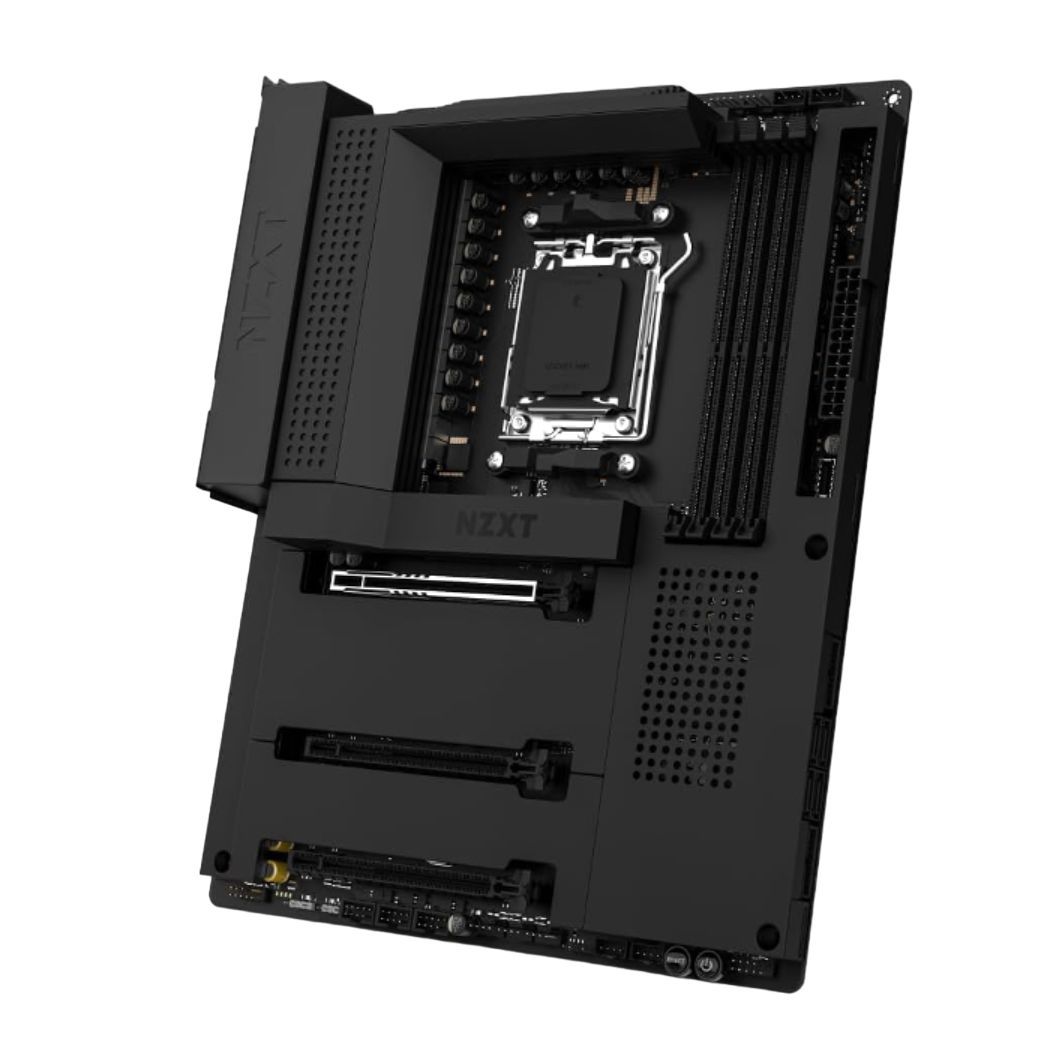
NZXT N7 B650E Gaming Wi-Fi 6 Motherboard
$250 $320 Save
$70NZXT makes some of the most stylish motherboards around, which counts when you’re trying to make a gorgeous build without clashing colors or graphics. The N7 B650E Gaming is minimalist on the outside but packs 16+2+1 power phases, three M.2 slots, and loads of USB ports for peripheral use.
-
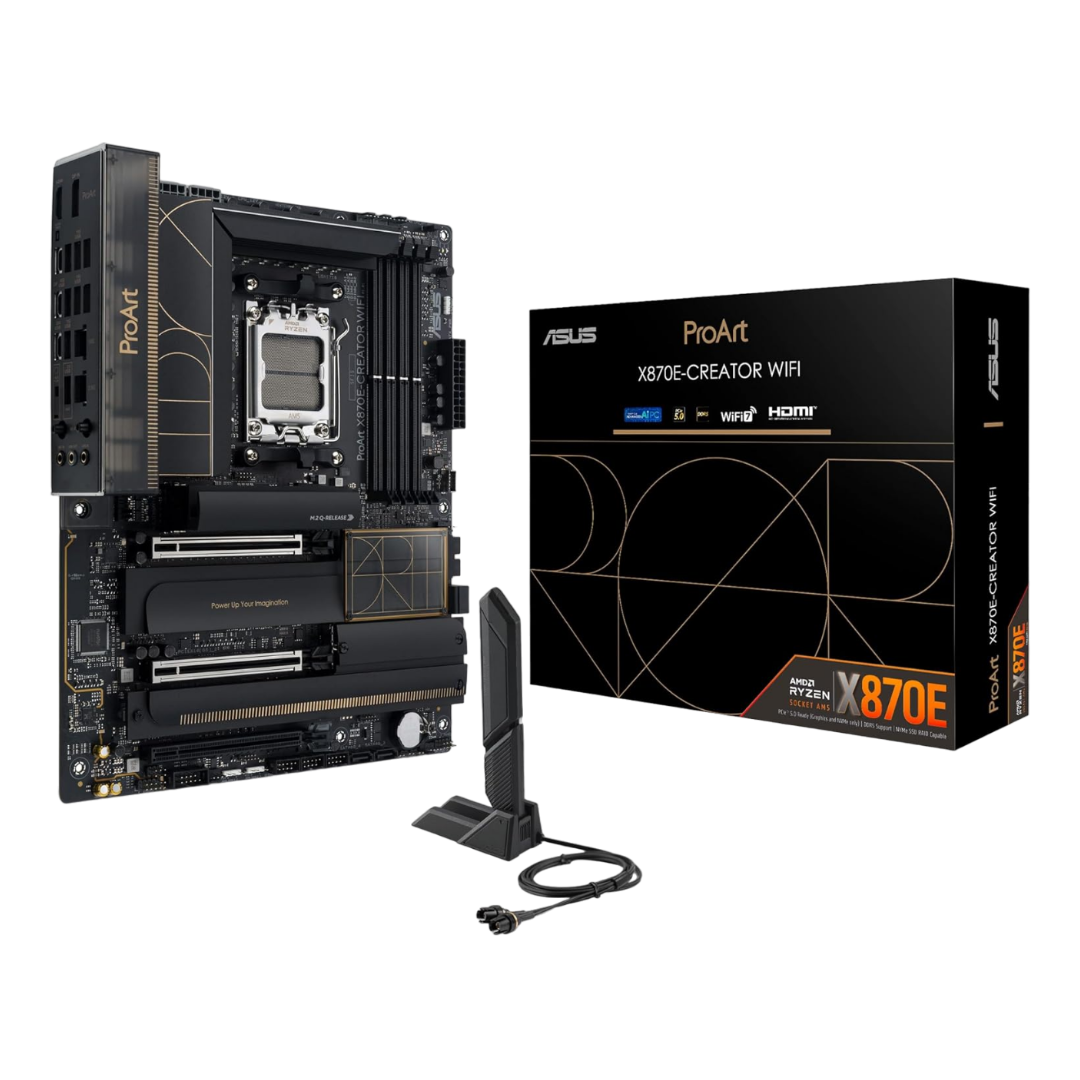
Best for content creators
Asus ProArt X870E-Creator WiFi
The ProArt range from Asus is always a solid recommendation for content creators, and that doesn’t change with the improvements brought with the X870E chipset. It’s not all work though, as this motherboard can supply the power the 9800X3D needs to shine, and has easy overclocking tools to take advantage of the newly unlocked multiplier.


How to pick the best motherboard for the AMD Ryzen 7 9800X3D
If you’re choosing a motherboard for the AMD Ryzen 7 9800X3D, you most likely want to build a gaming rig. While some gaming CPUs can limit you to the flagship models, the 120W TDP of the Ryzen 7 9800X3D means you have a much wider pool to choose from, which is awesome but can make it tricky to narrow down your pick. If you want to take advantage of the overclocking ability of this CPU, you’ll want to get a motherboard with awesome power delivery, and the good news is you can save some of your budget by getting an older motherboard, since any AM5 motherboard is compatible.
Our favorite last-gen AM5 motherboard is the Asus ROG Strix X670-E Gaming, and that’s my recommendation for this new CPU. This mid-tier motherboard still packs a punch and has all the advanced connectivity you could want. About the only thing you’d miss out on is Wi-Fi 7, but as most people don’t have a router to take advantage of it, it’s not really a problem. Of course, you could go for an X870 or X870E chipset if you needed the newest hotness, but it’s really not necessary.

Related
Keeping your CPU cool is essential if you want a working PC. If you want some of the best thermal paste around, here are your options.
#motherboards #AMD #Ryzen #9800X3D
source: https://www.xda-developers.com/best-motherboards-for-amd-ryzen-7-9800x3d/


