

The new Surface Pro 11 is finally here, and these are the best docking stations for it
If you’re looking for a new laptop, you’re likely considering one of the top Surfaces. If you get the Pro 11, you’ll still need a great docking station, especially if you’ve got a lot of devices to connect. The new Surface Pro 11 doesn’t support Thunderbolt 4, but you definitely have a ton of options to choose from.
Below, you’ll find all the best docking stations for the Surface Pro 11.
-
Anker 575 USB-C Docking Station (13-in-1)
Editor’s choice
$170 $235 Save $65
This Anker dock sports an impressively versatile 13-in-1 design, making it an ideal choice for laptops without Thunderbolt 4. Plus, this dock can charge at up to 85W, too, and it doesn’t take up that much space, either. Most importantly, it costs well under $200.
-
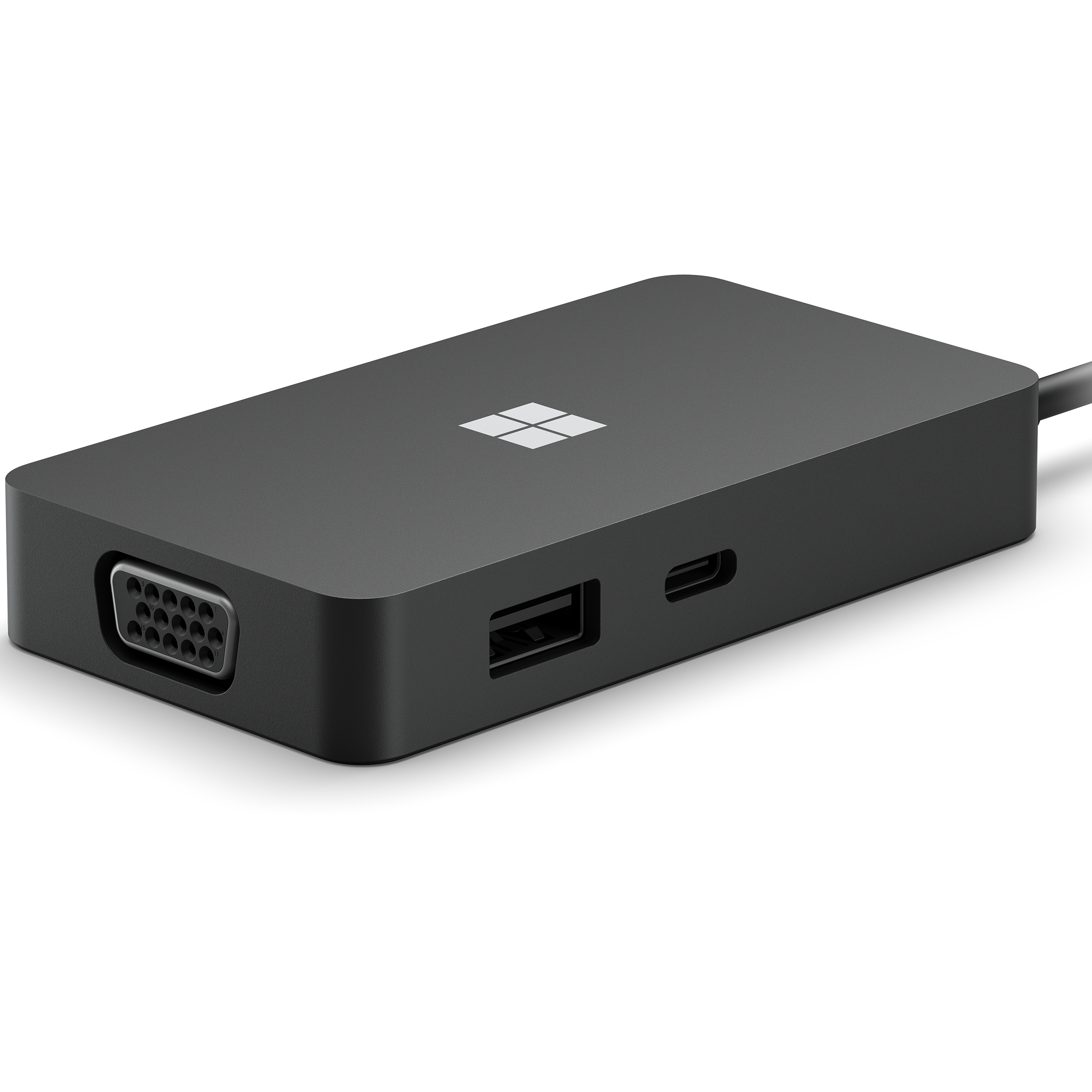
Microsoft USB-C Travel Hub
Best value
This official USB-C hub from Microsoft is a great fit for a Surface machine, and it includes USB-C, USB-A, HDMI, Ethernet, and even VGA for those rare instances you come across an older device. Plus, this dock only costs $100, making it an all-around affordable option.
-
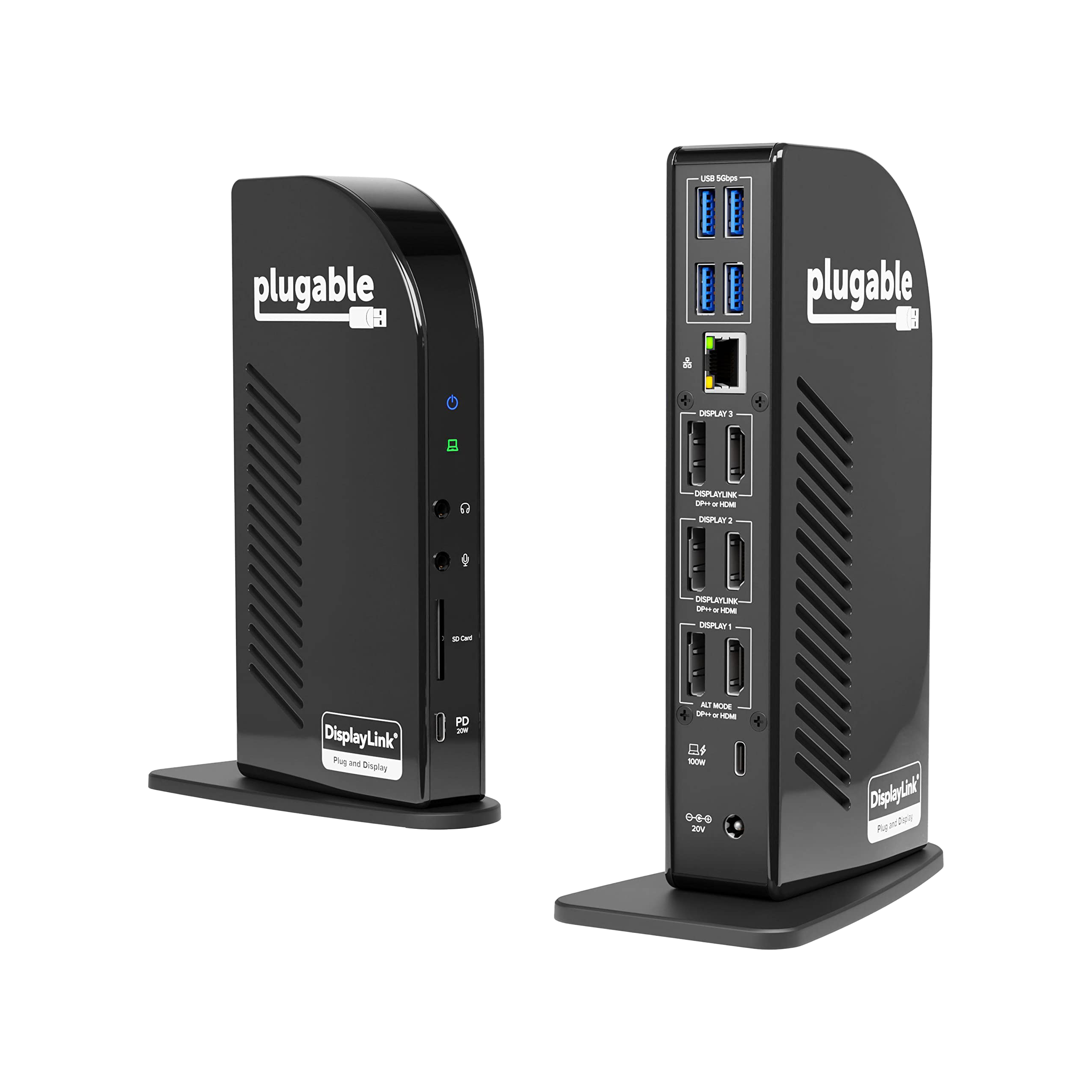
Plugable USB-C 4K Triple Display Docking Station
Premium pick
$240 $269 Save $29
If you’re looking for a truly premium dock, this Plugable pick definitely meets that criteria. Even without Thunderbolt, this dock can support up to three 4K displays, and you also get HDMI and DisplayPort options, too. Of course, you get your fill of USB and Ethernet ports, too.
-
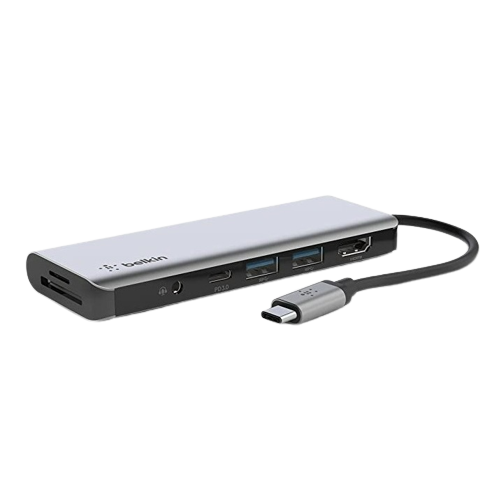
Belkin 7-in-1 USB Hub
Cheapest option
If you just need something cheap but don’t want to skimp on quality, this Belkin 7-in-1 dock features USB-A, USB-C, HDMI, and an SD carder all for the low, low price of $45. For what’s on offer, you’ll be hard-pressed to find a cheaper dock.
-
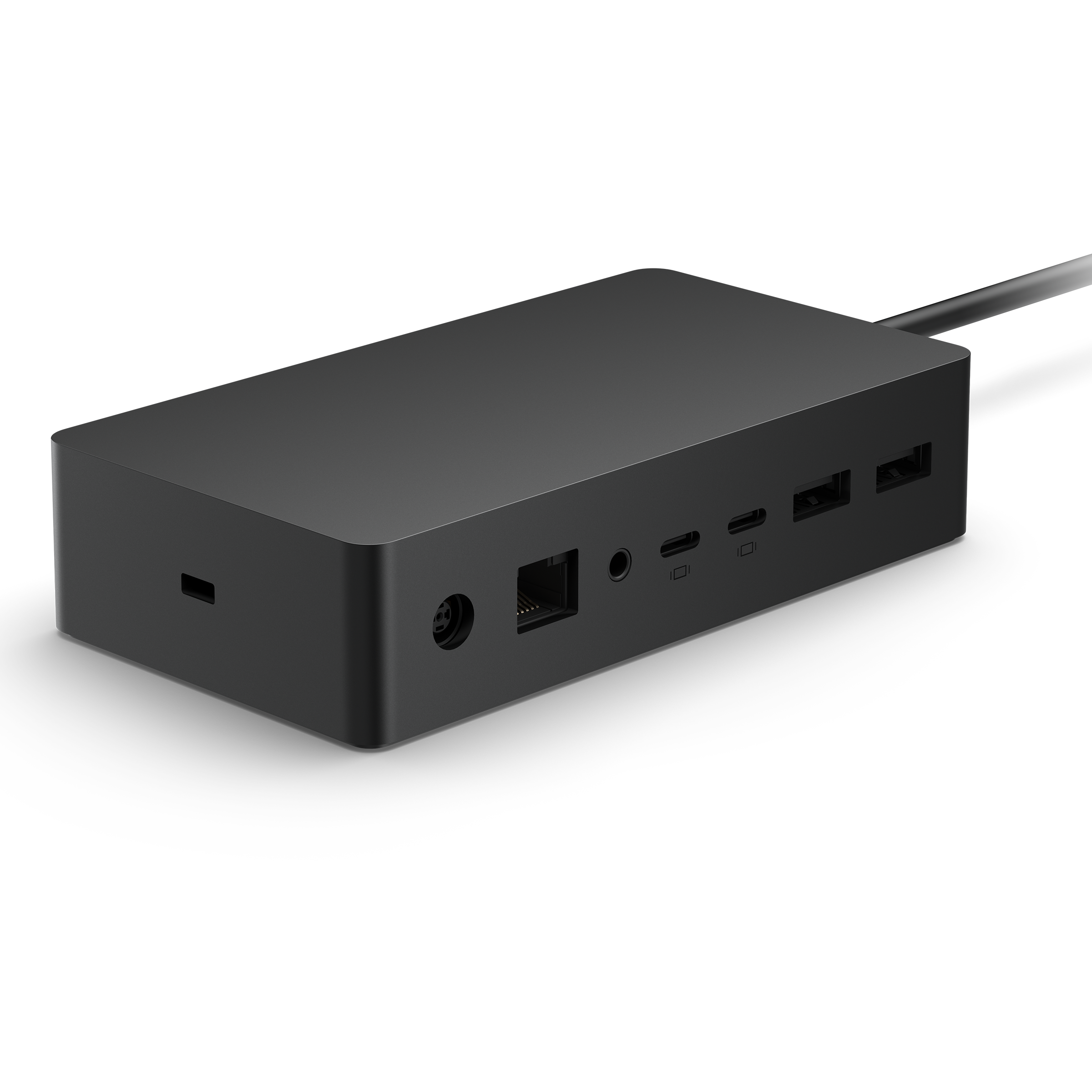
Microsoft Surface Dock 2
Best official dock
For those looking for an official solution from Microsoft that doesn’t rely on Thunderbolt, the Surface Dock 2 is a great pick. This dock features USB-C, USB-A, Ethernet, and a headphone jack on top of support for up to two 4K displays at 60Hz.
-
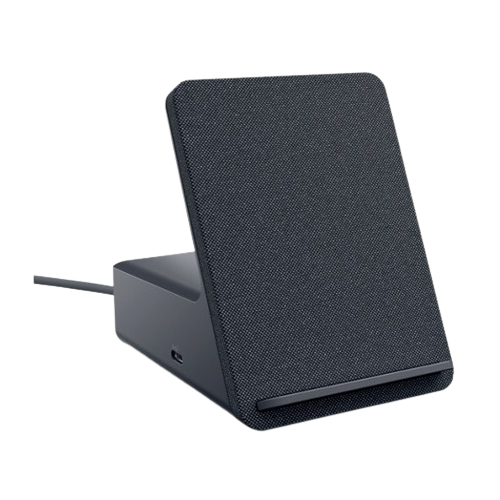
Dell Dual Charge Dock
Best for smartphones
$93 $100 Save $7
For those interested in somewhat of a unique choice, this dock from Dell is perfect for a smartphone thanks to its built-in stand with wireless charging. That’s not all, though, as you’ll also get USB, HDMI, and DisplayPort, all for less than $100.
-
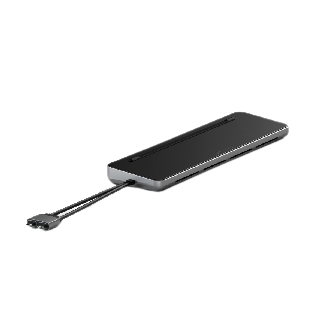
Satechi Dual Dock Stand
Best for traveling
$120 $150 Save $30
This dock from Satechi is a great pick for traveling thanks to its robust suite of IO, slim portable design, and affordable price point, which means it wouldn’t hurt too much if you managed to lose it. Plus, this dock can also double as a stand you can use to elevate your laptop.
-
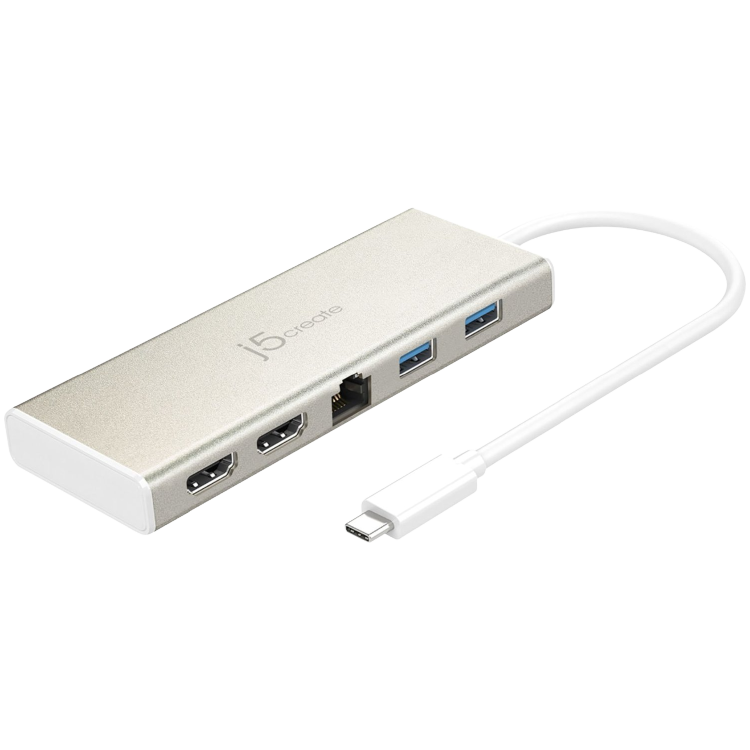
j5create USB-C Dual HDMI Mini Dock
Most portable
$89 $90 Save $1
This mini dock from j5create is small enough to slip into your pocket, but it also has HDMI, USB-C, and Ethernet support. Alongside your device, it can happily handle up to two 2K displays at once. Even better is the fact that this dock will cost you less than $100.
-
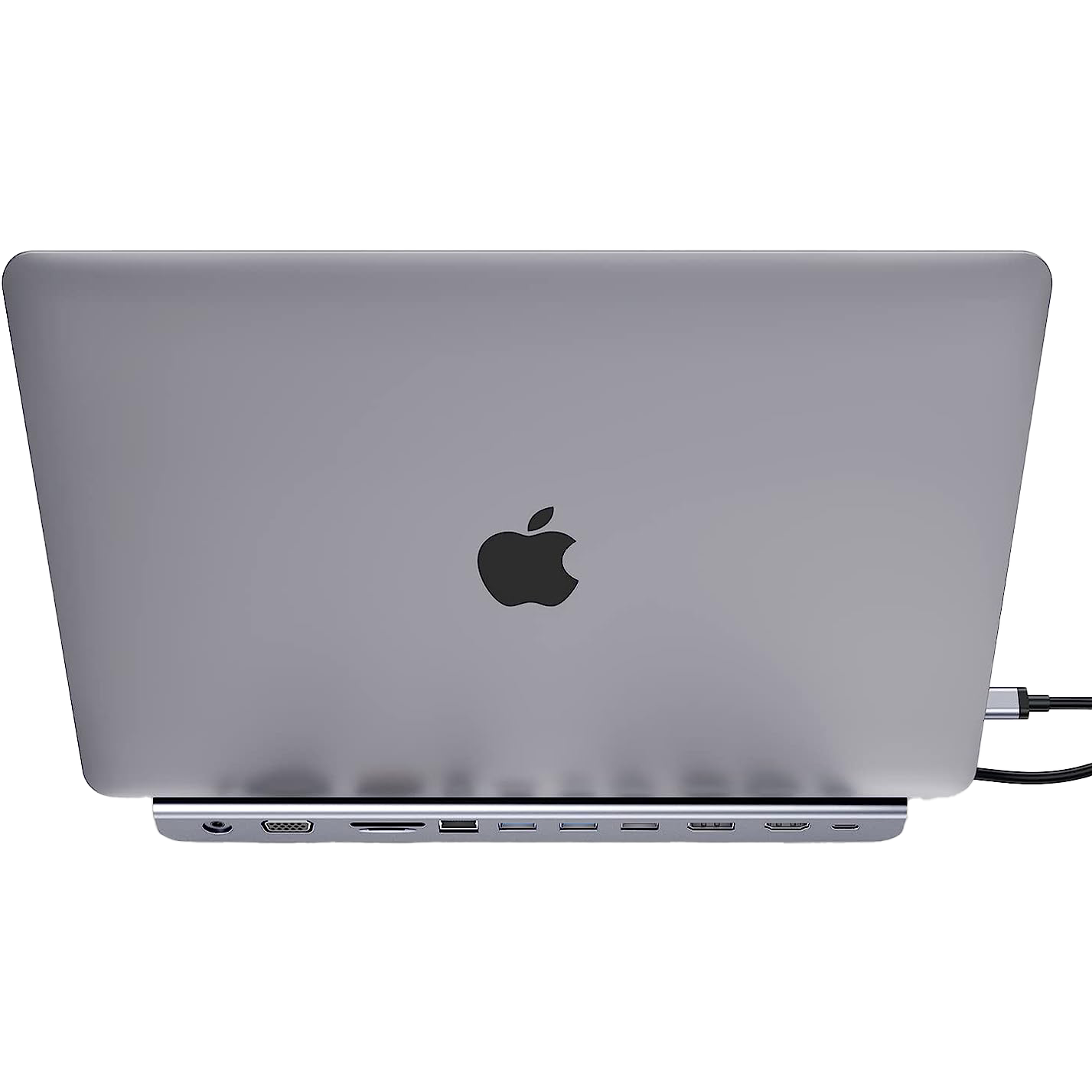
Lention USB-C Docking Station
Least obtrusive
This USB-C docking station from Lention doubles as a slim, sleek stand for your laptop, while it also has a ton of ports, including Ethernet, 100W charging, an SD card reader, HDMI, DisplayPort, and USB. For such a robust dock, it doesn’t have a particularly robust pricetag, either.


The good news is that you’ve got a lot of different docking options. For most people, Anker’s 575 dock is a great all-around pick that blends value and performance nicely. If you’ve got some extra cash, the Plugable dock is a nice premium pick that can handle just about anything.
If you need to save some money, Microsoft’s official USB-C hub is worth consideration, and if you just want a cheap dock that can get the job done, the Belkin 6-in-1 definitely won’t break the bank. Just make sure whatever dock you choose has the ports you’ll need and will be able to handle what you’ll be throwing at it.

Surface Pro 11: Everything you need know about Microsoft’s most exciting tablet yet
The Surface Pro 11 is real, and it’s a big deal. From specs, release date, and everything else, here’s what you need to know.
#docking #stations #Surface #Pro
source: https://www.xda-developers.com/best-docking-stations-for-surface-pro-11/


